Starting Up
How to install WindowGen add-on
To install the WindowGen add-on, follow these steps:
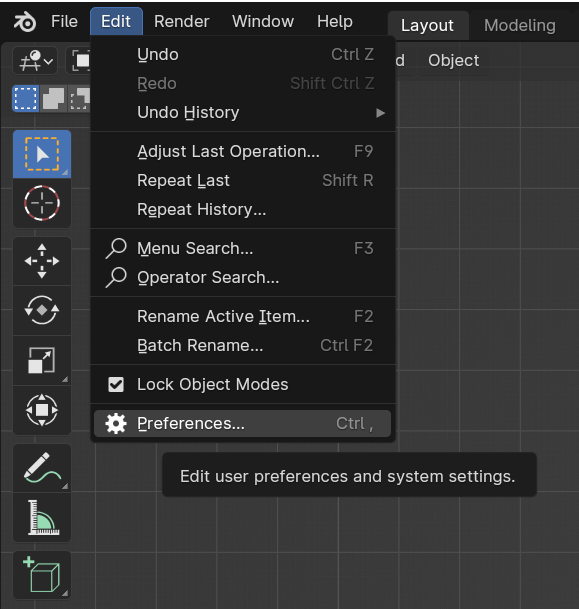
Click on Edit in the top left corner.
Select Preferences….
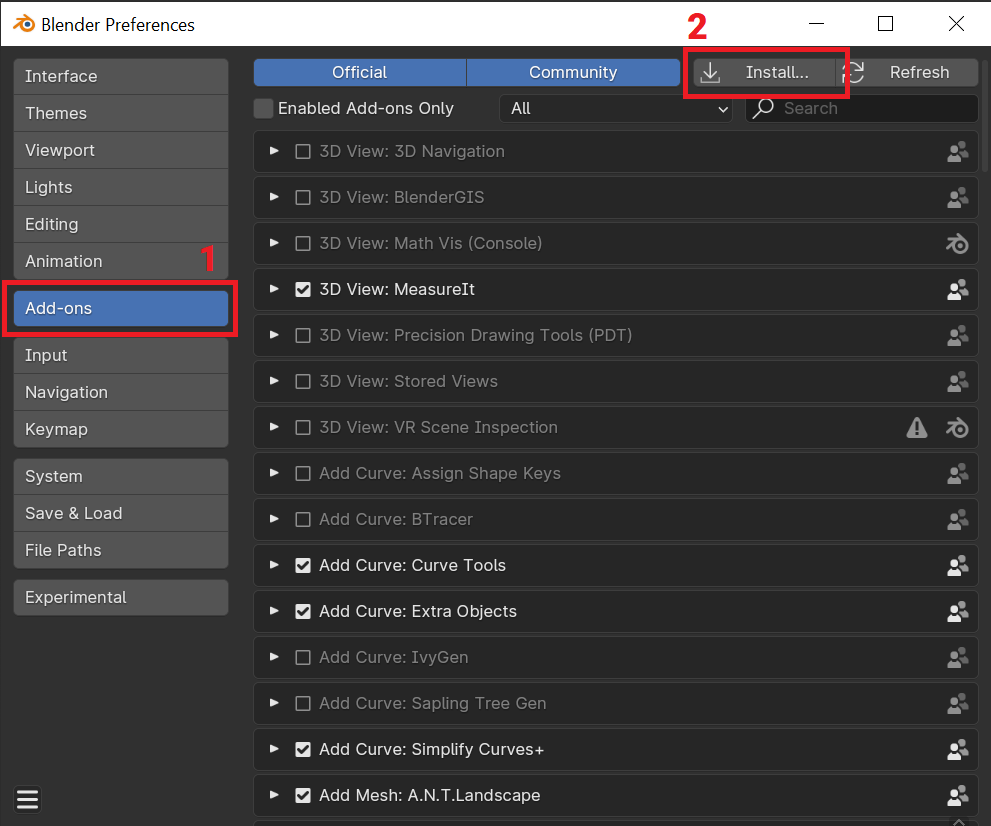
Navigate to the “Add-ons” section (1) and press Install… (2).
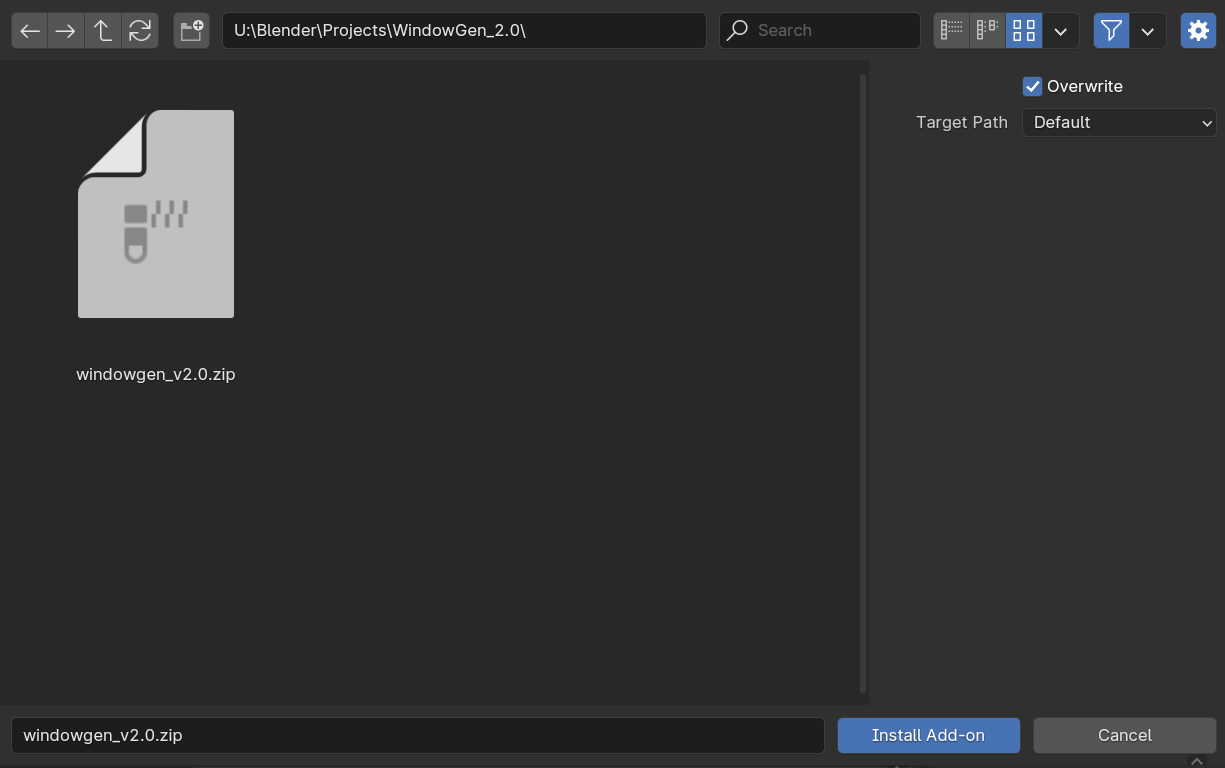
Navigate to the folder where you saved the WindowGen add-on zip archive. Select the WindowGen zip archive and press “Install Add-on”
Turn on add-on by activating checkbox.

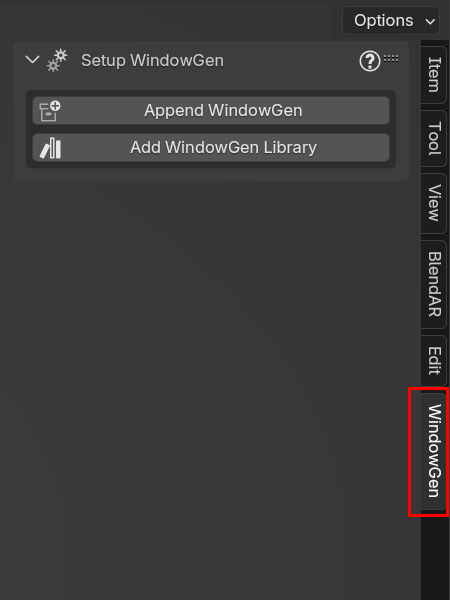
Close Preferences window. Press “N” on your keyboard to open side panel. Select WindowGen tab to interact with add-on interface.