Parameters
To simplify working with multiple windows in the scene, the settings panel will automatically display the name of the active window.
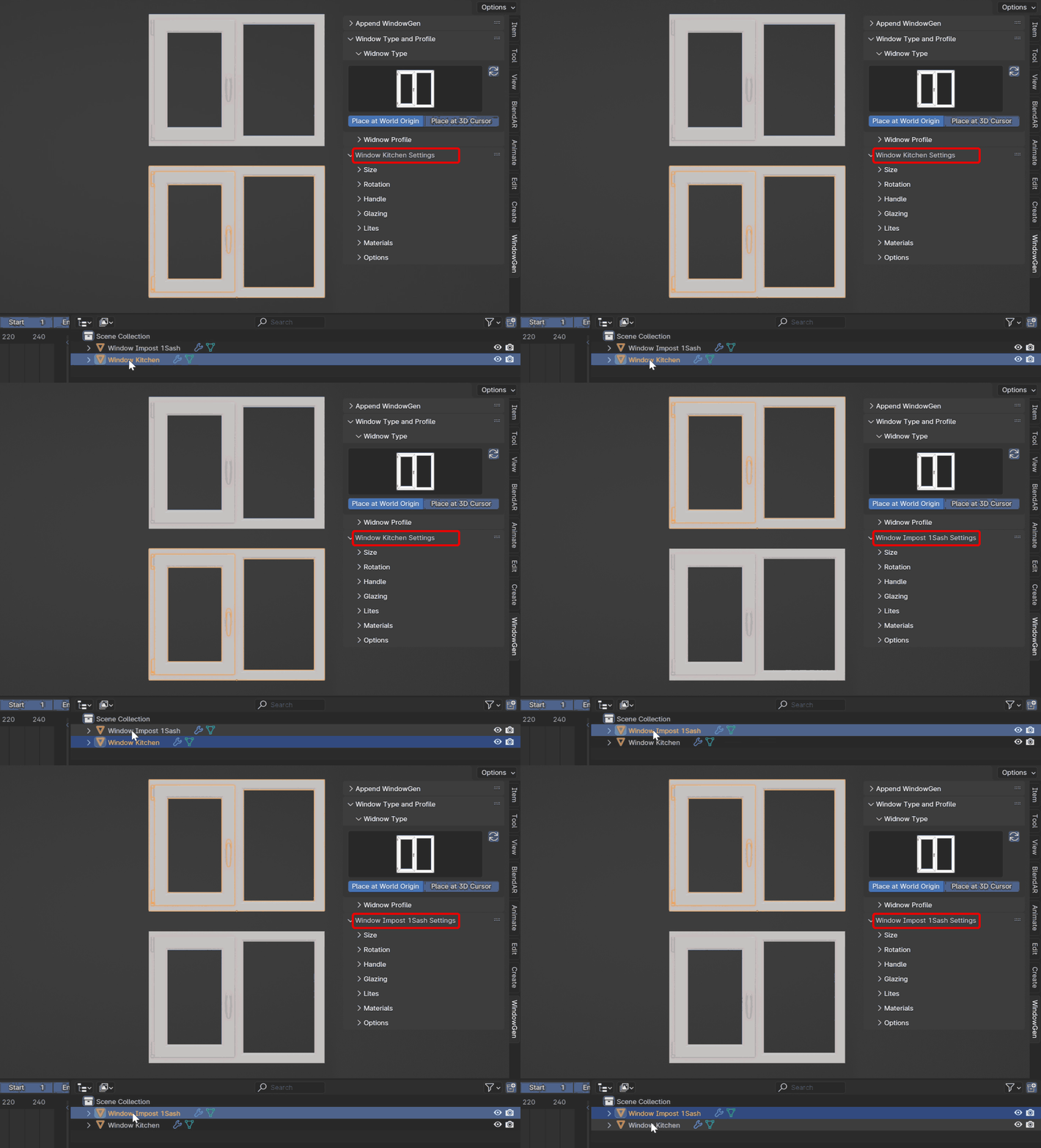
Common Parameters
The parameters depend on the selected window preset. However, there are common parameters, including Profile, Width, Height, Handle Settings, Glazing Settings, Lites Settings, Materials Settings, and Options.
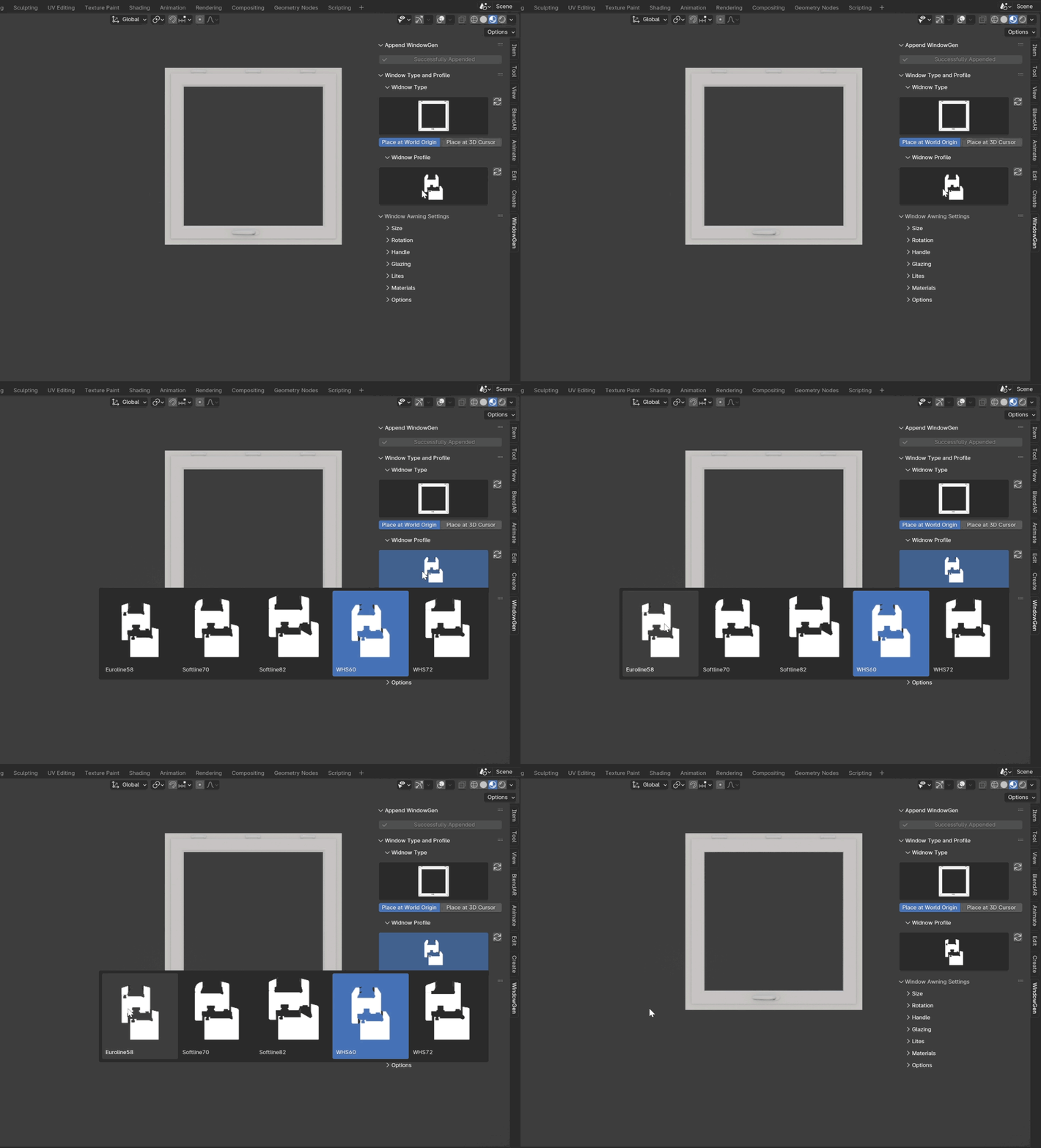
Window Profile
This section features an icon gallery that allows you to choose one of the built-in window profiles. Click on the Profile icon:
Note
Custom profiles aren’t currently supported due to dependencies on specific parameters for hinges, handles, and striker plates. Feel free to contact us for specific profile requests.
Tip
If for some reason there are no previews, press the refresh button.
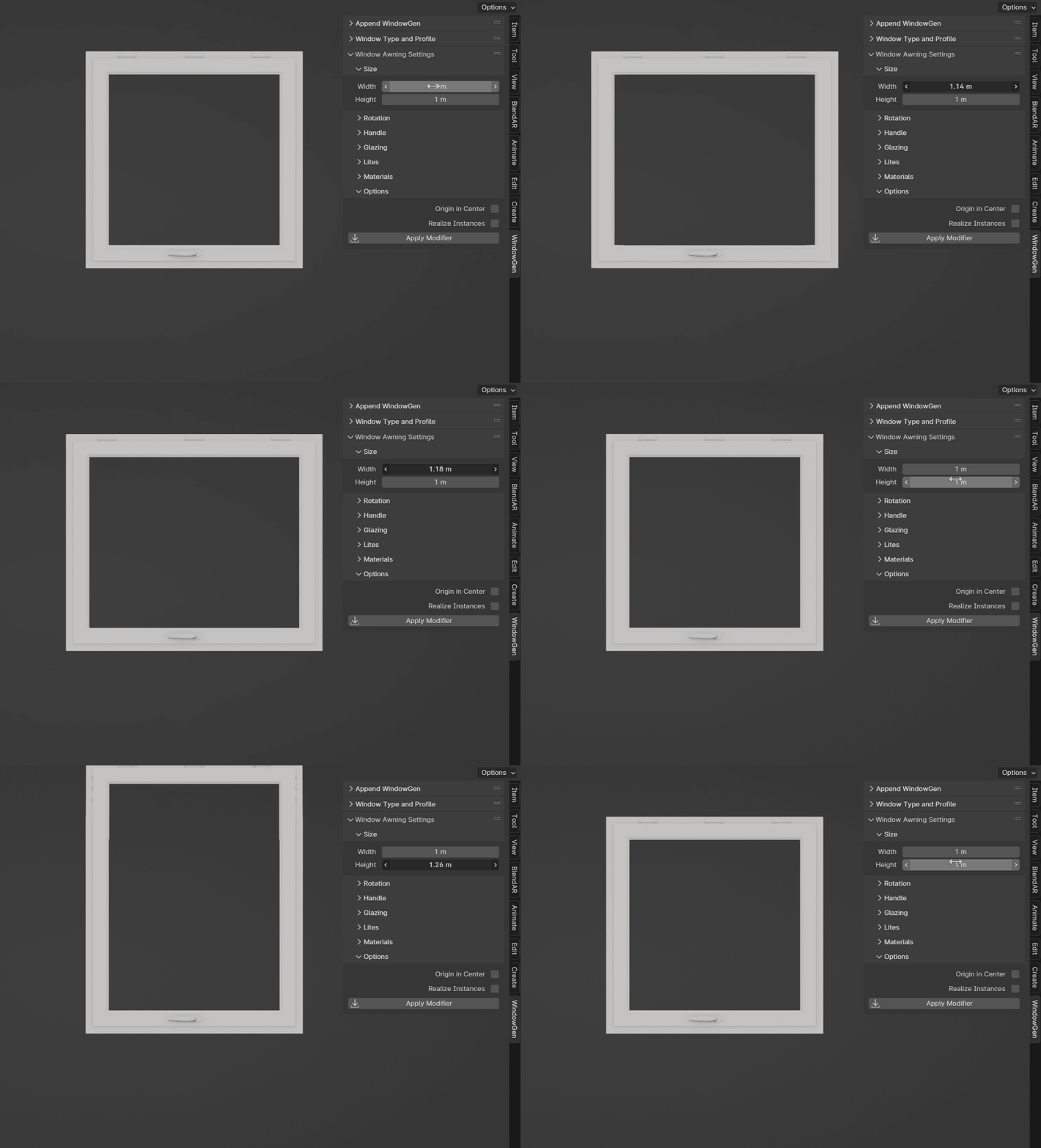
Size
This section includes parameters for adjusting the width and height of the window.
Rotation Settings
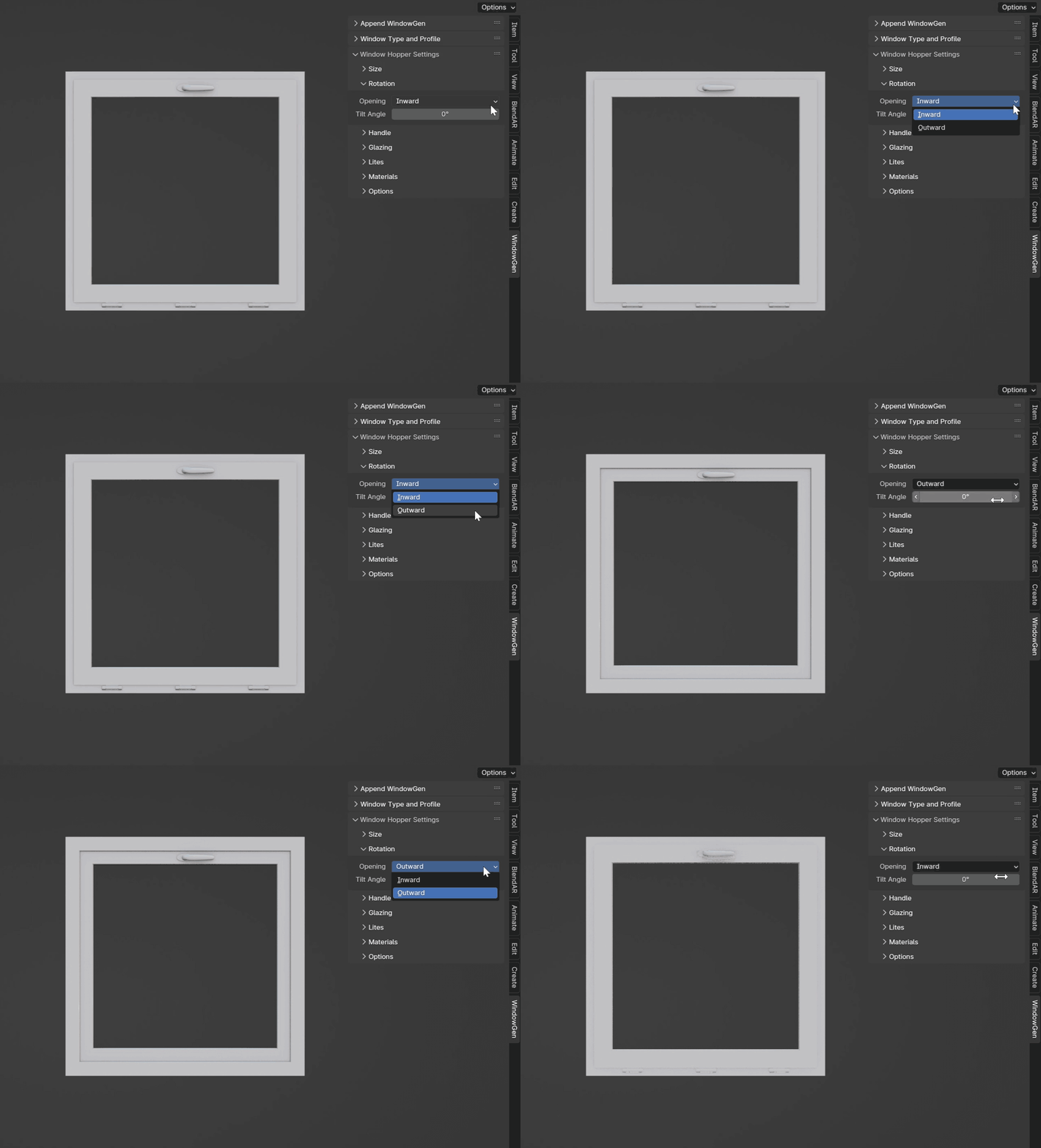
This section includes parameters for opening and sash rotation.
- Opening
Choose between inward or outward opening.
Handle Settings
This section includes parameters for handle type, position, and rotation.
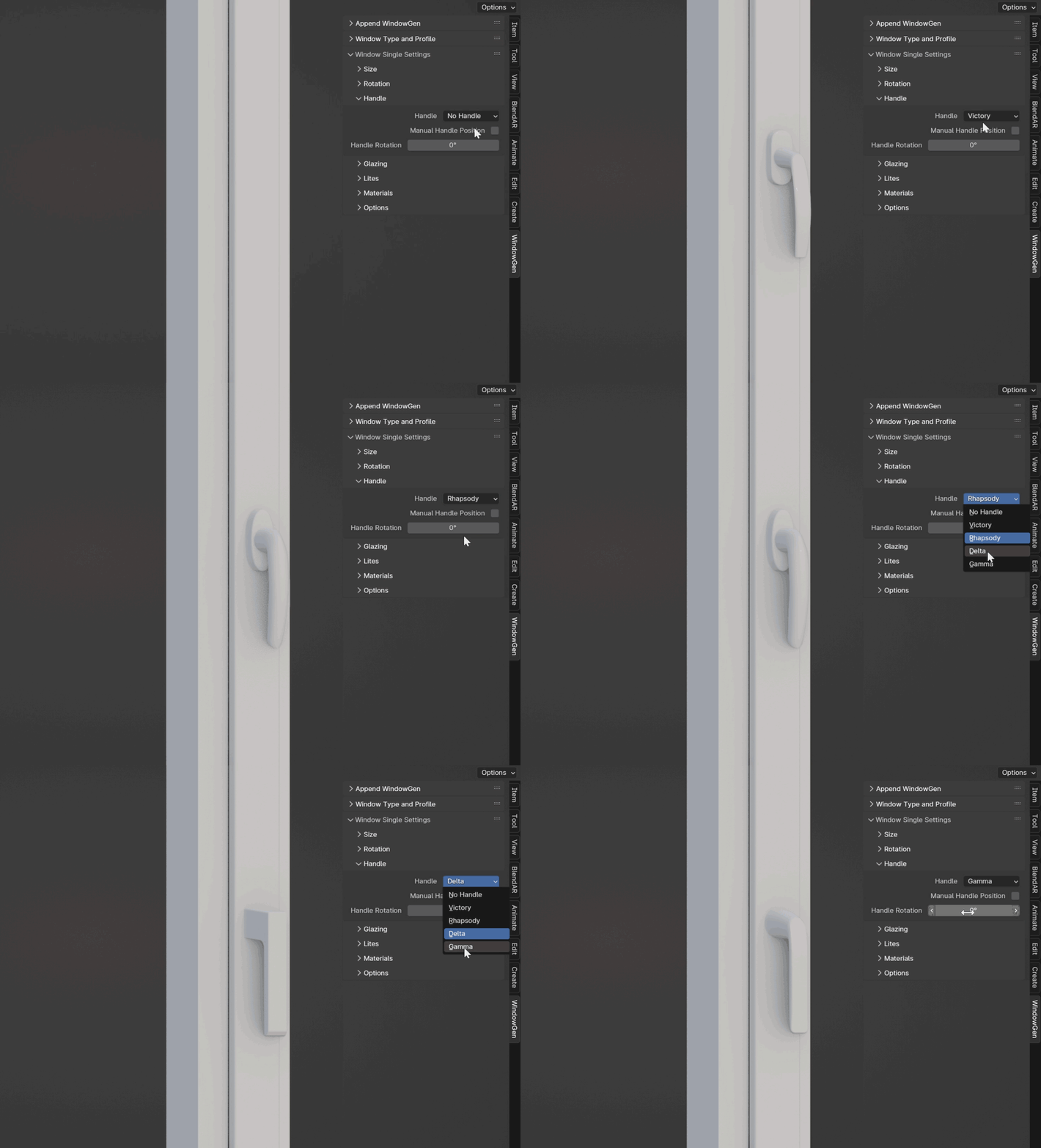
- Handle
Choose from various handle types.
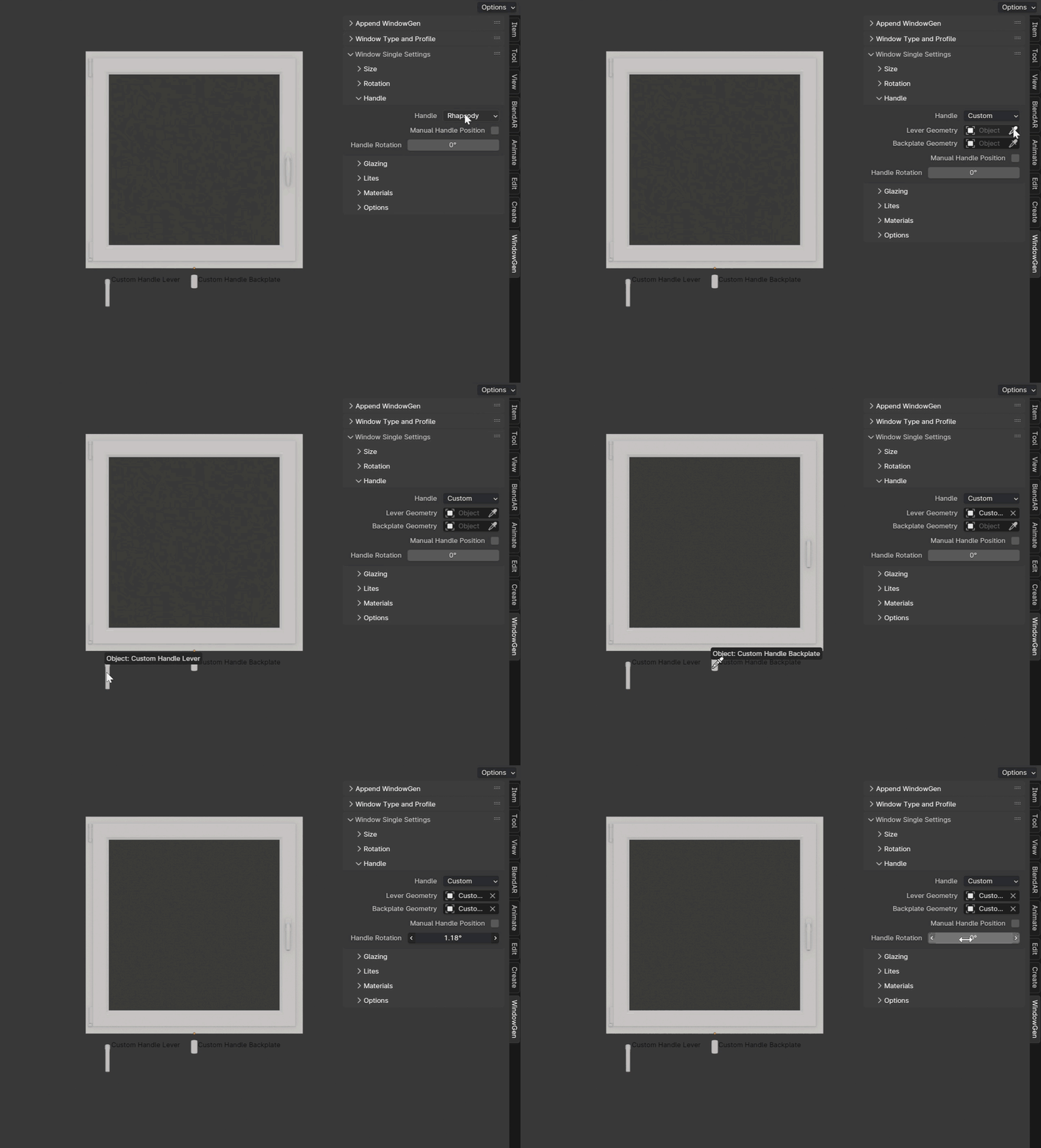
- Custom Handle
Choose your own handle. Refer to the Customization on how to prepare it correctly.
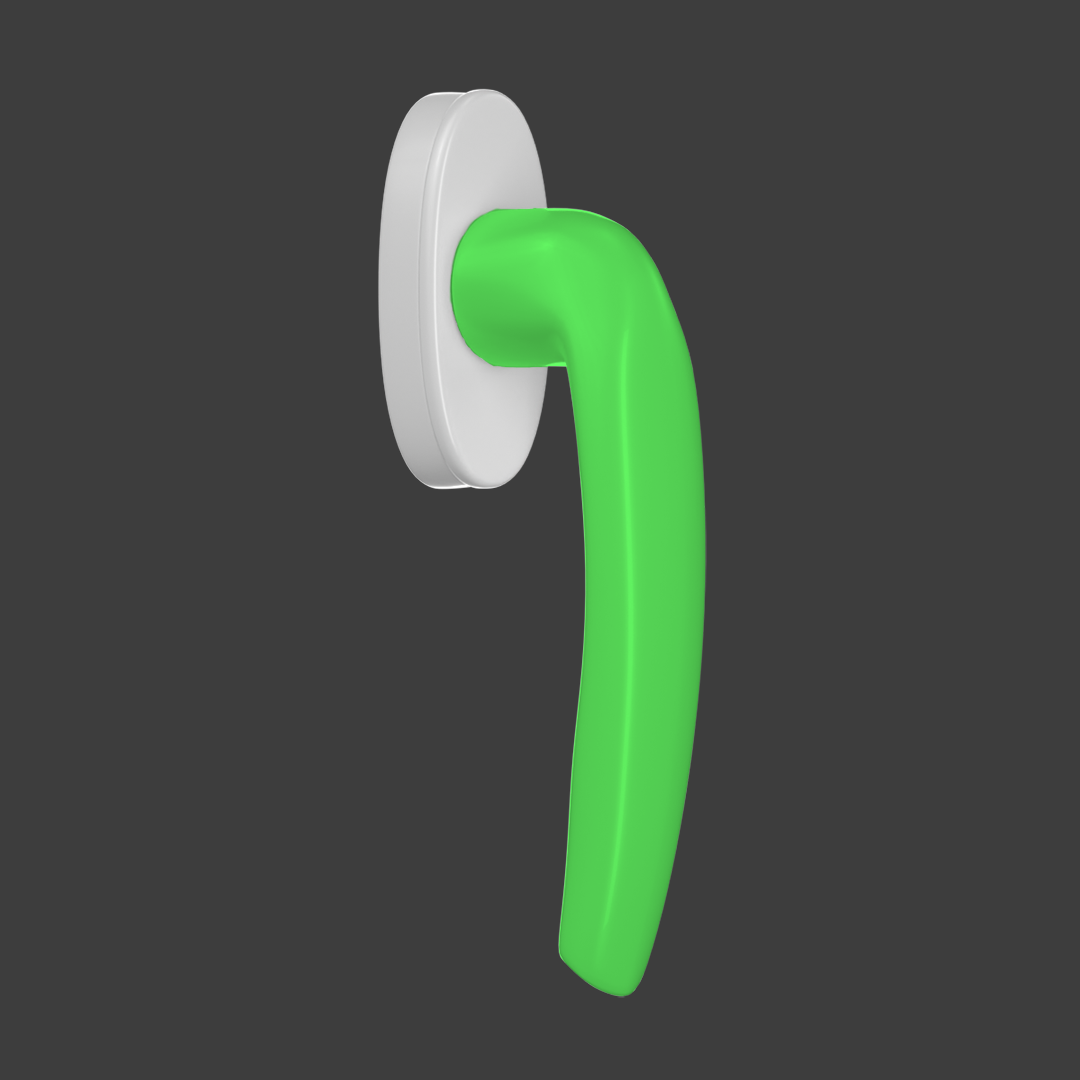
- Lever Geometry
The part that you hold and turn to open or close the window.
- Lever Backplate
Fixed decorative plate around a window handle’s base.

- Manual Handle Position
Allows setting the position of the handle manually.
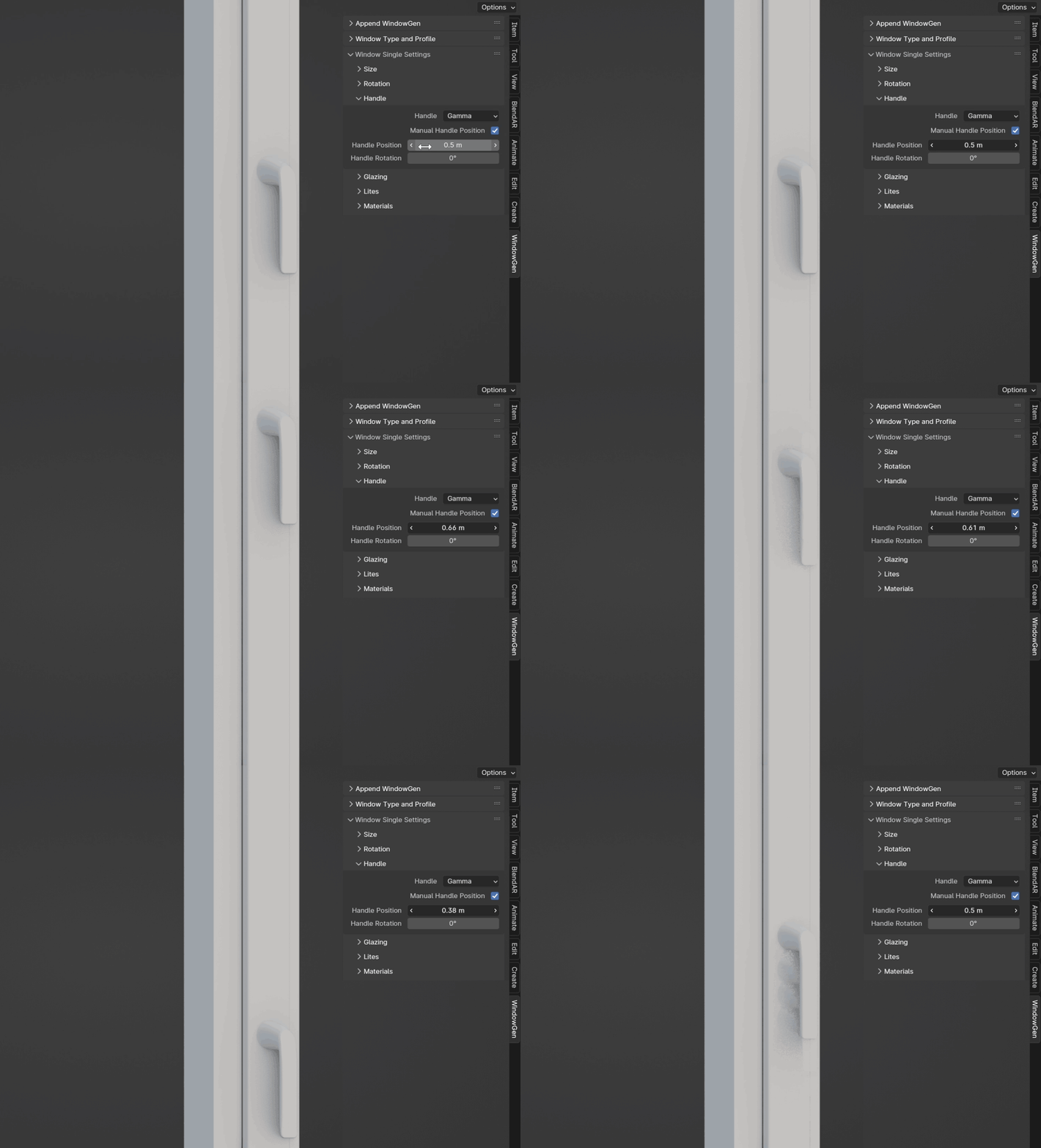
- Handle Position
Active when the Manual Handle Position is turned on. Adjust the handle’s position.
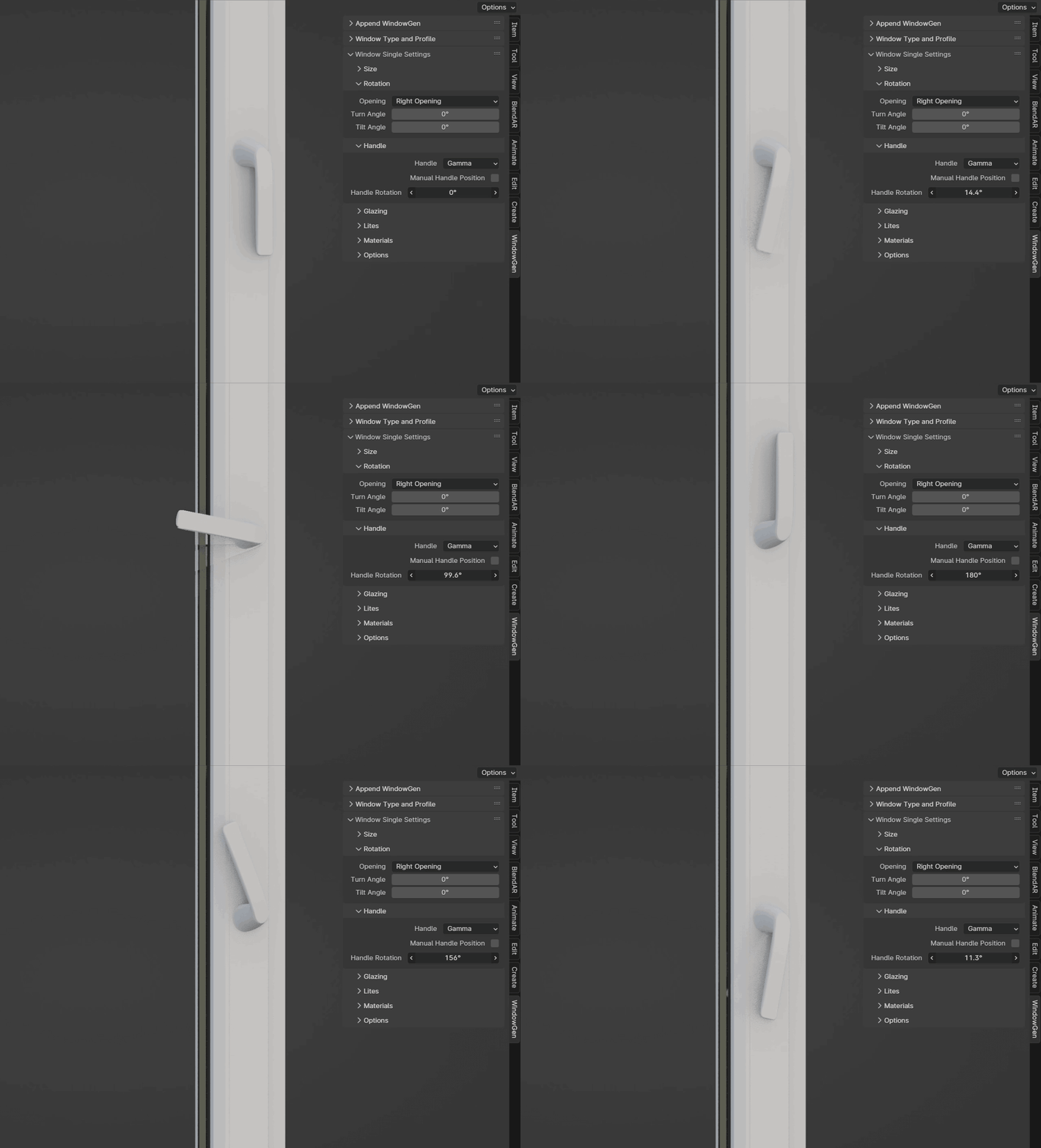
- Handle Rotation
Sets the rotation of the handle.
Glazing Settings
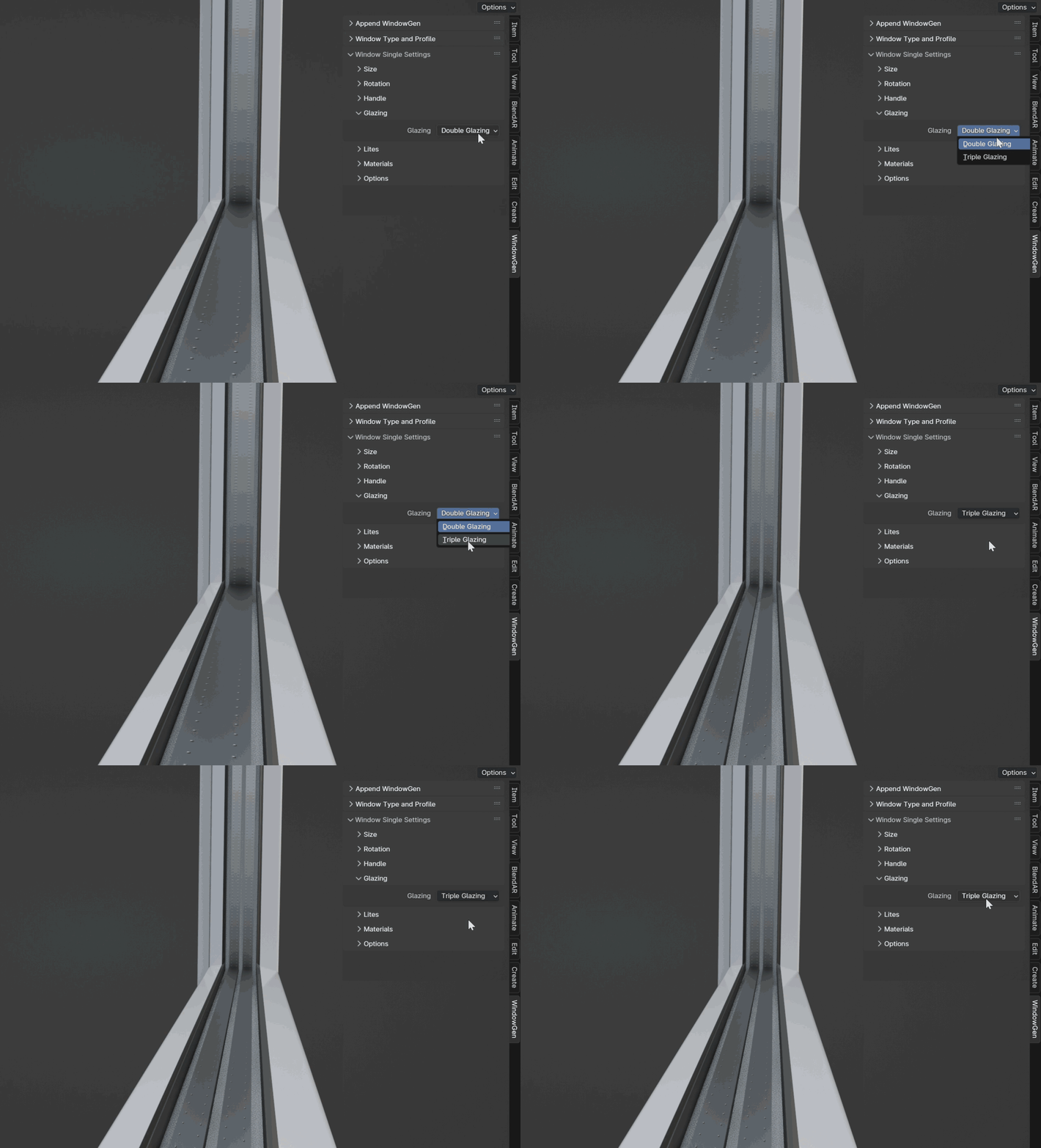
This section allows you to choose between double or triple glazing.
- Glazing
Choose between double glazing and triple glazing.
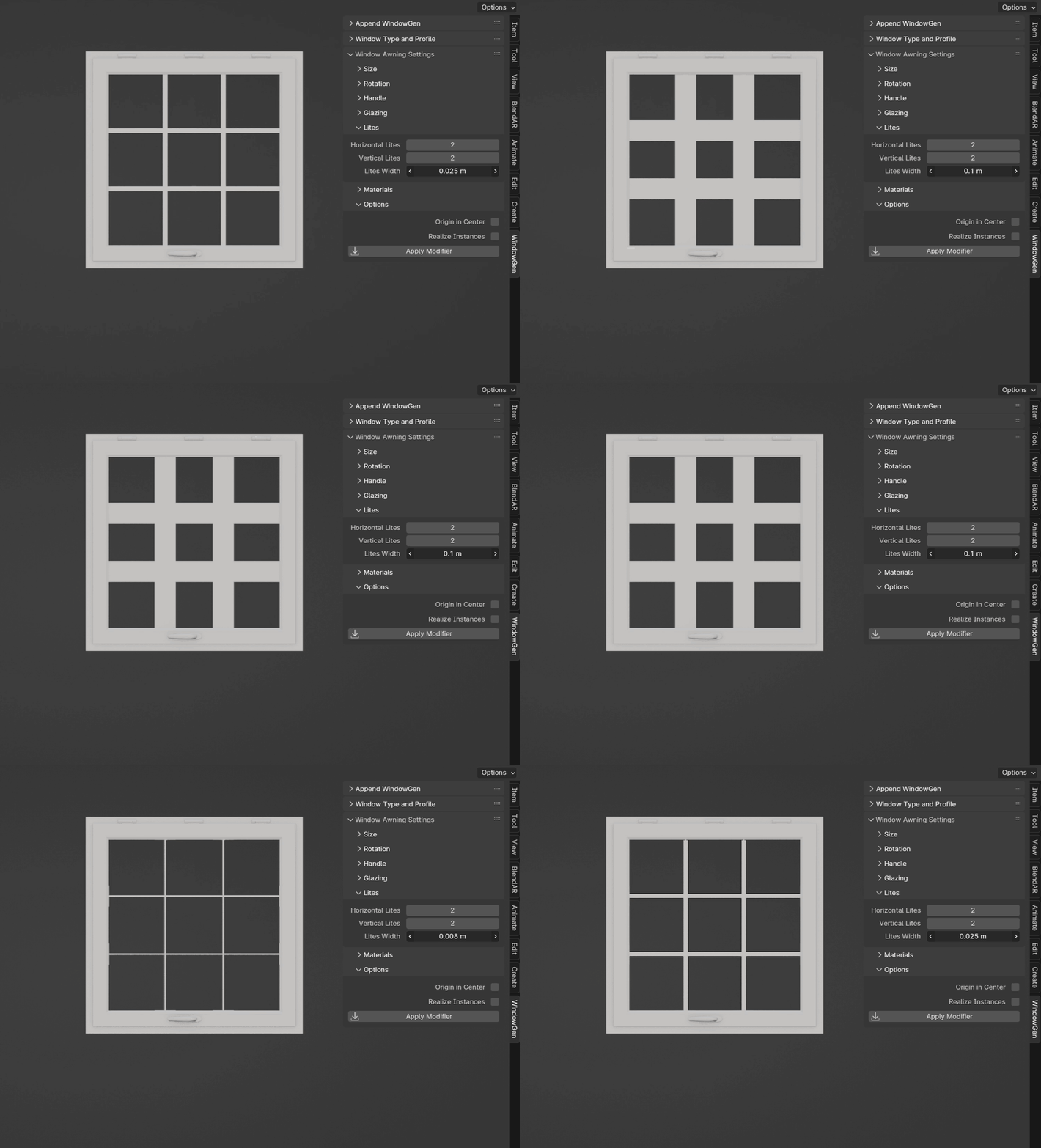
Lites Settings
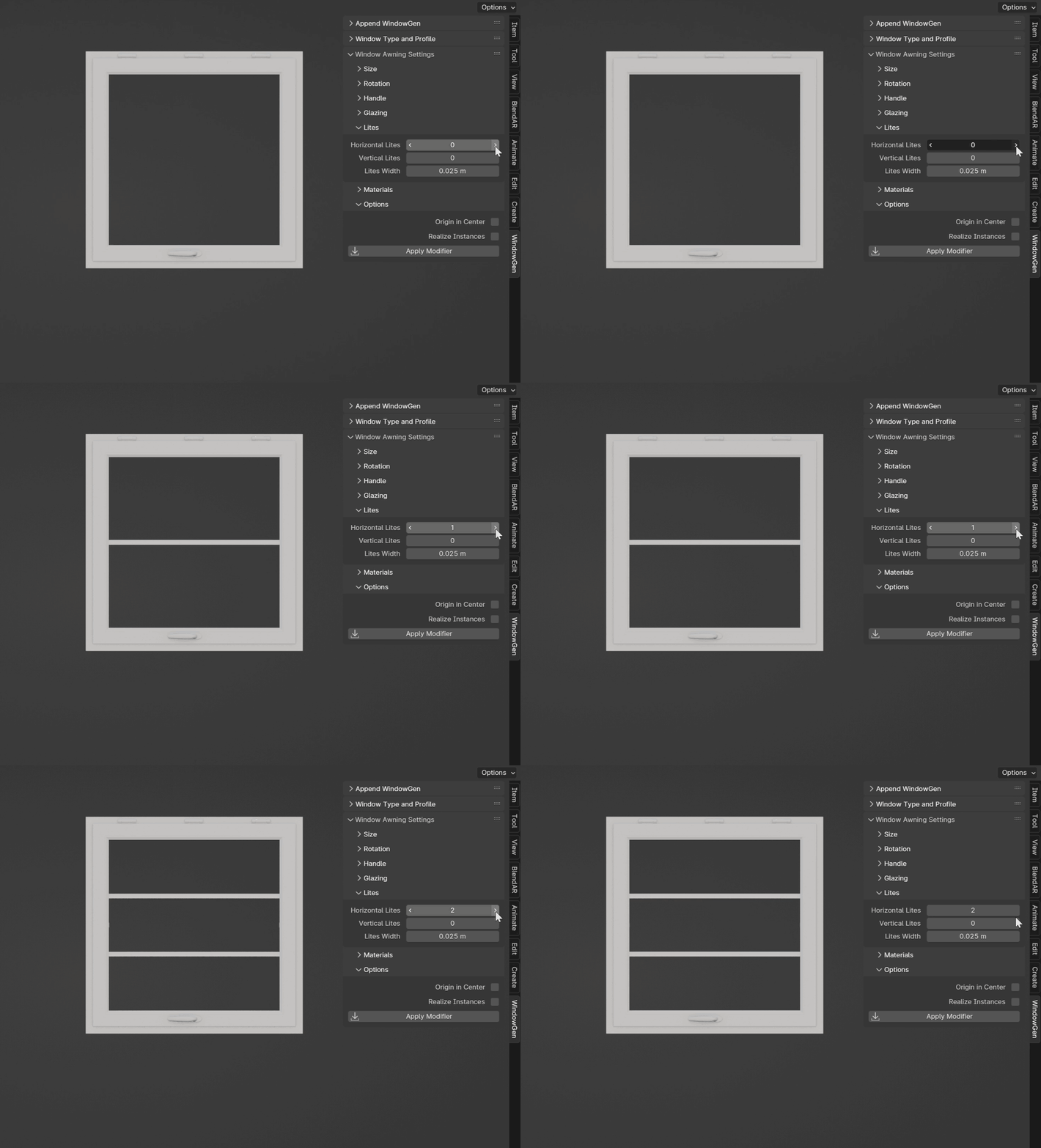
- Horizontal Lites
Sets the number of horizontal lites.
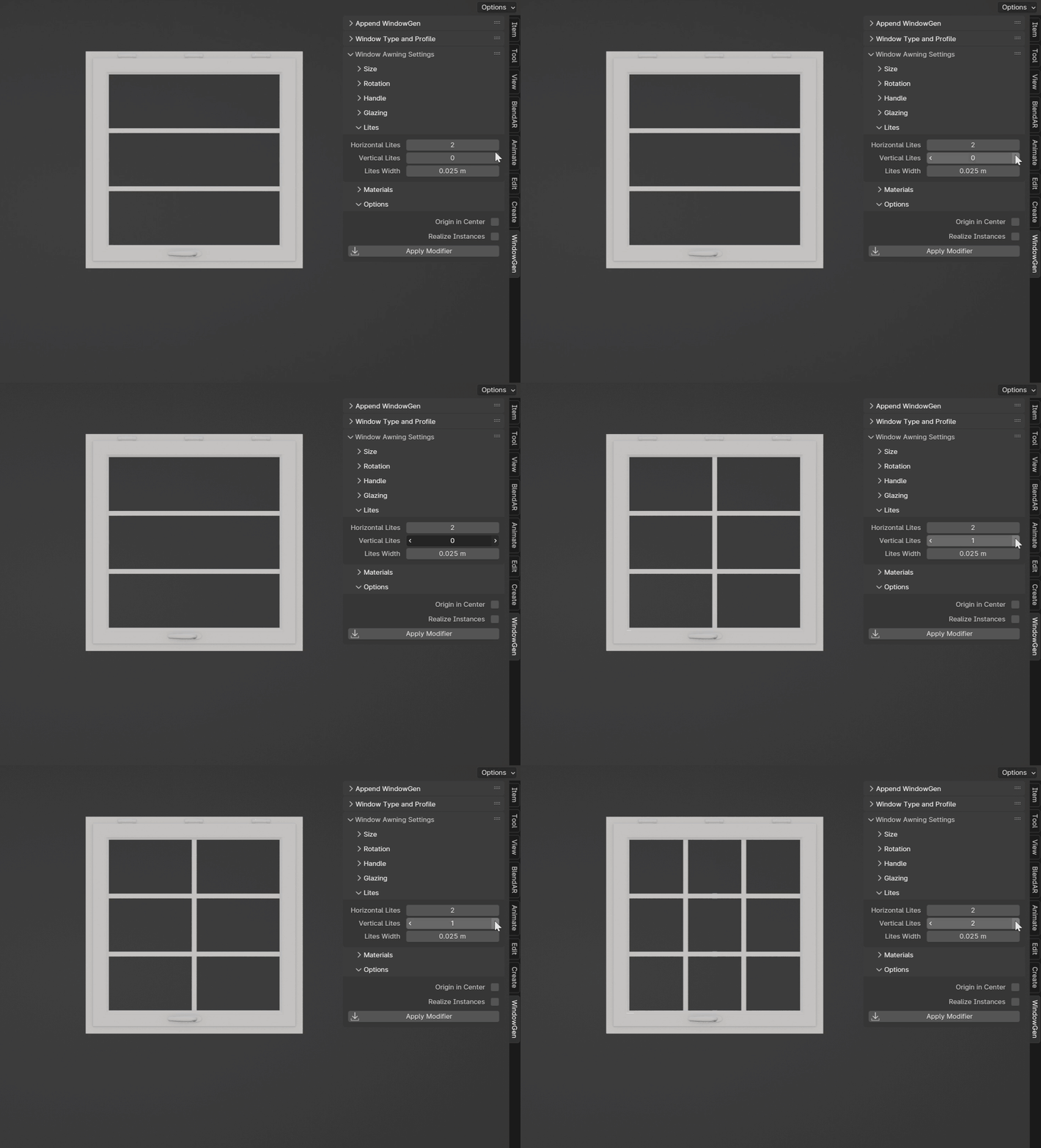
- Vertical Lites
Sets the number of vertical lites.
- Lites Width
Sets the width of the lites.
Materials
This section allows you to assign materials to your window.
Warning
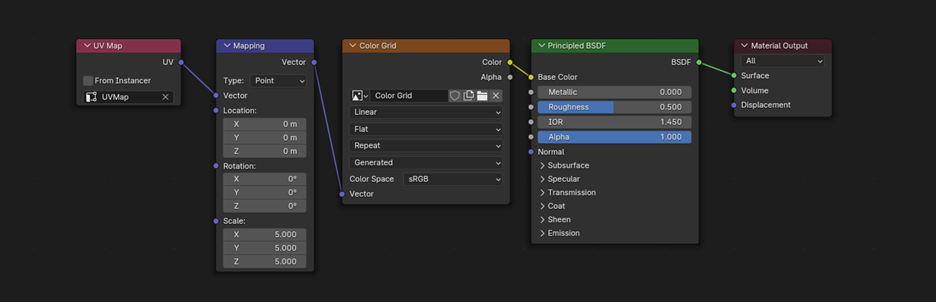
For the materials to work correctly for mapping, choose the UV Map node and select UVMap (in some cases, the Realize Instances option must be enabled in the Options sections).
Note
UVMaps: The window includes necessary UVMaps, although there may be rotation issues at certain widths due to limitations in controlling UV unwrapping in geometry nodes.
Spacer Material: If you wish to change the spacer material, it’s recommended to adjust the existing material to your needs as it contains a custom bump map for a realistic look and helps to reduce extra geometry for the spacer.
Options
This section includes parameters for centering the window, realizing instances, and applying the modifier.
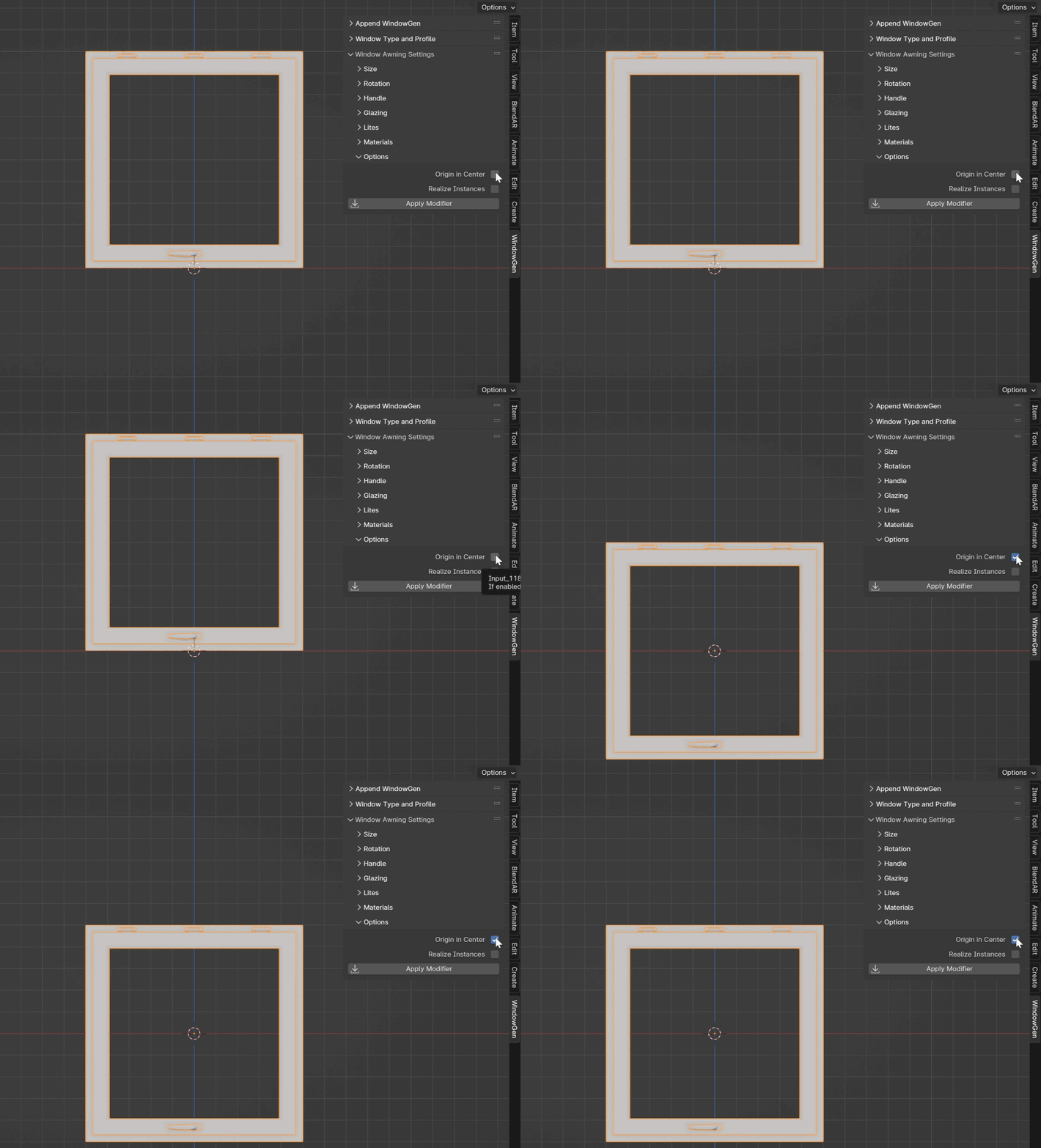
- Origin in Center
Centers the window within the geometry bounding box.
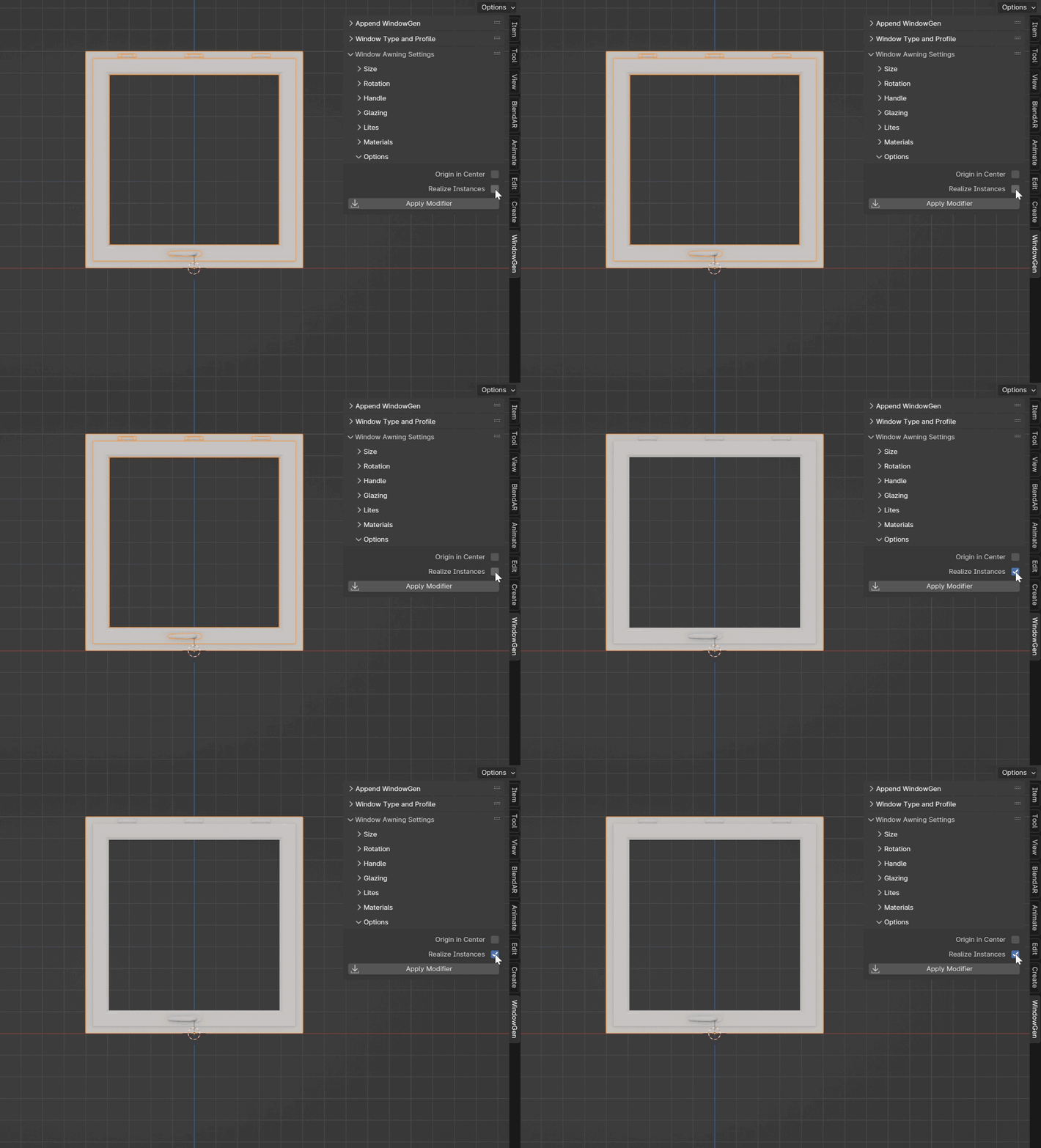
- Realize Instances
Converts instances into real geometry.
- Apply Modifier
Applies the geometry nodes modifier.
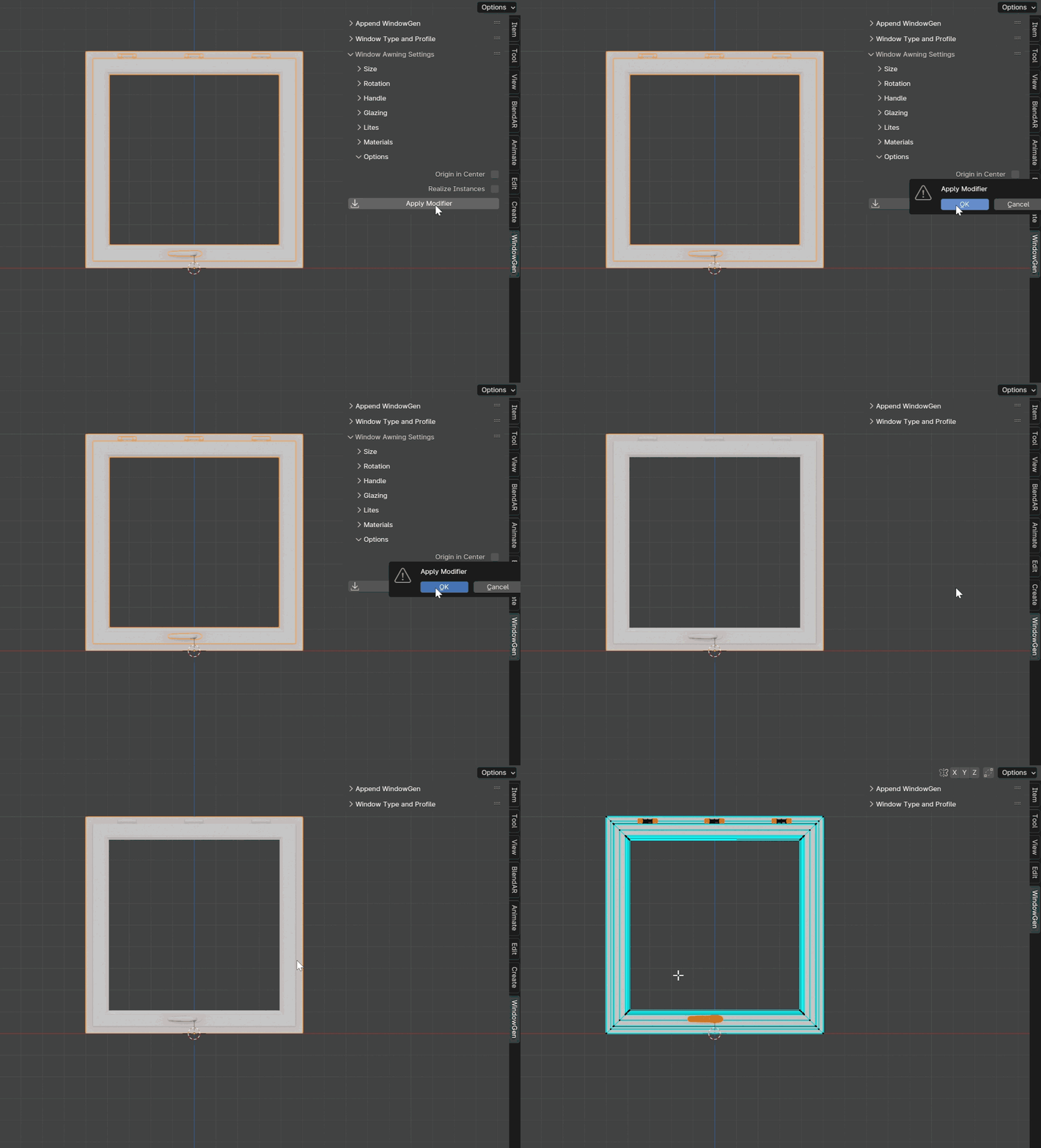
Important
For this option to work correctly please activate built-in “Modifier Tools” add-on in Prefernces.
Warning
Once applied, you will lose the ability to adjust any of the modifier’s parameters. Press this button if you are ready to export the window to another program or if you need to edit the final window directly (e.g., deleting or adding elements).
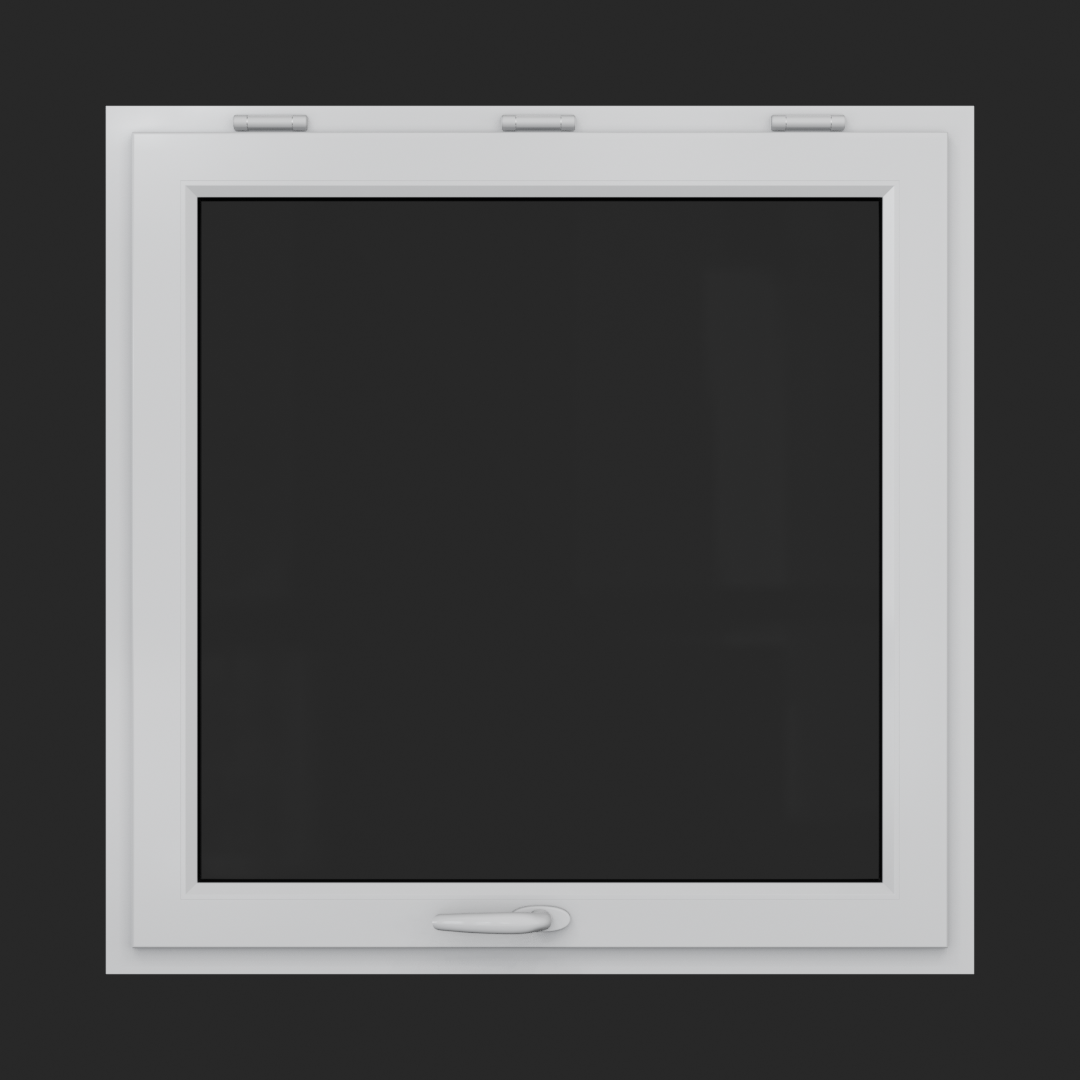
Window Awning
A top-hinged window that swings outward from the bottom.
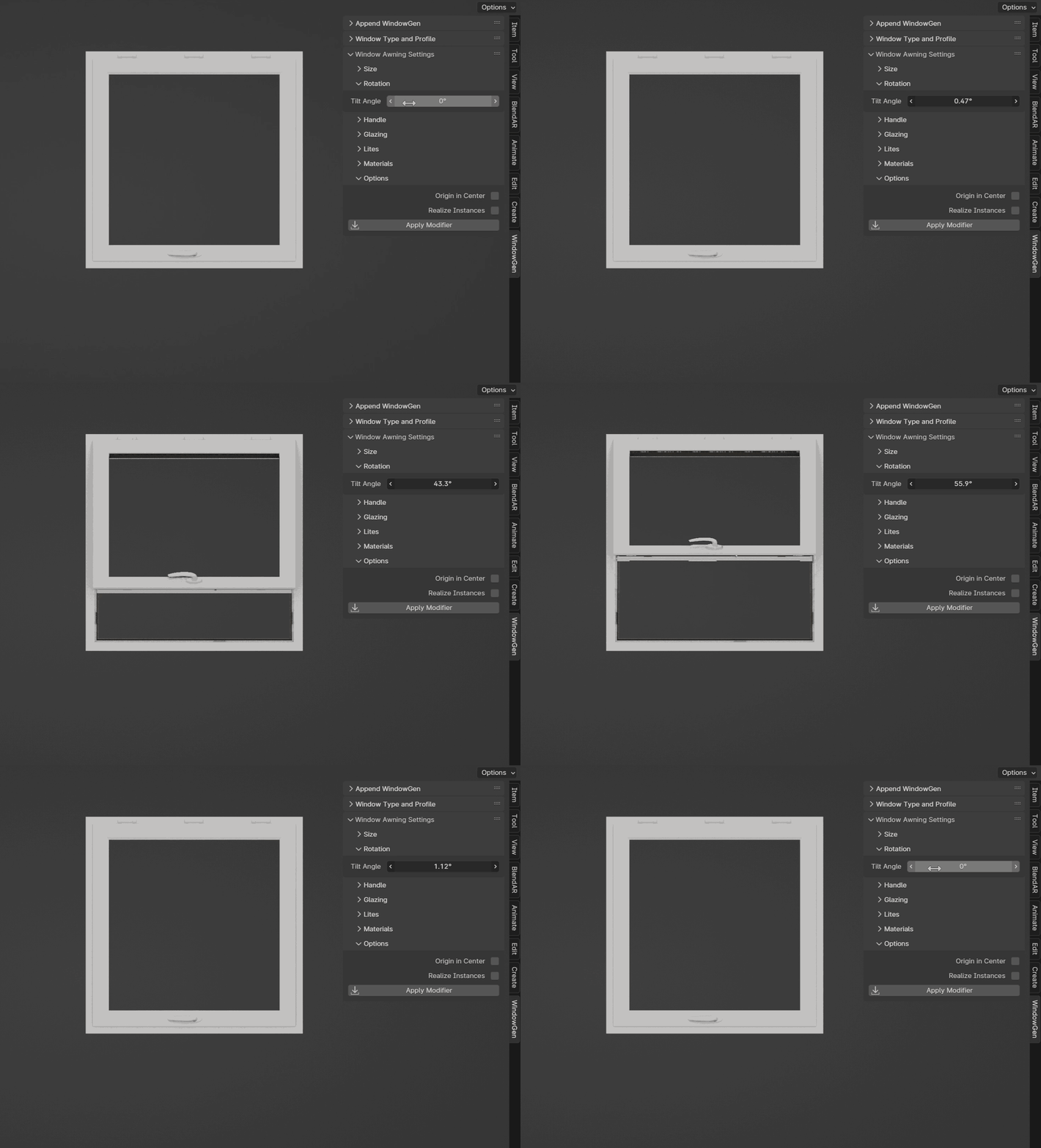
Rotation Settings
This section includes parameters for adjusting the tilt rotation of the sash.
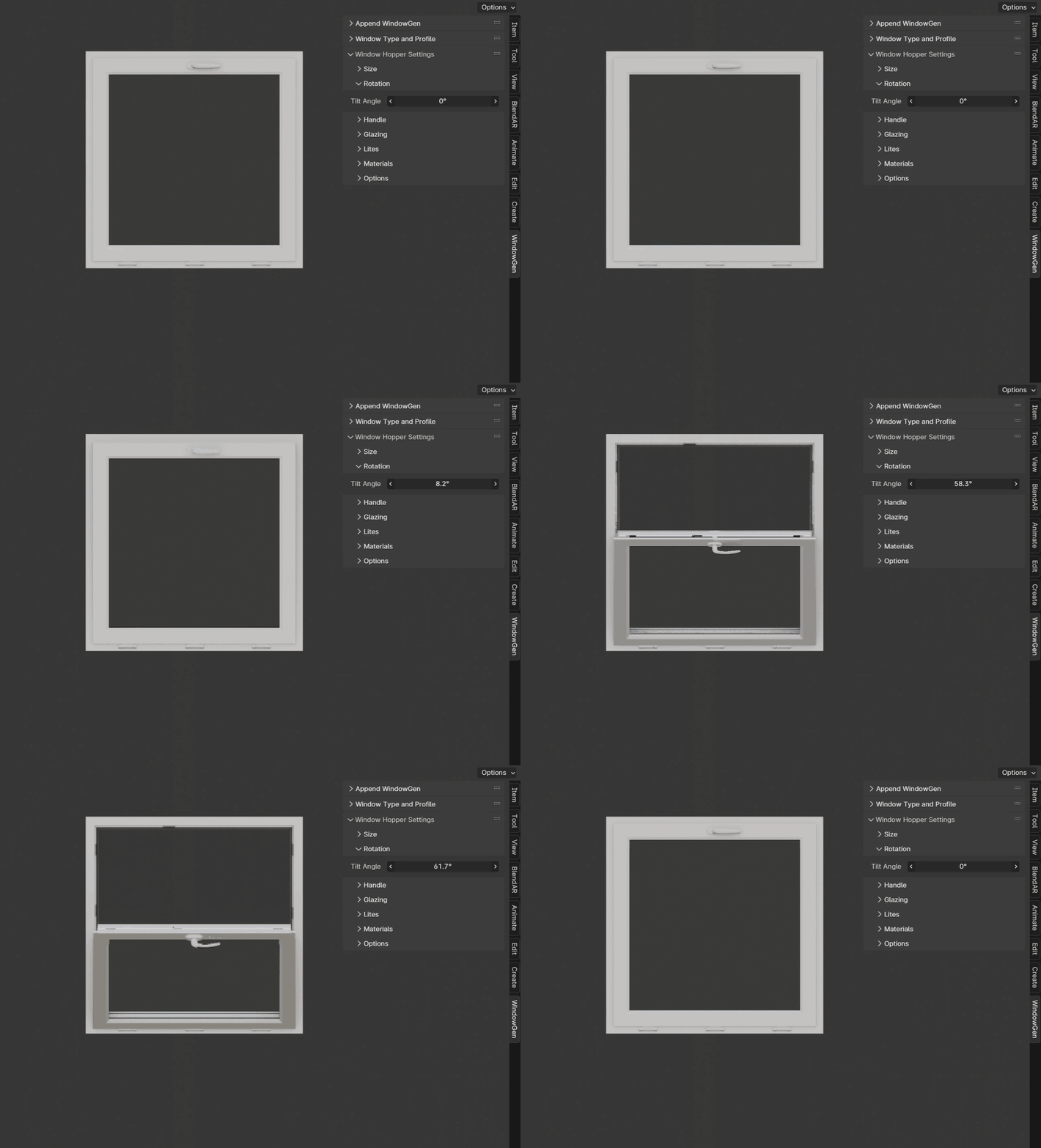
- Tilt Angle
Sets the tilt angle of the sash.
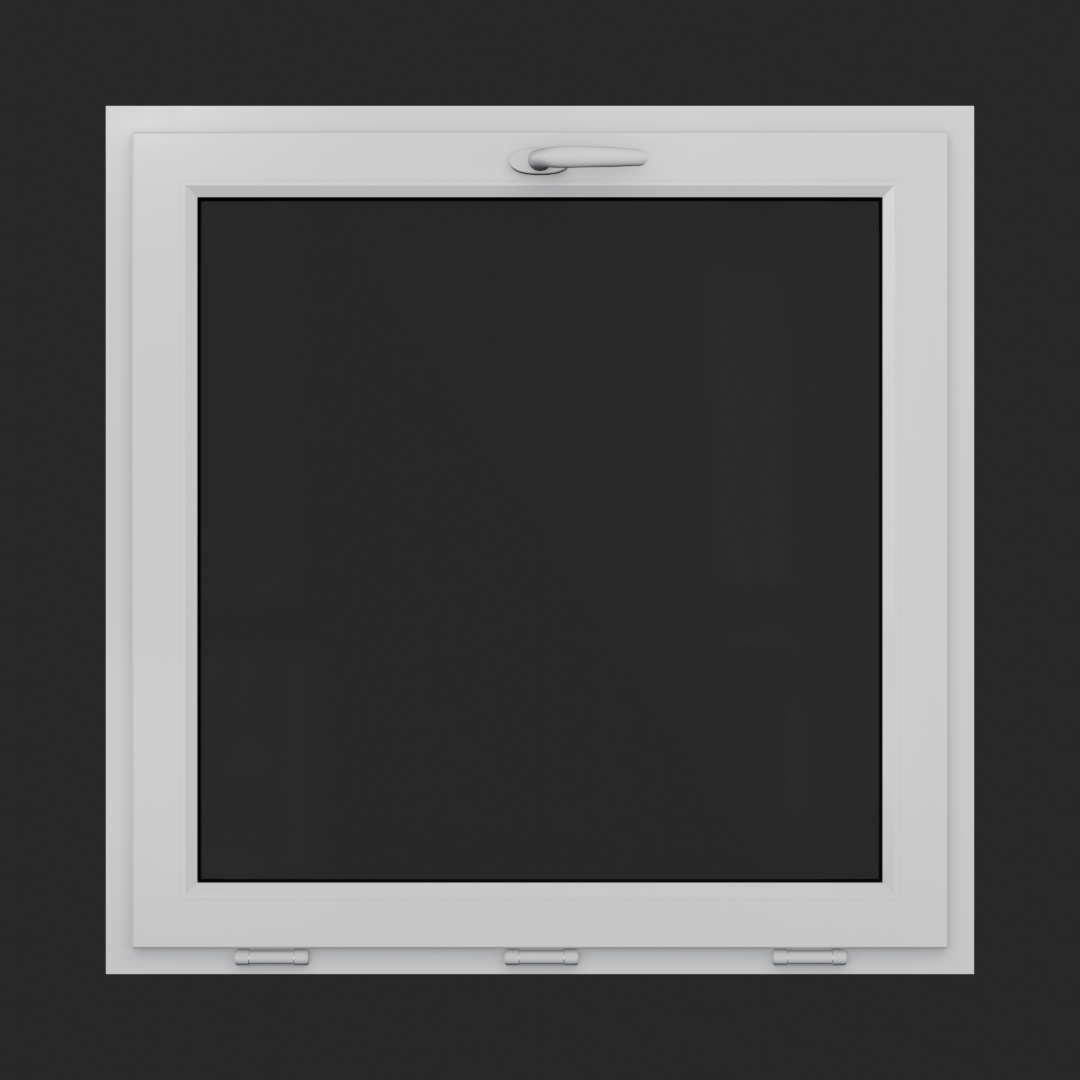
Window Hopper
A bottom-hinged window that tilts inward from the top.
Rotation Settings
This section includes parameters for adjusting the tilt rotation of the sash.
- Tilt Angle
Sets the tilt angle of the sash.
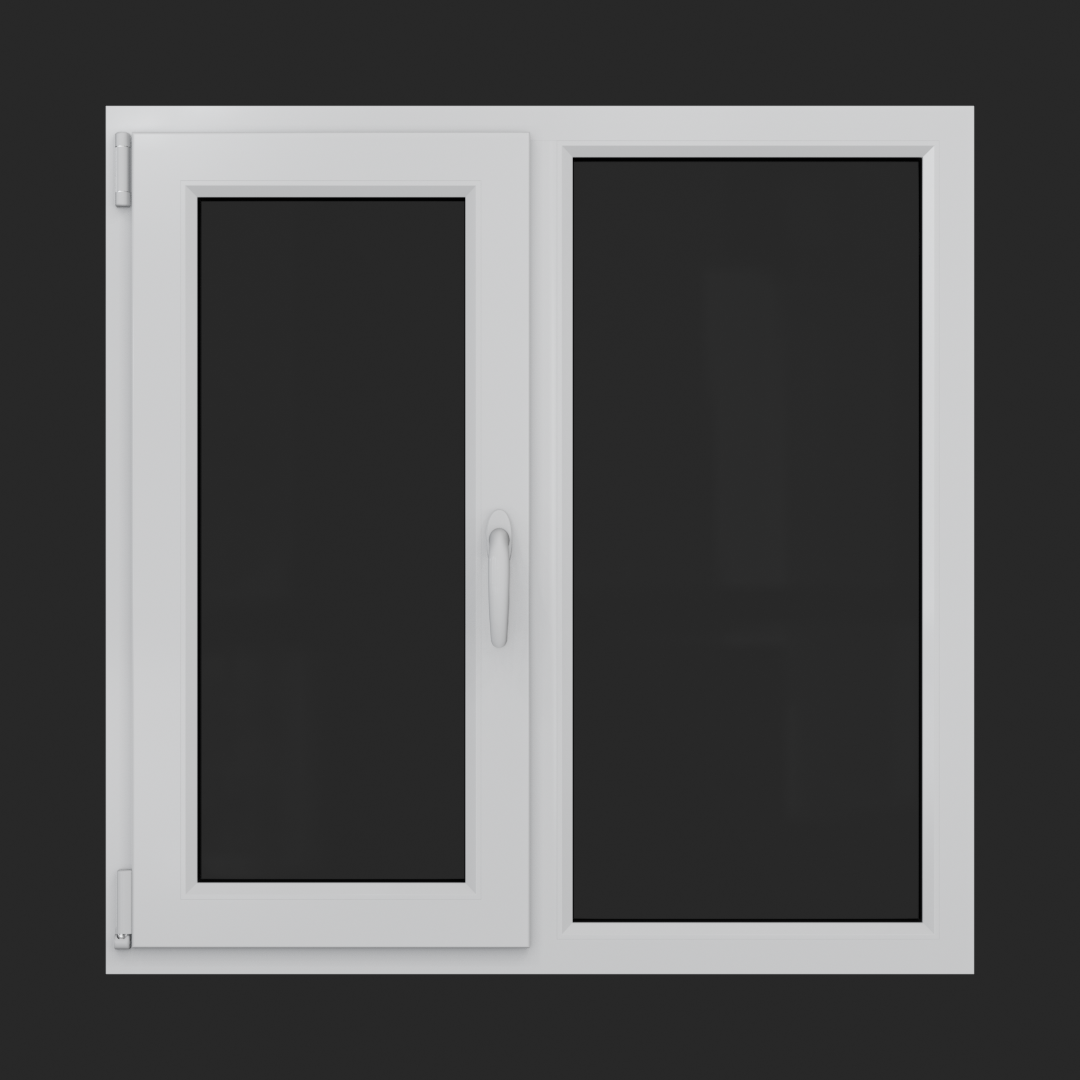
Window Mullion 1 Sash
A window featuring a single operable sash alongside a fixed, non-opening section.
Size
This section includes parameters for adjusting the width and height of the window.
- Mullion Centered
Automatically calculates even space for sashes and a fixed frame. Turned on by default.
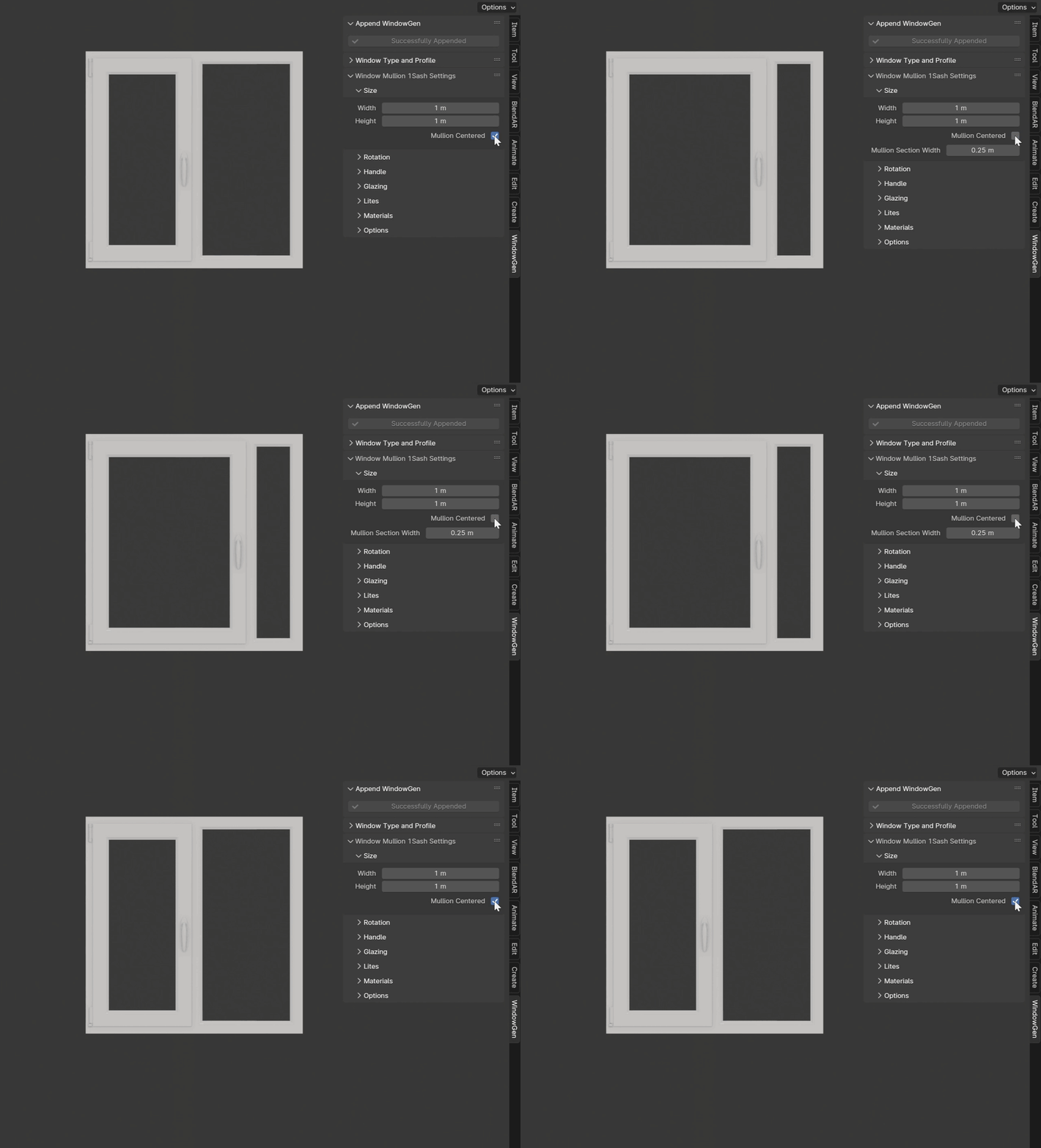
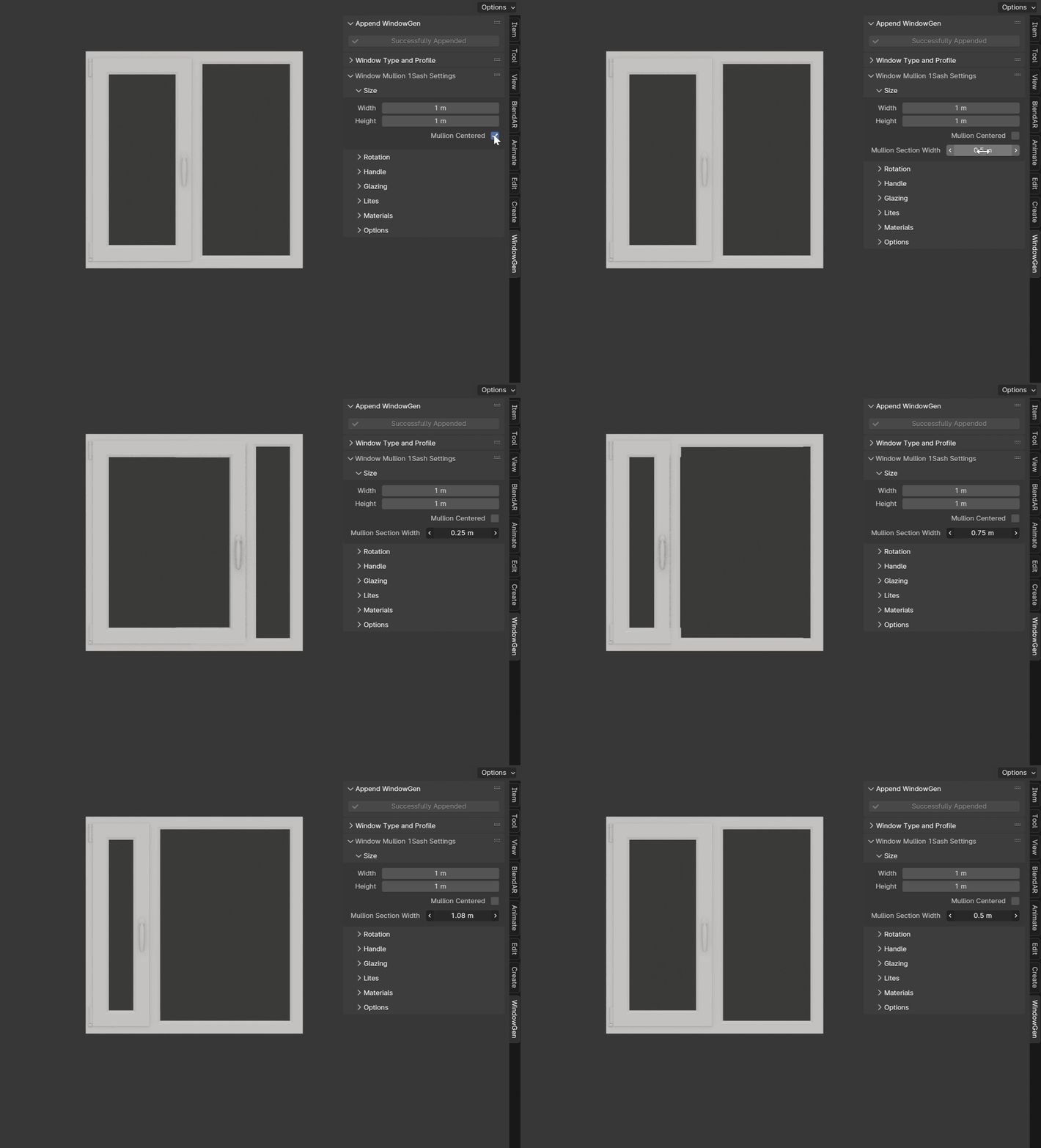
- Mullion Frame Width
Sets the width of the fixed frame. Active when the Mullion Centered is turned off.
Rotation Settings
This section includes parameters for adjusting the turn and tilt rotations of the sash.
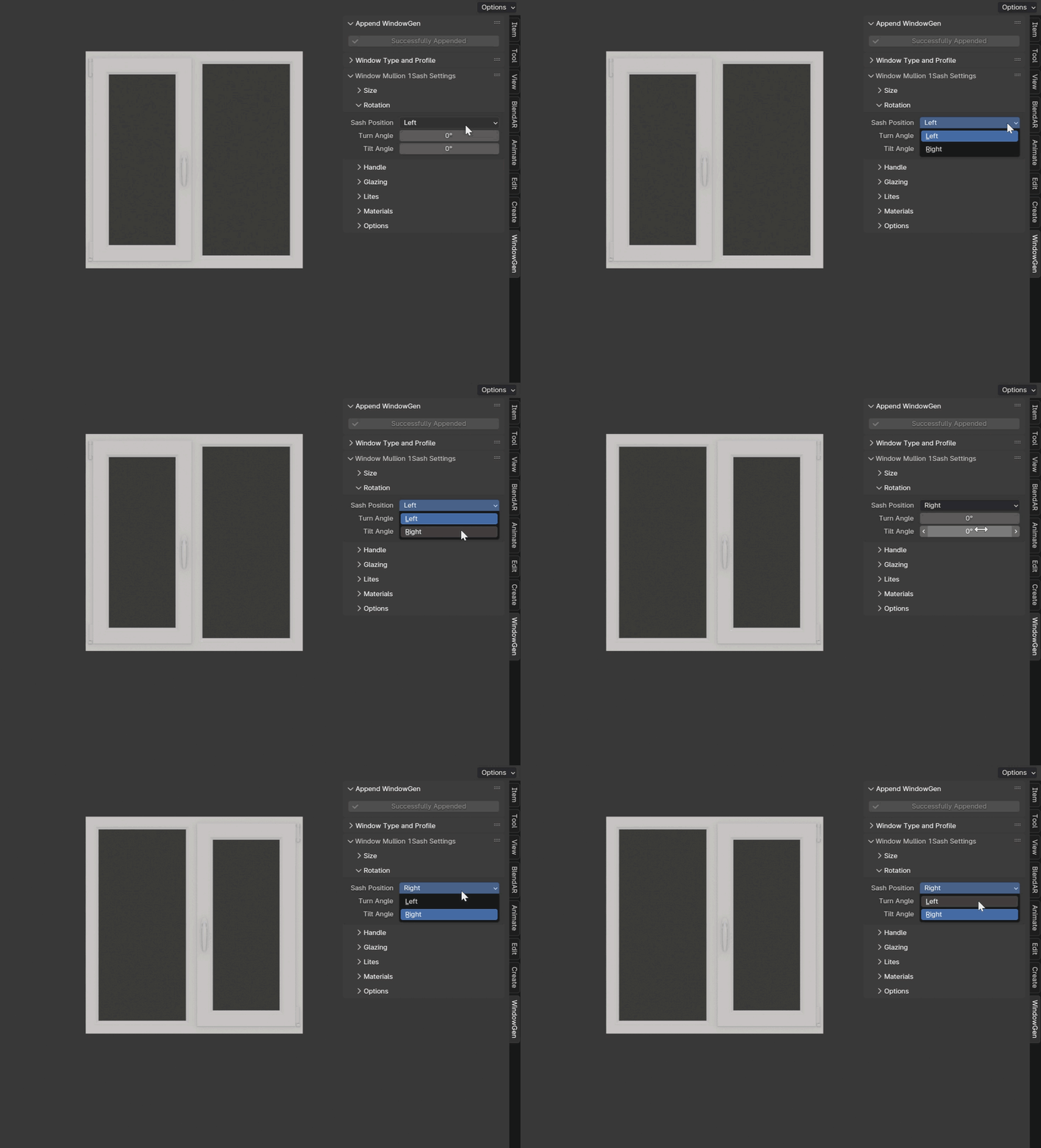
- Sash Position
Switch between left and right sashes.
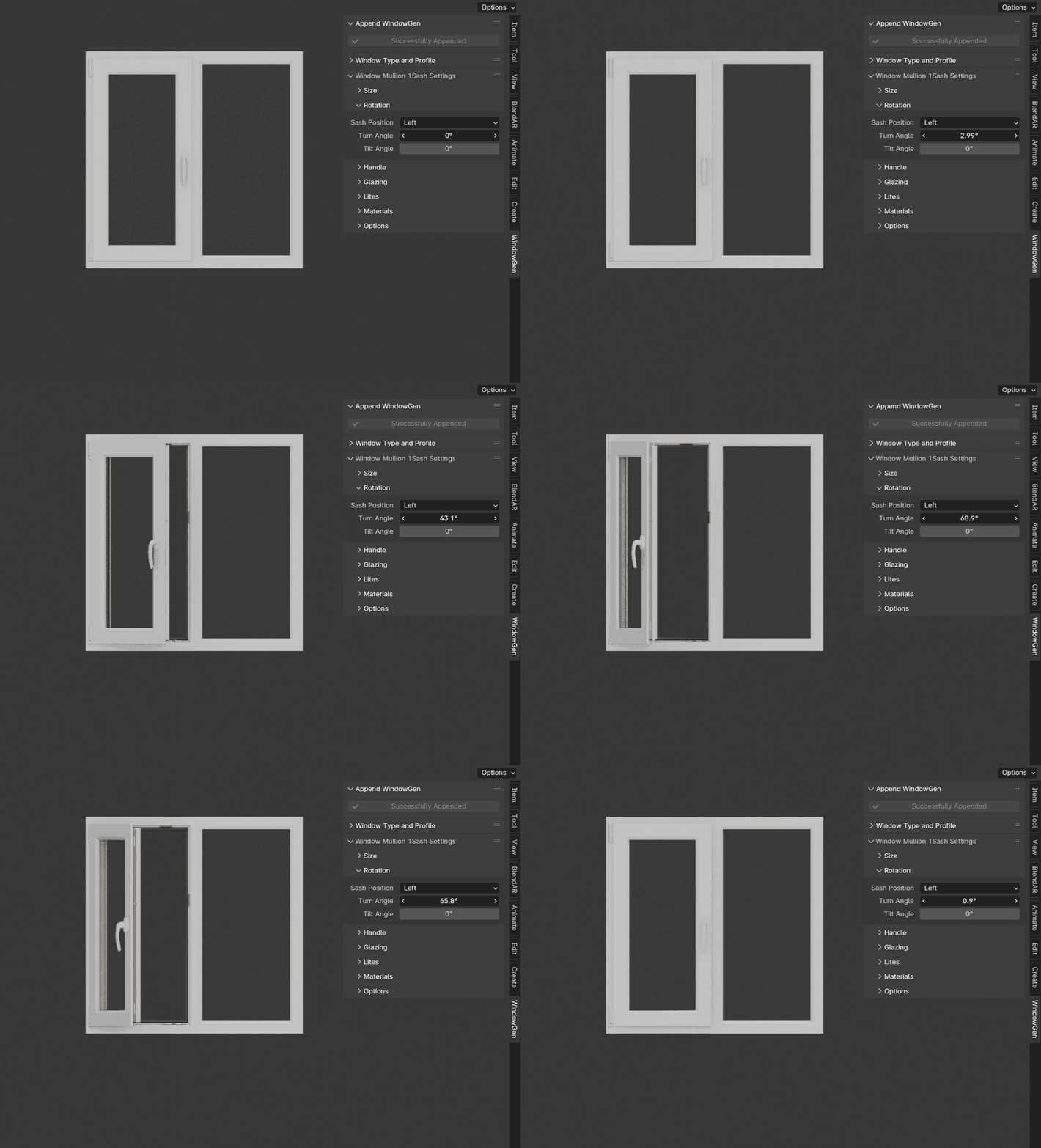
- Turn Angle
Sets the turn angle of the sash.
- Tilt Angle
Sets the tilt angle of the sash.
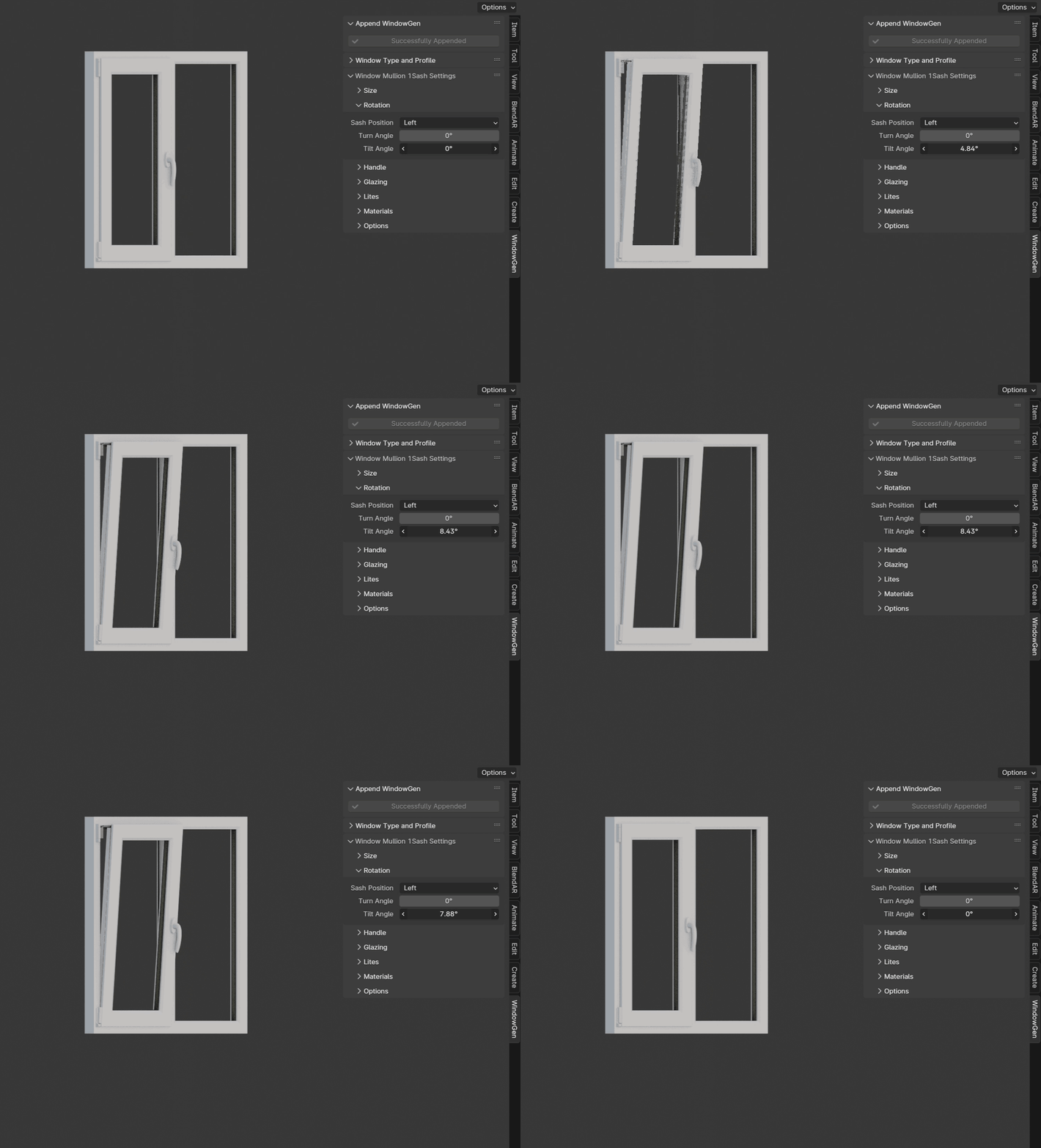
Important
Max tilt angle is constrained by the size of the scissors.
Window Mullion 2 Sash
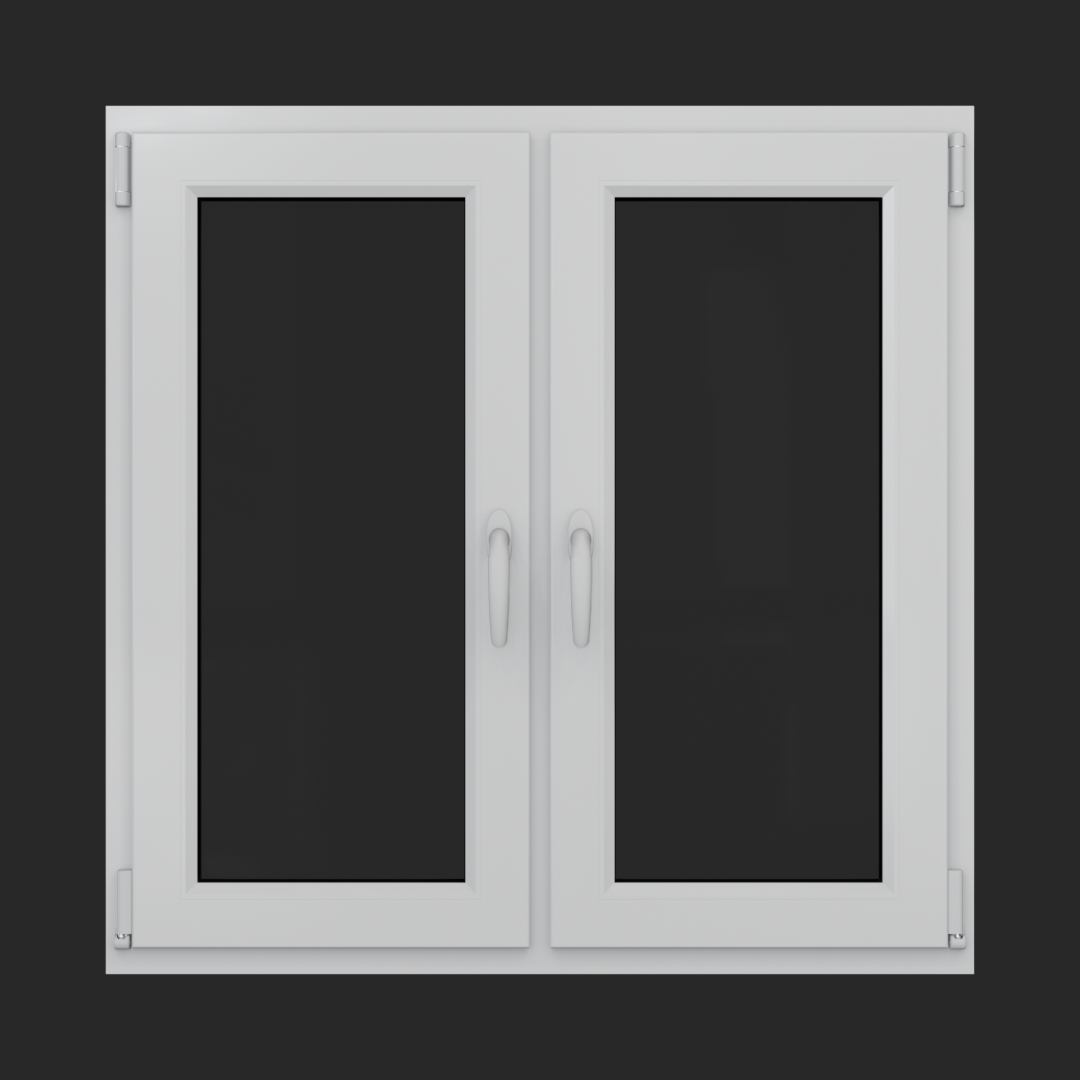
A window with two operable sashes that can either tilt or turn.
Rotation Settings
This section includes parameters for adjusting the turn and tilt rotations of the sashes.
- Right Sash Turn
Sets the turn angle of the right sash.
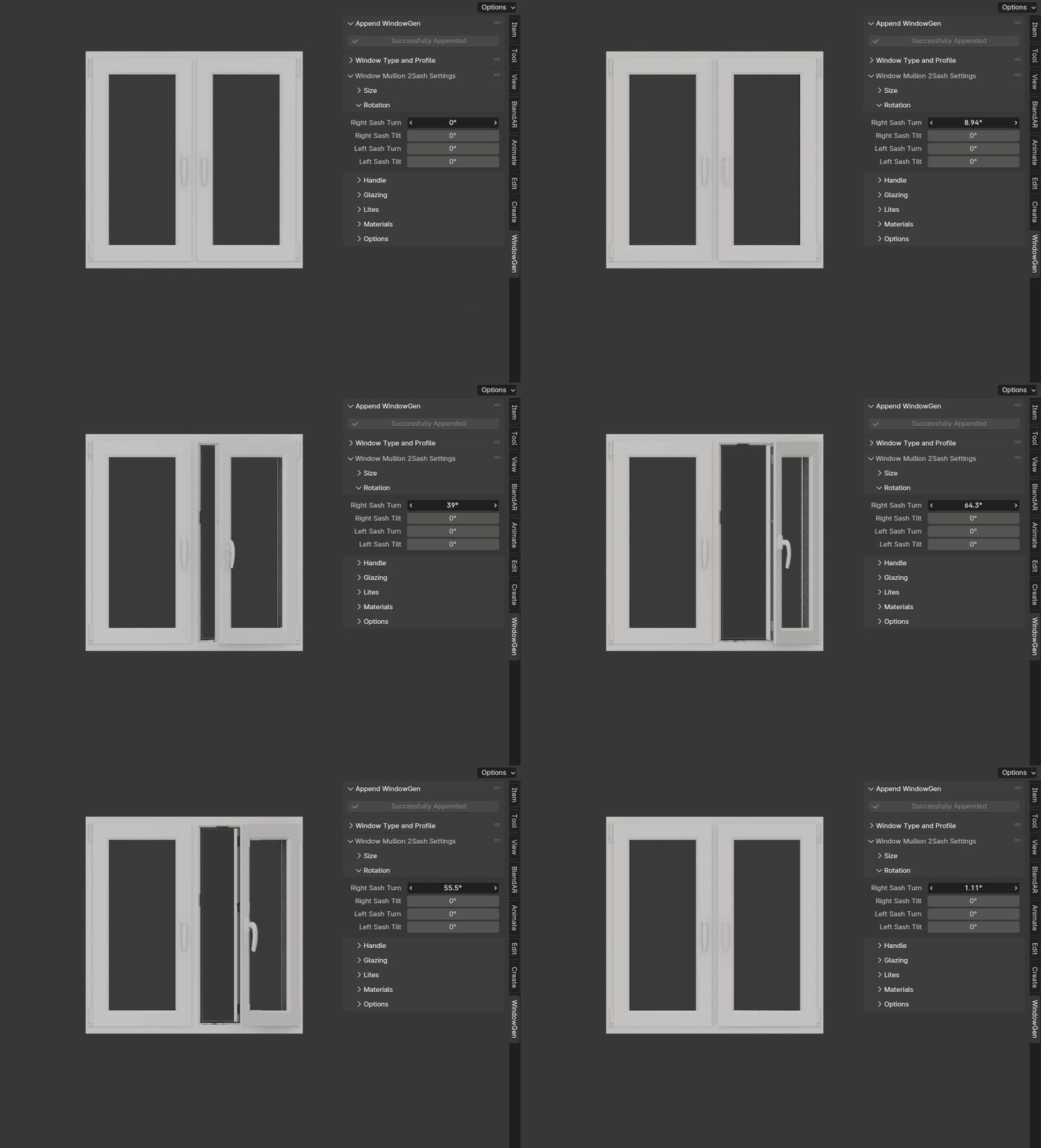
- Right Sash Tilt
Sets the tilt angle of the right sash.

Important
Max tilt angle is constrained by the size of the scissors.
- Left Sash Turn
Sets the turn angle of the left sash.
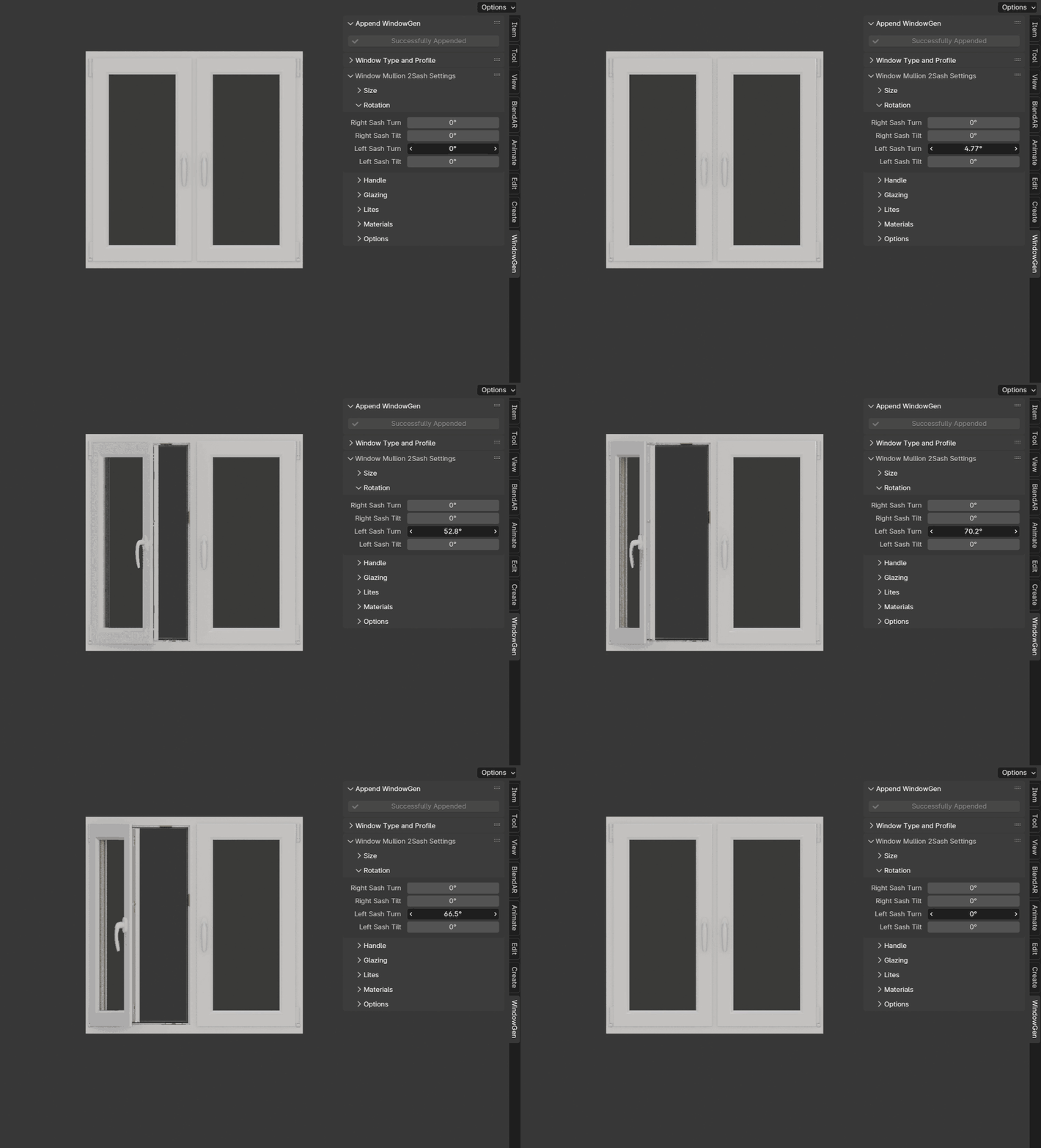
- Left Sash Tilt
Sets the tilt angle of the left sash.
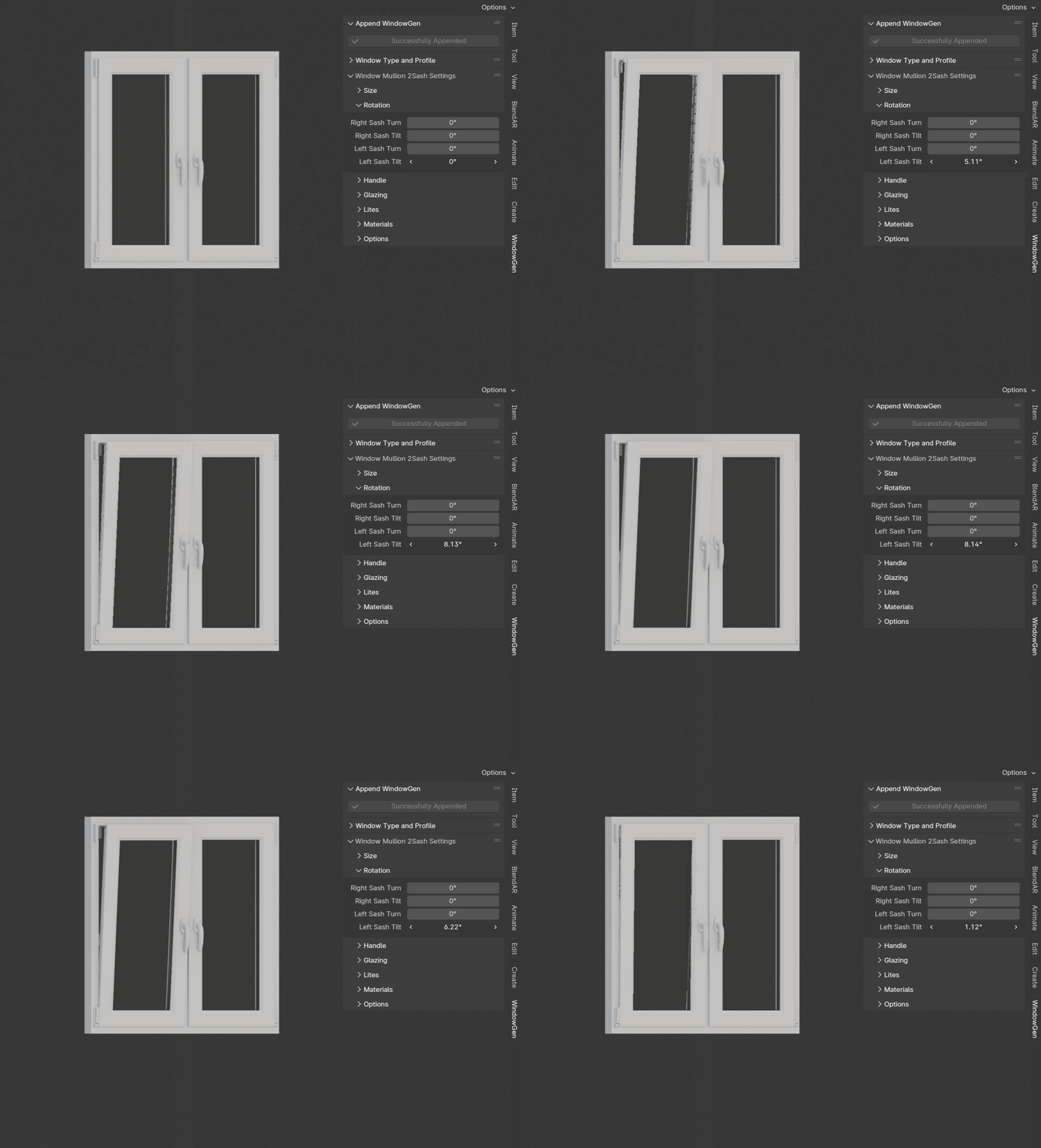
Important
Max tilt angle is constrained by the size of the scissors.
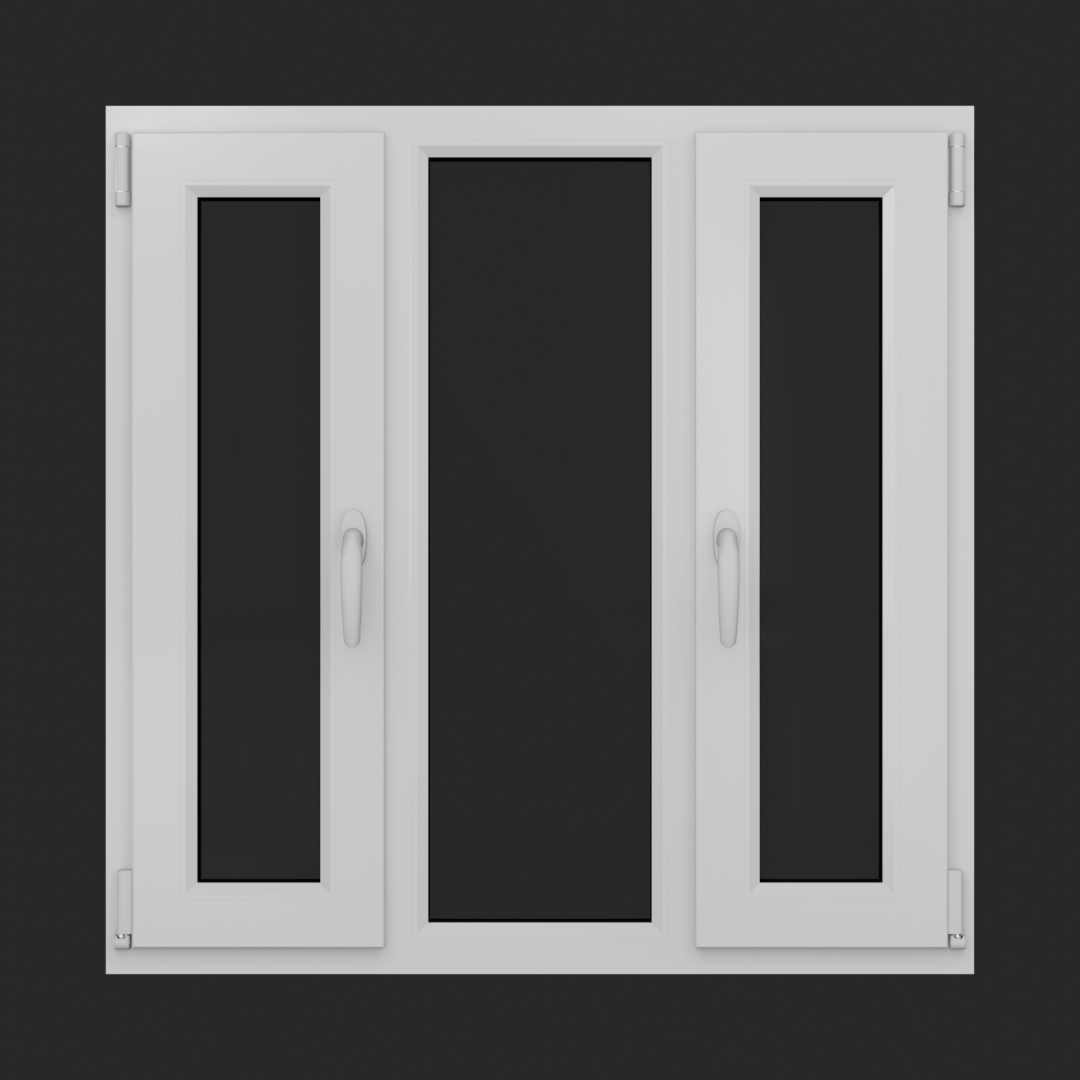
Window Mullion 3 Sash
A window featuring two operable sashes with a fixed, non-opening section in the middle.
Size
This section includes parameters for adjusting the width and height of the window.
- Mullion Centered
Automatically calculates even space for sashes and a fixed frame. Turned on by default.
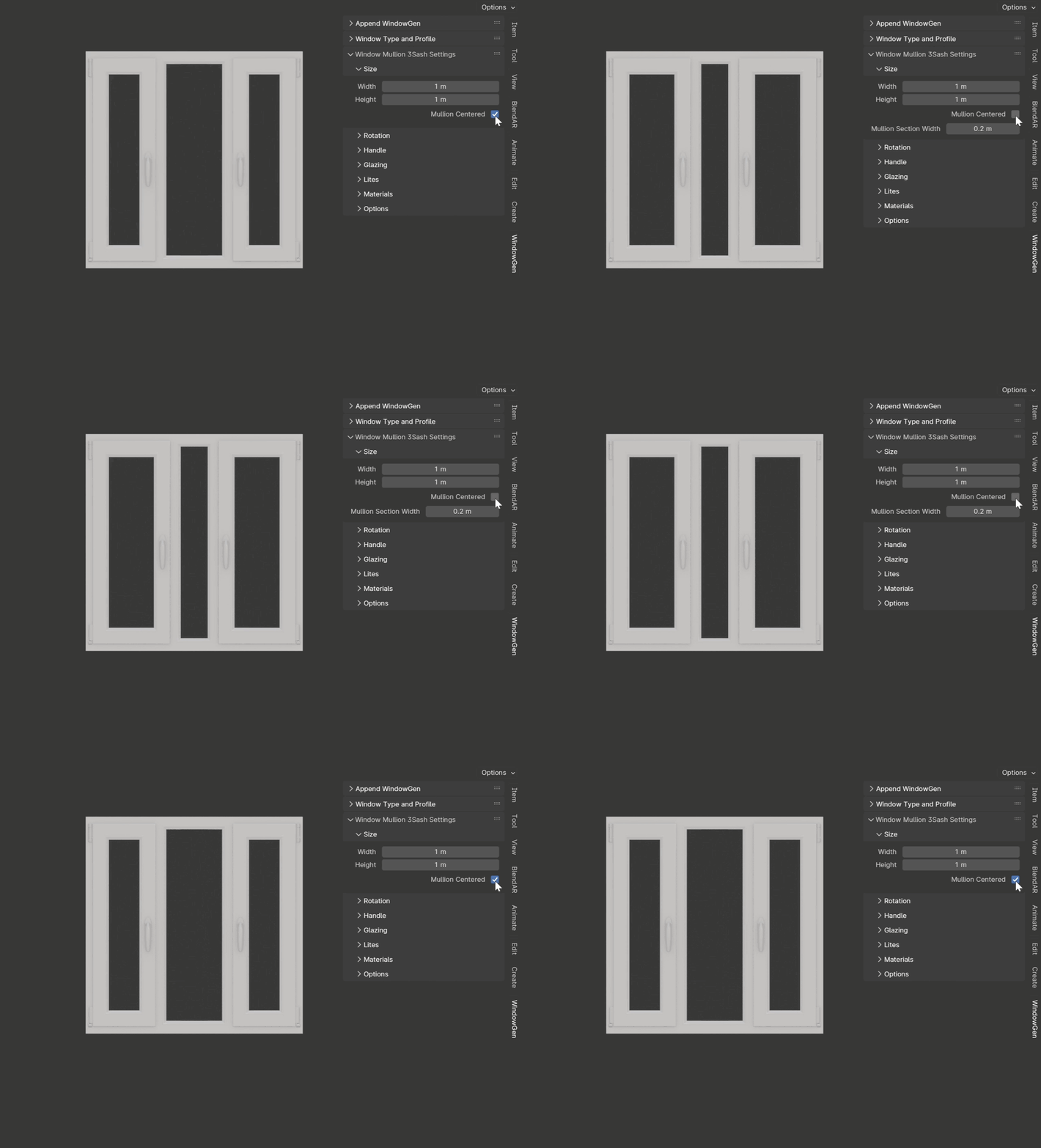
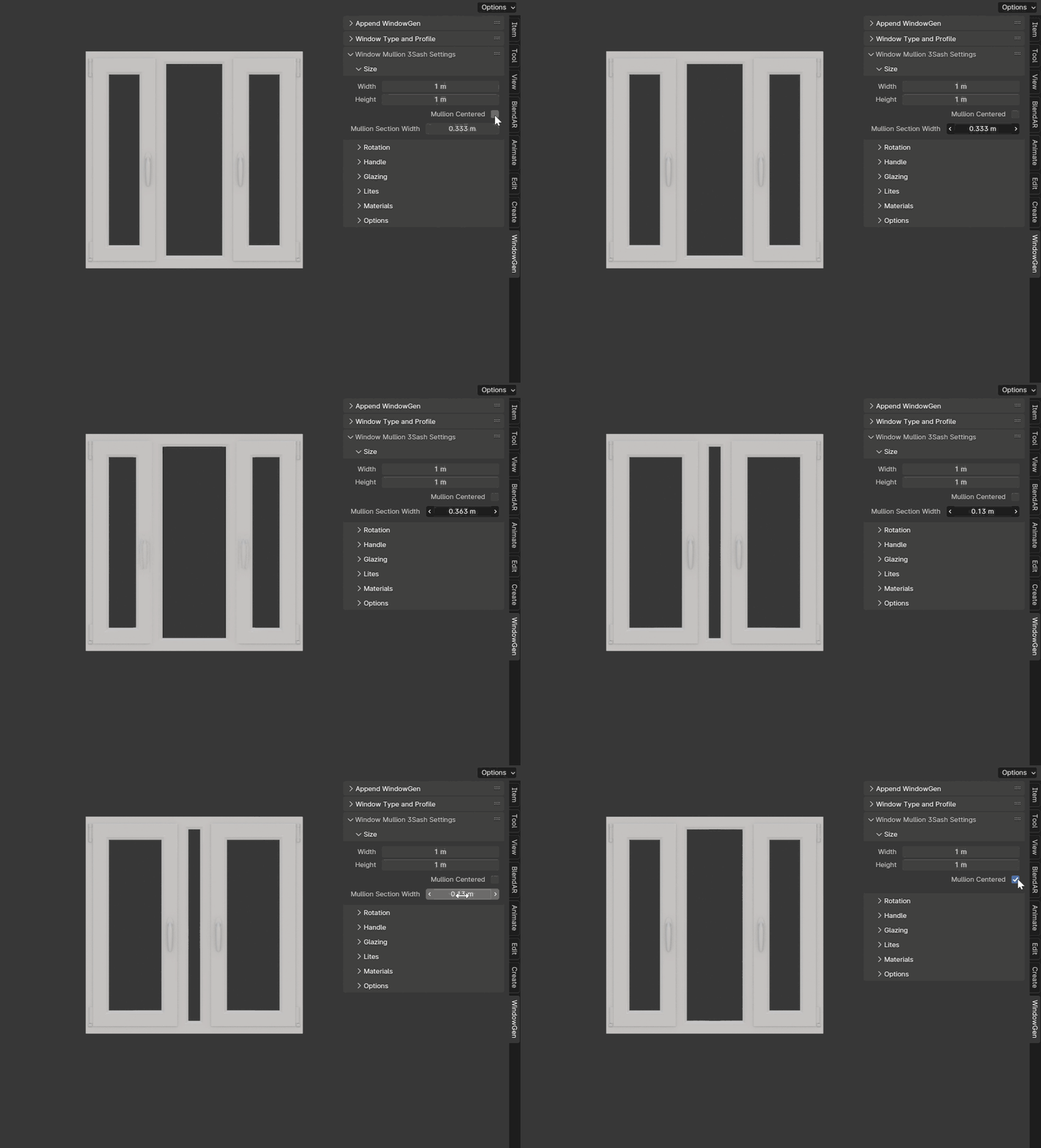
- Mullion Frame Width
Sets the width of the fixed frame. Active when the Mullion Centered is turned off.
Rotation Settings
This section includes parameters for adjusting the turn and tilt rotations of the sashes.
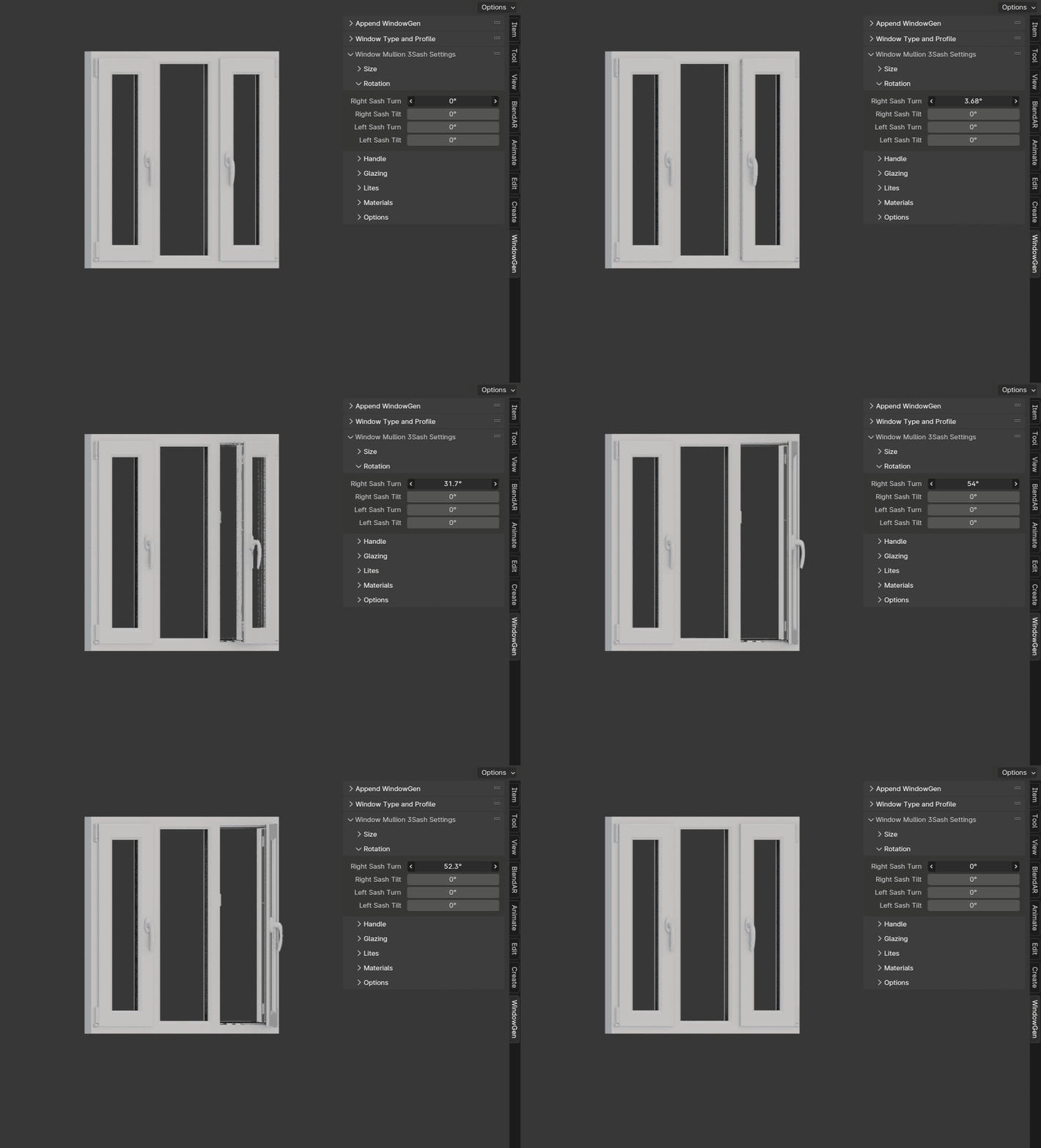
- Right Sash Turn
Sets the turn angle of the right sash.
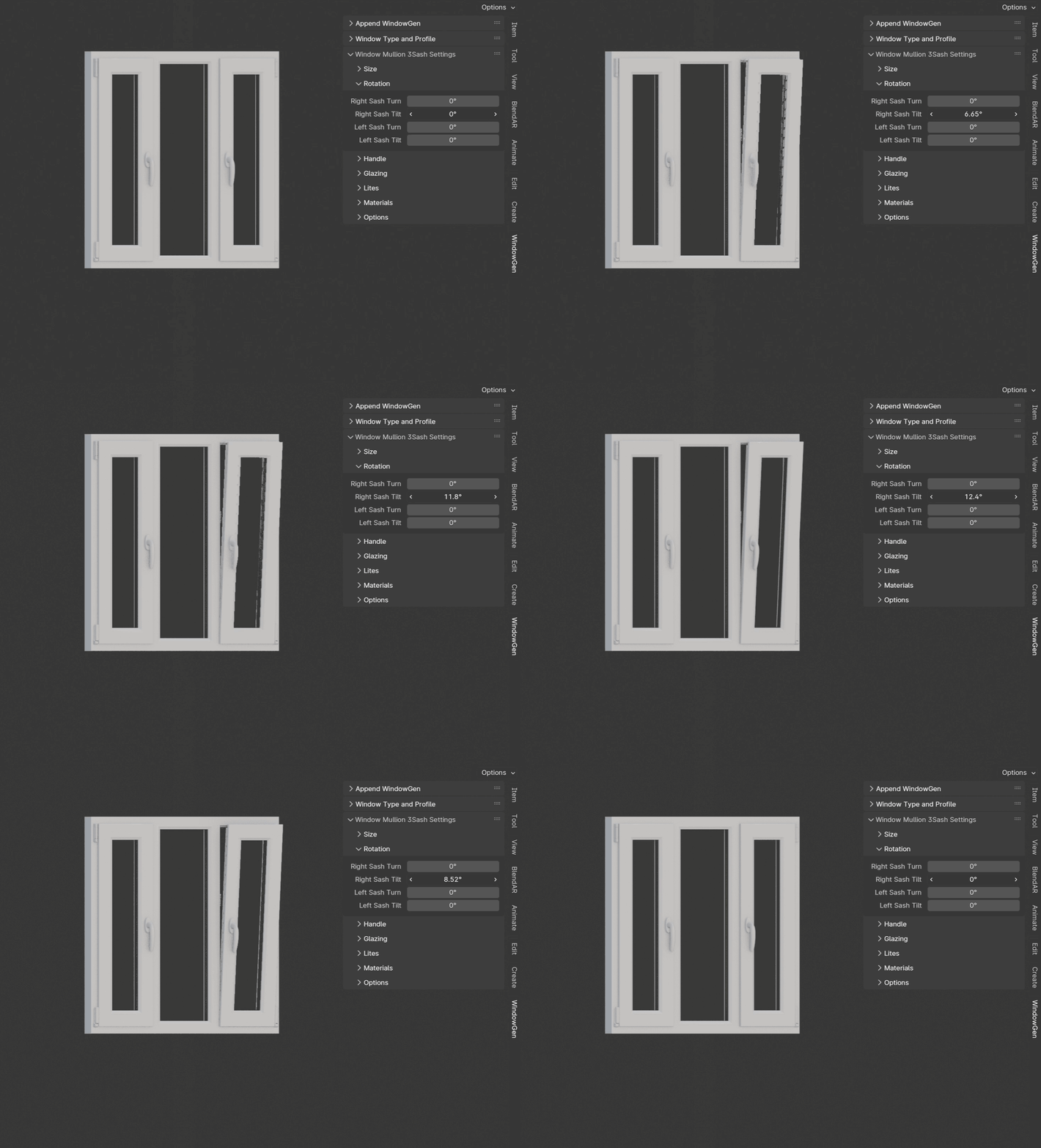
- Right Sash Tilt
Sets the tilt angle of the right sash.
Important
Max tilt angle is constrained by the size of the scissors.
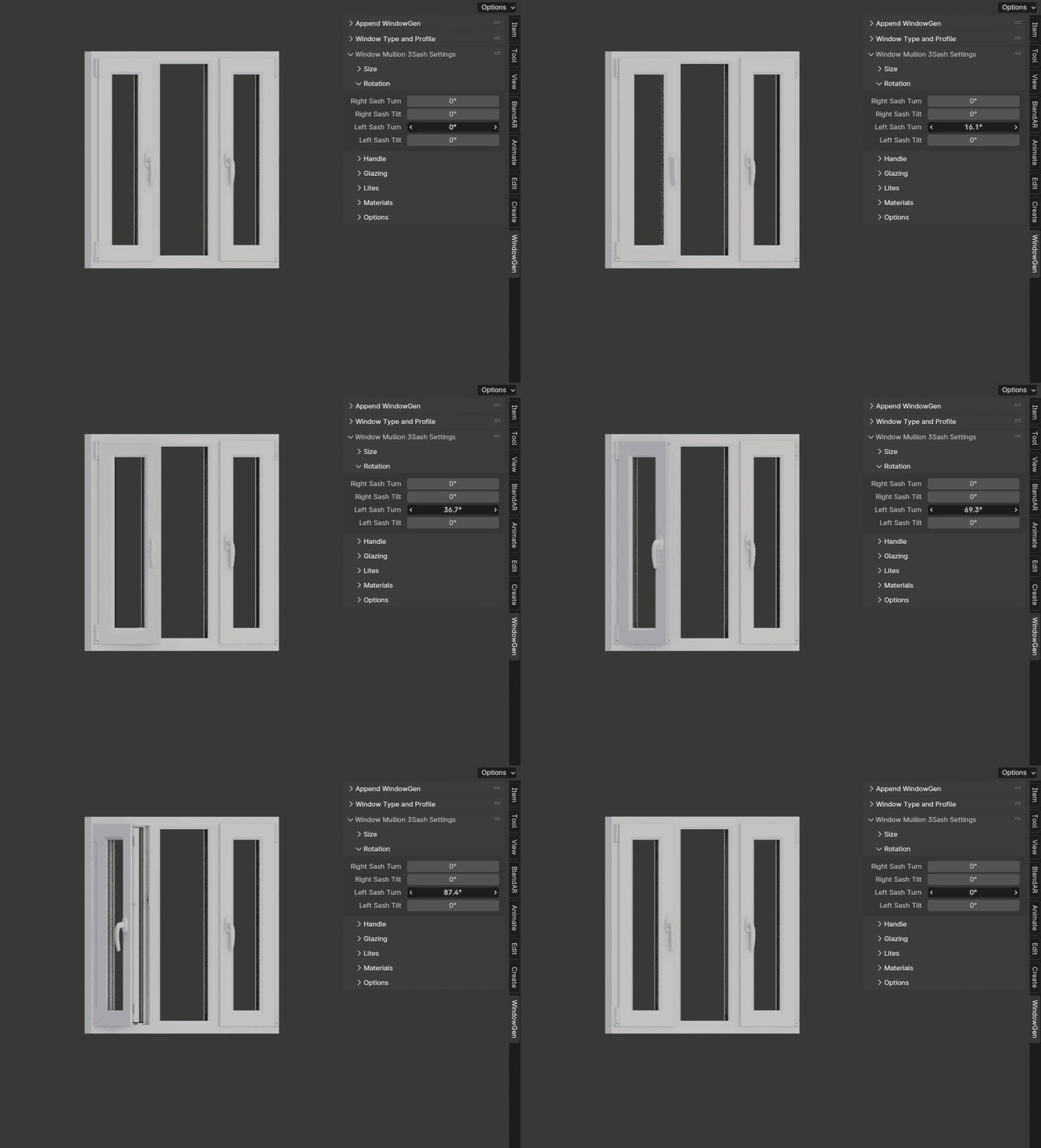
- Left Sash Turn
Sets the turn angle of the left sash.
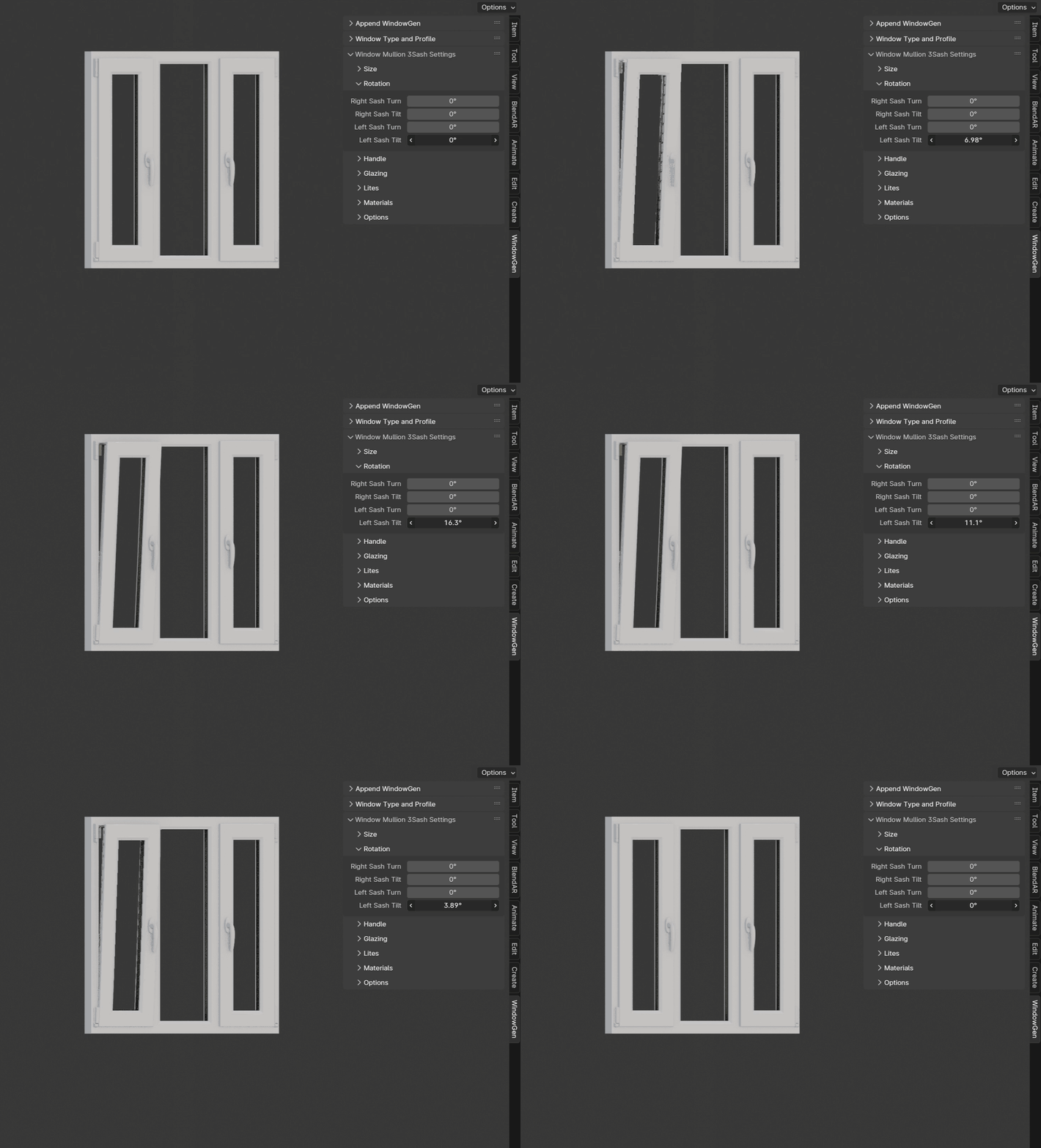
- Left Sash Tilt
Sets the tilt angle of the left sash.
Important
Max tilt angle is constrained by the size of the scissors.
Window Single
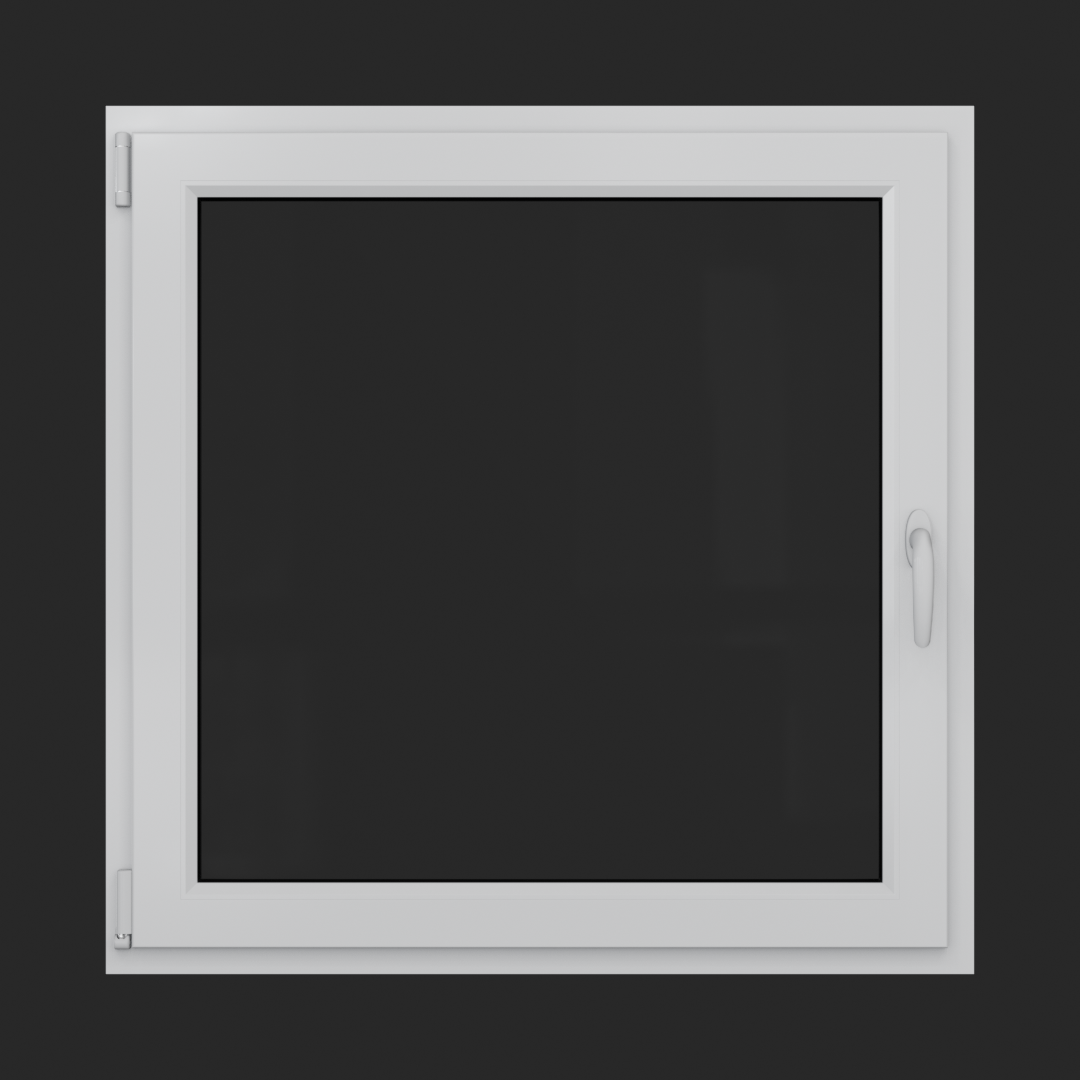
A window featuring a single operable sash that can either tilt or turn.
Rotation Settings
This section includes parameters for adjusting the turn and tilt rotations of the sash.
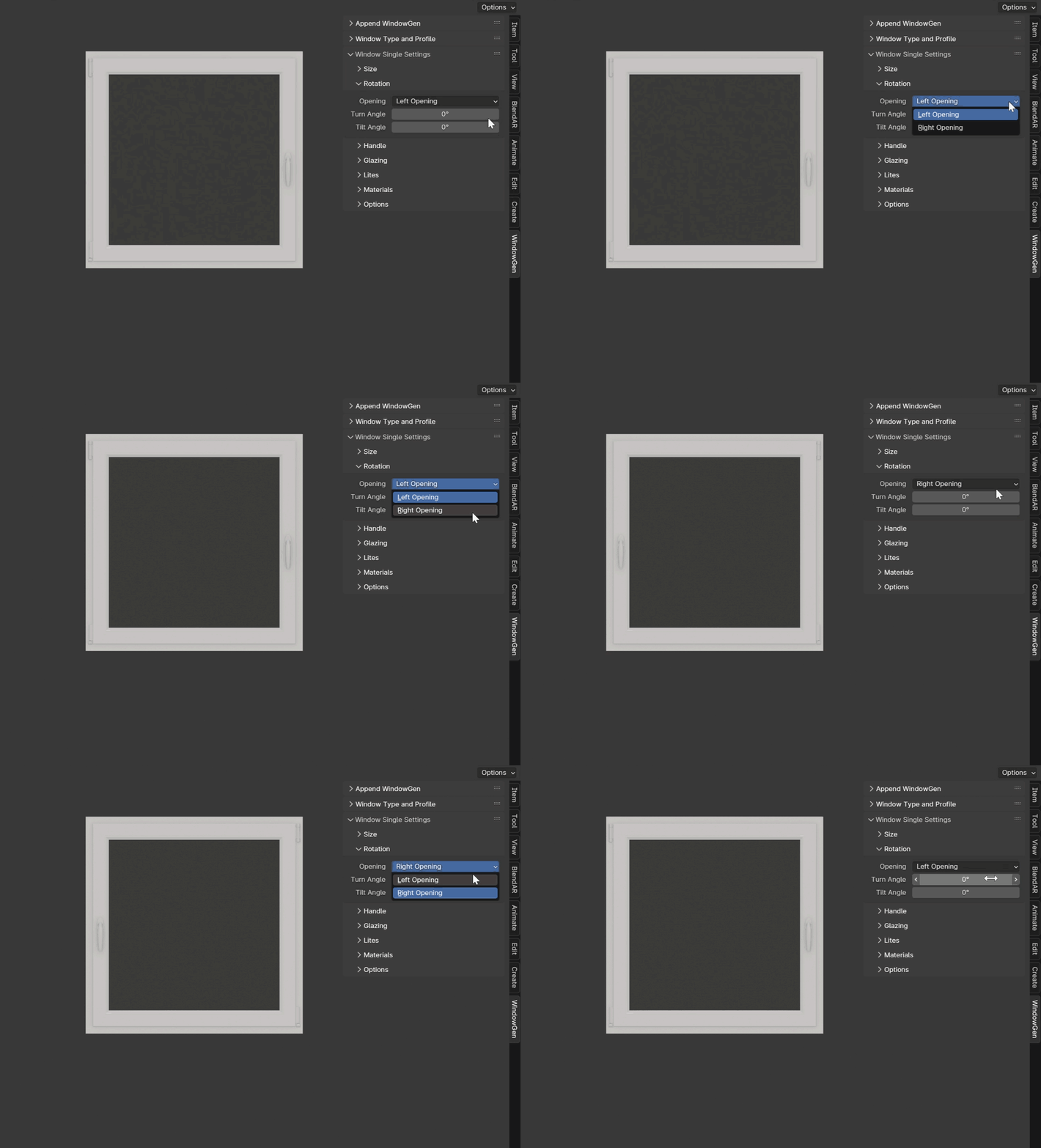
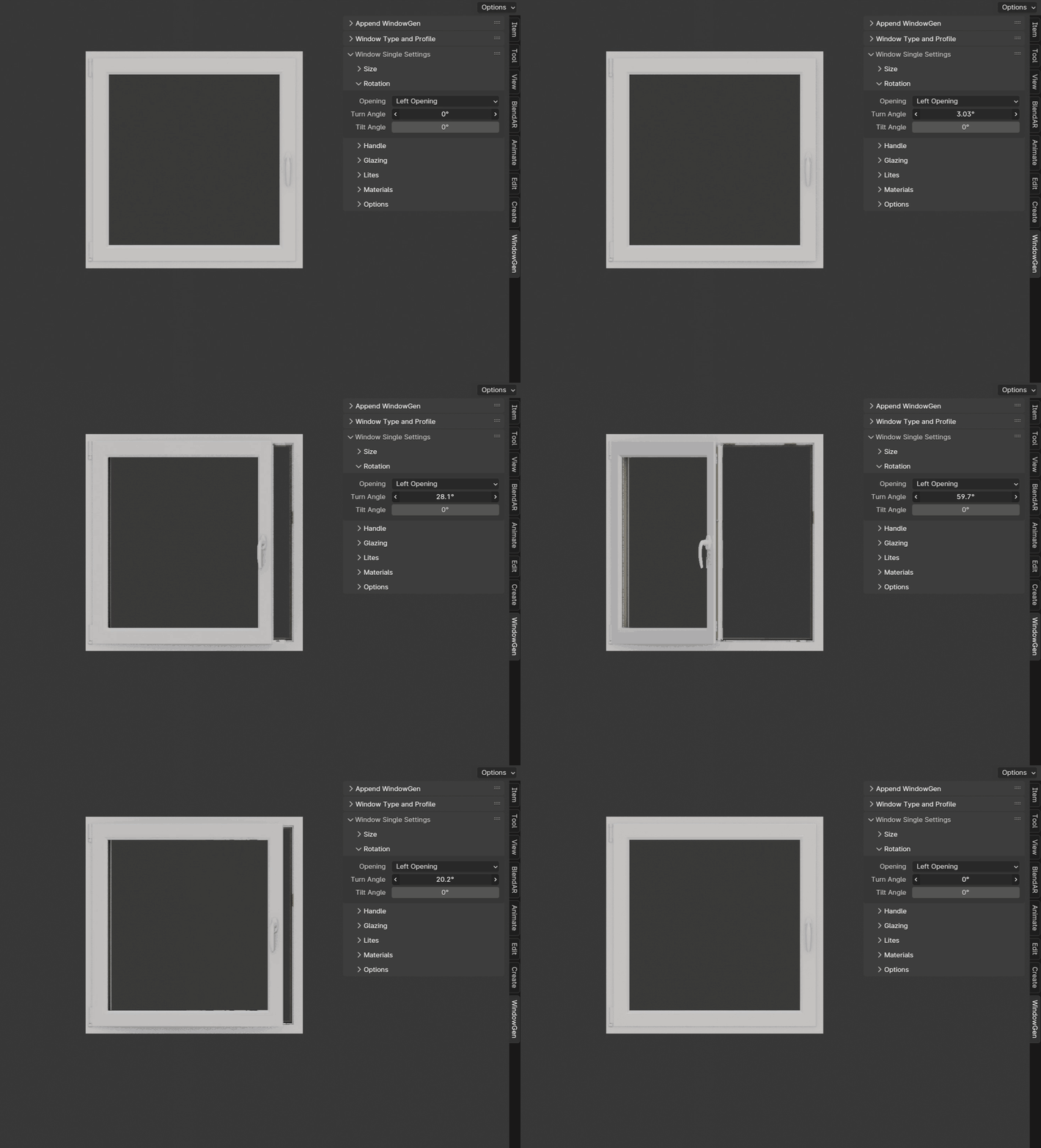
- Opening
Sets the direction in which sash will be opening.
- Turn Angle
Sets the turn angle of the sash.
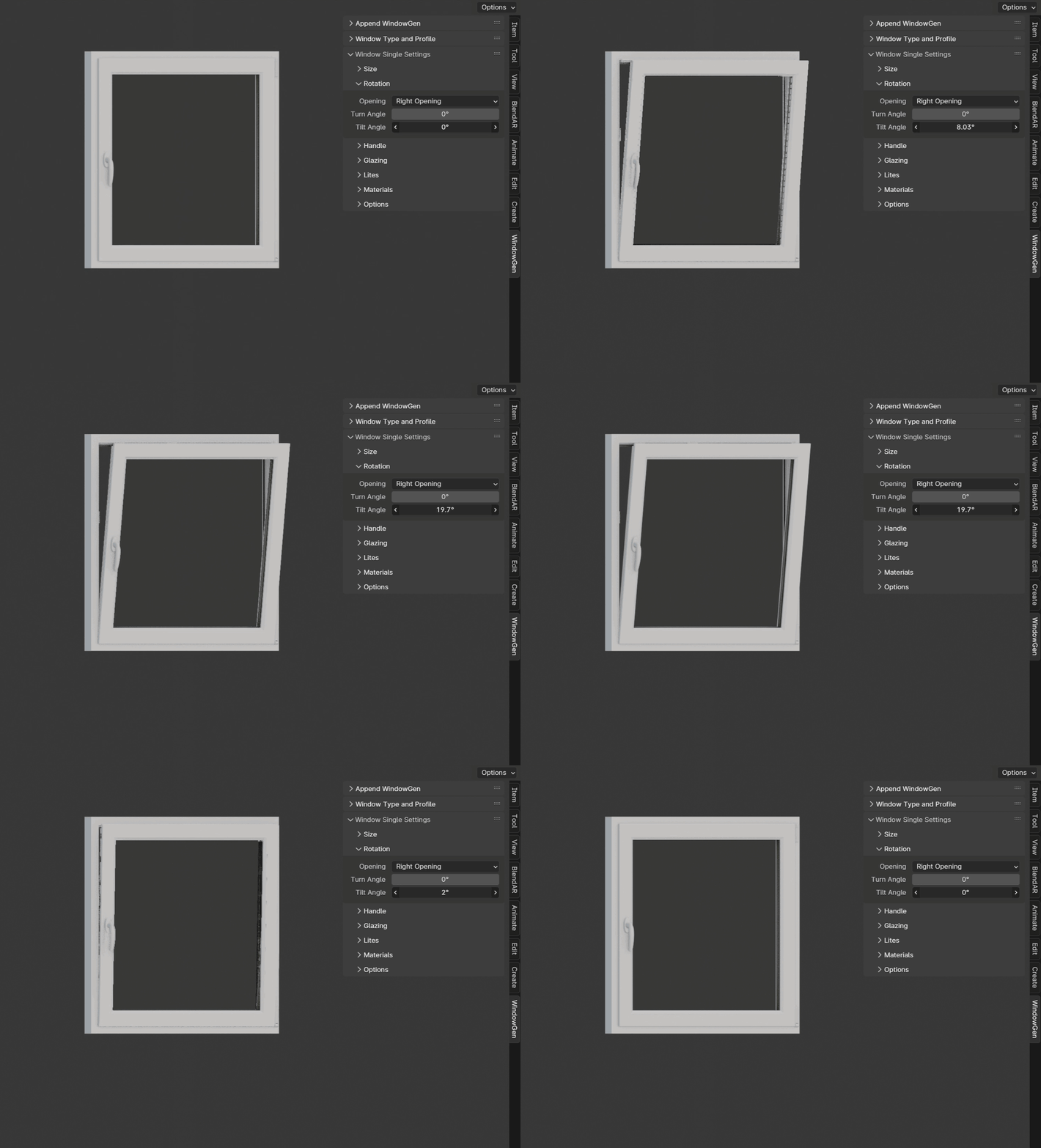
- Tilt Angle
Sets the tilt angle of the sash.
Important
Max tilt angle is constrained by the size of the scissors.
Window Single Frame
A window with a fixed, non-opening section.

Window Stulp
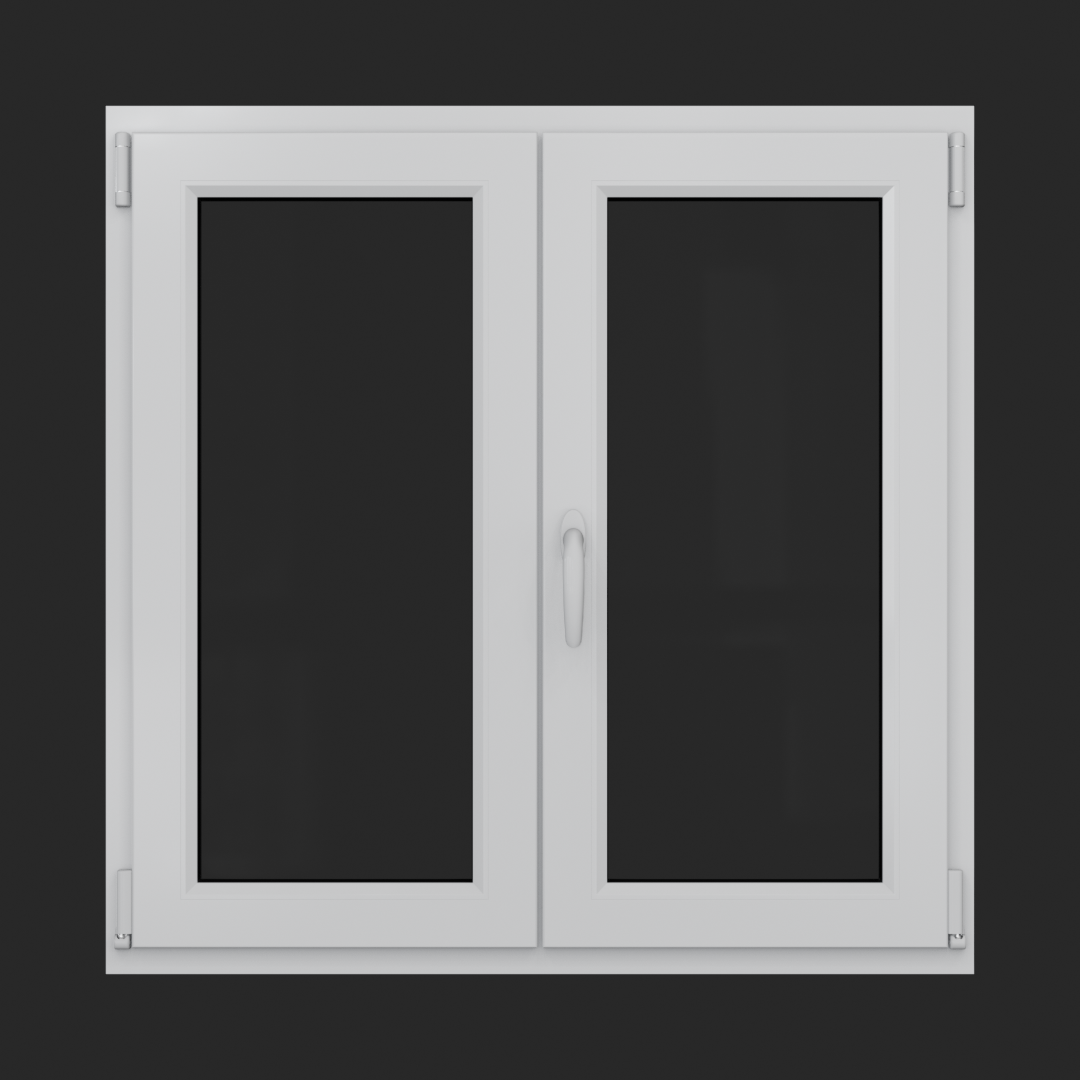
A window with two sashes featuring a large, unobstructed opening without a central mullion.
Rotation Settings
This section includes parameters for adjusting the turn and tilt rotations of the sashes.
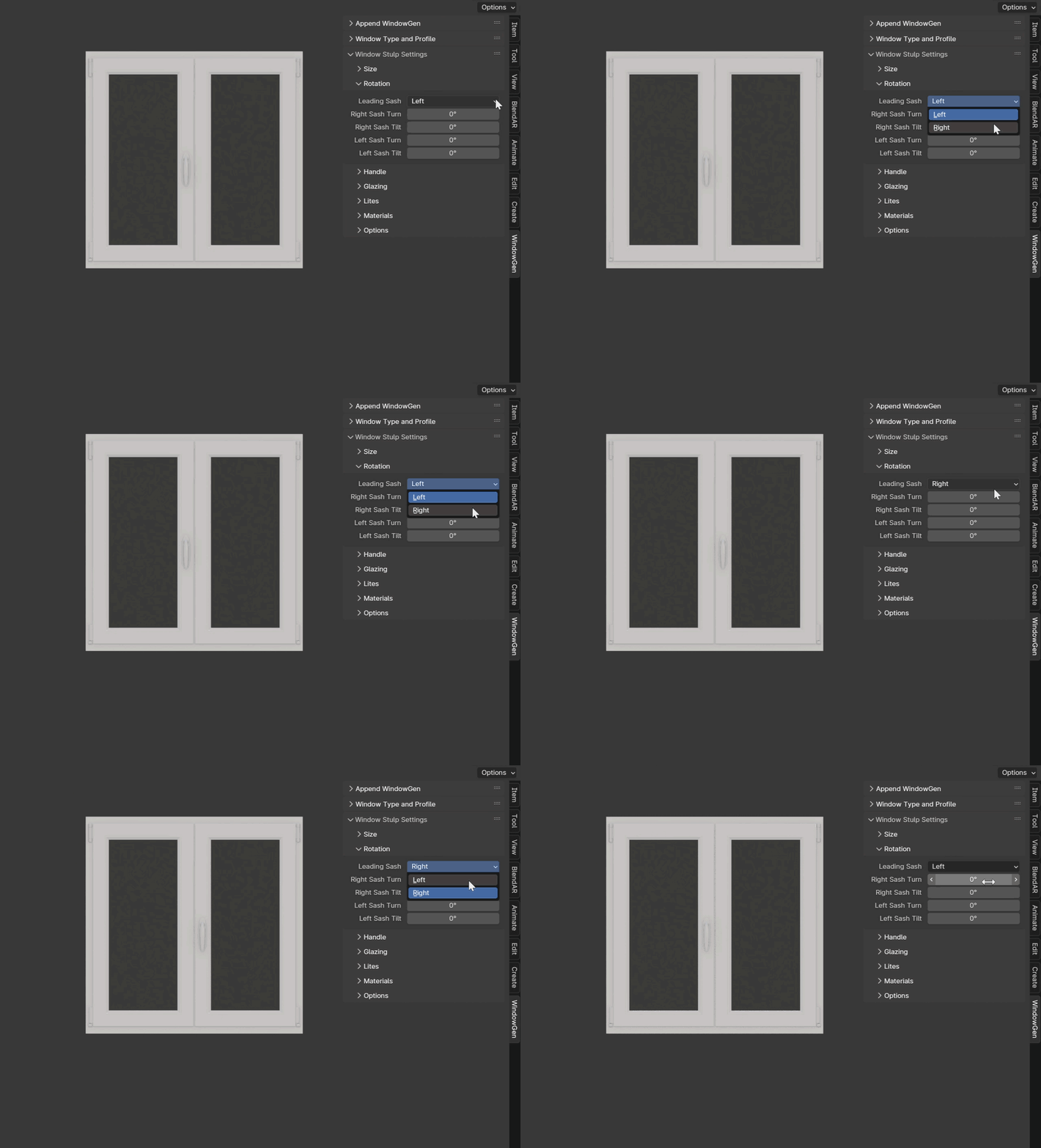
- Leading Sash
Switch between left and right leading sashes.
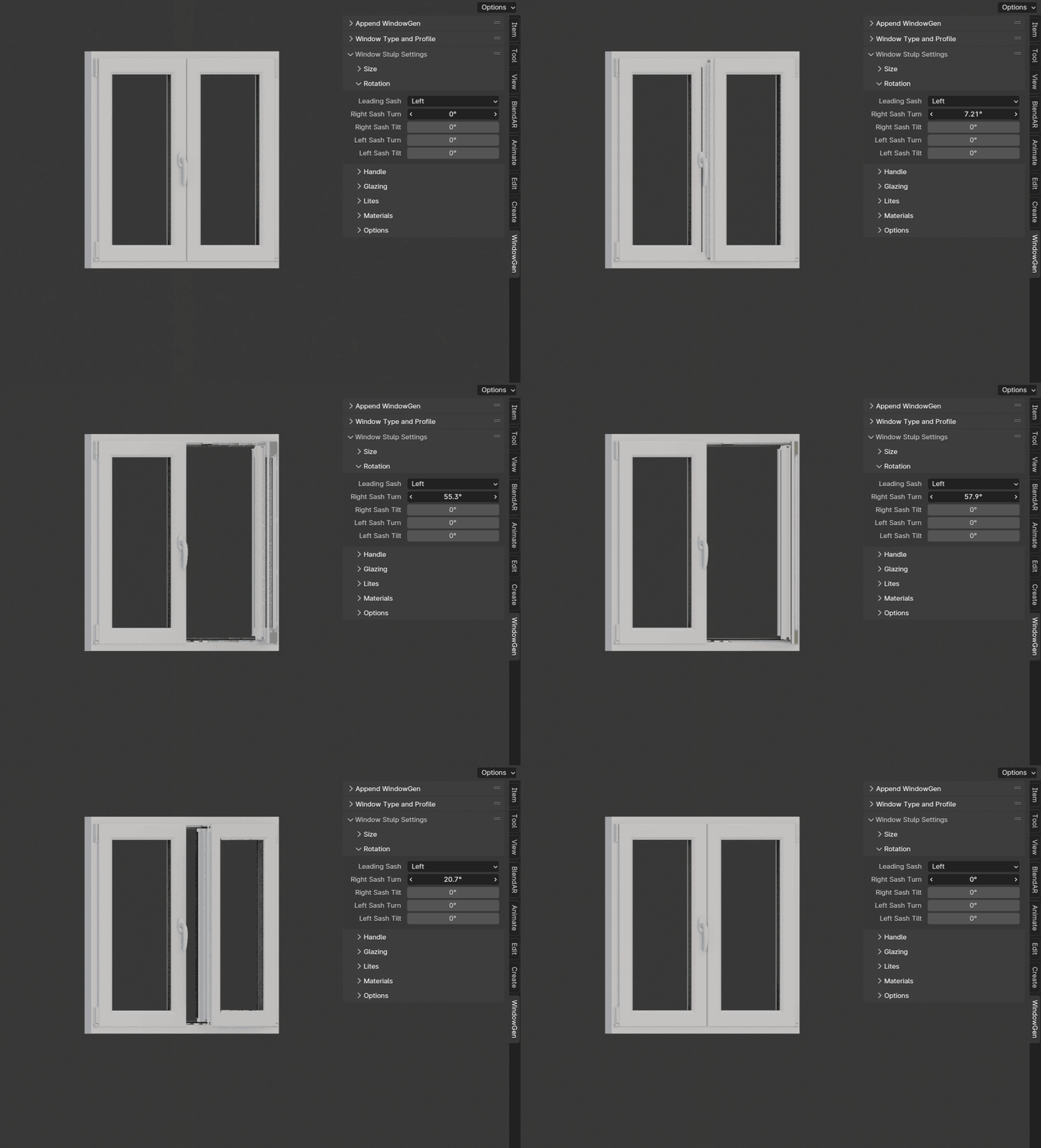
- Right Sash Turn
Sets the turn angle of the right sash.
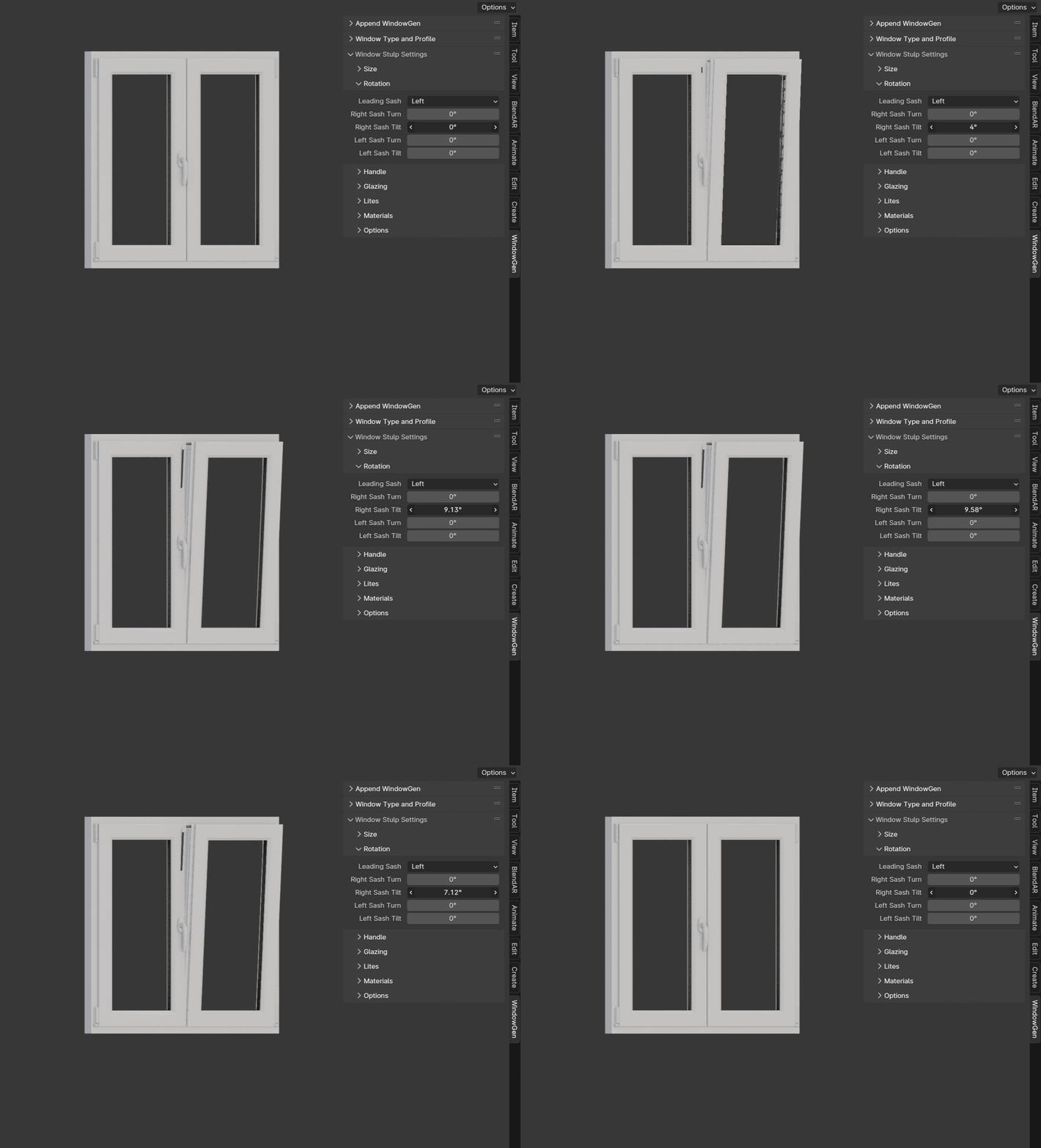
- Right Sash Tilt
Sets the tilt angle of the right sash.
Important
Max tilt angle is constrained by the size of the scissors.
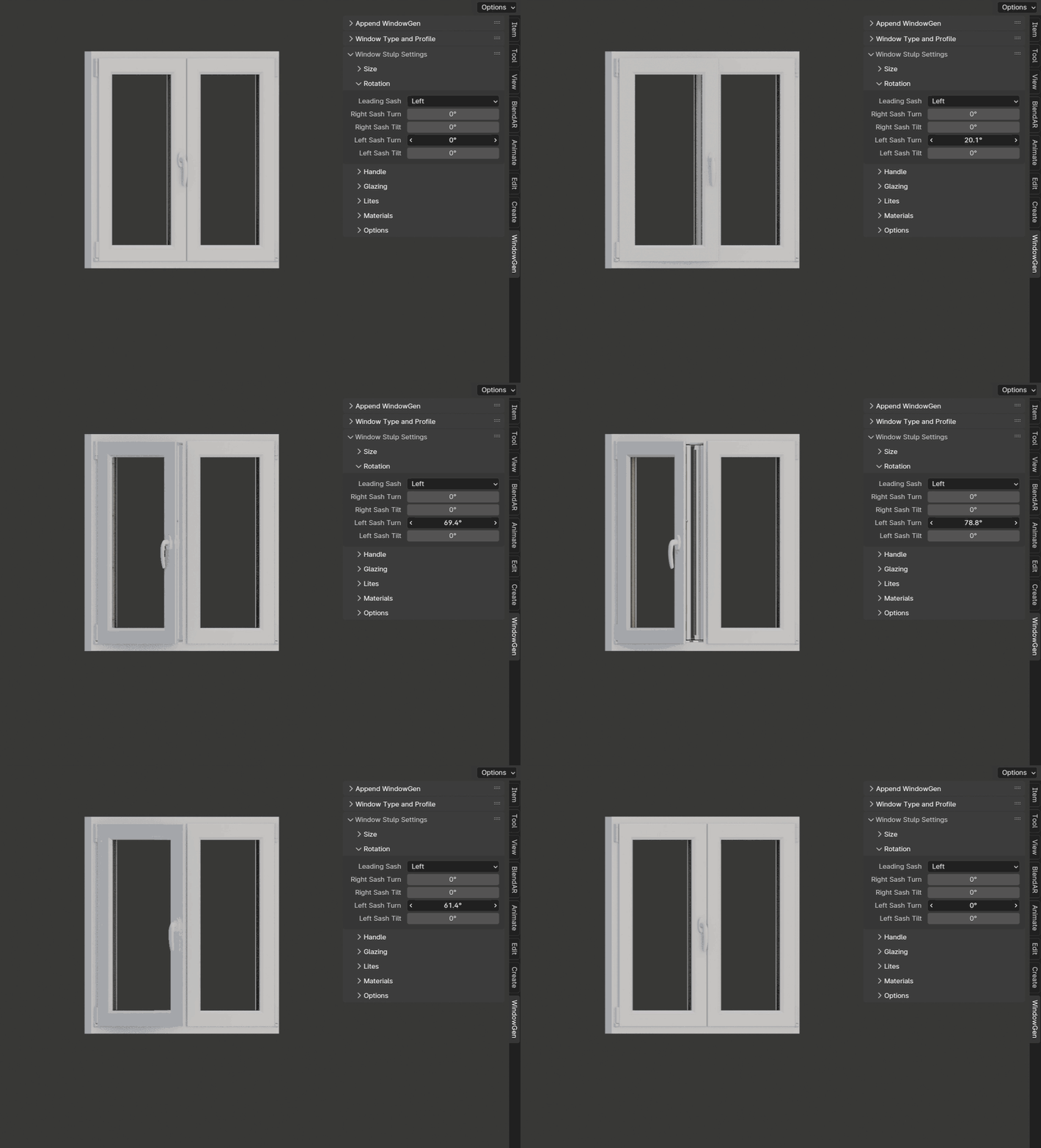
- Left Sash Turn
Sets the turn angle of the left sash.
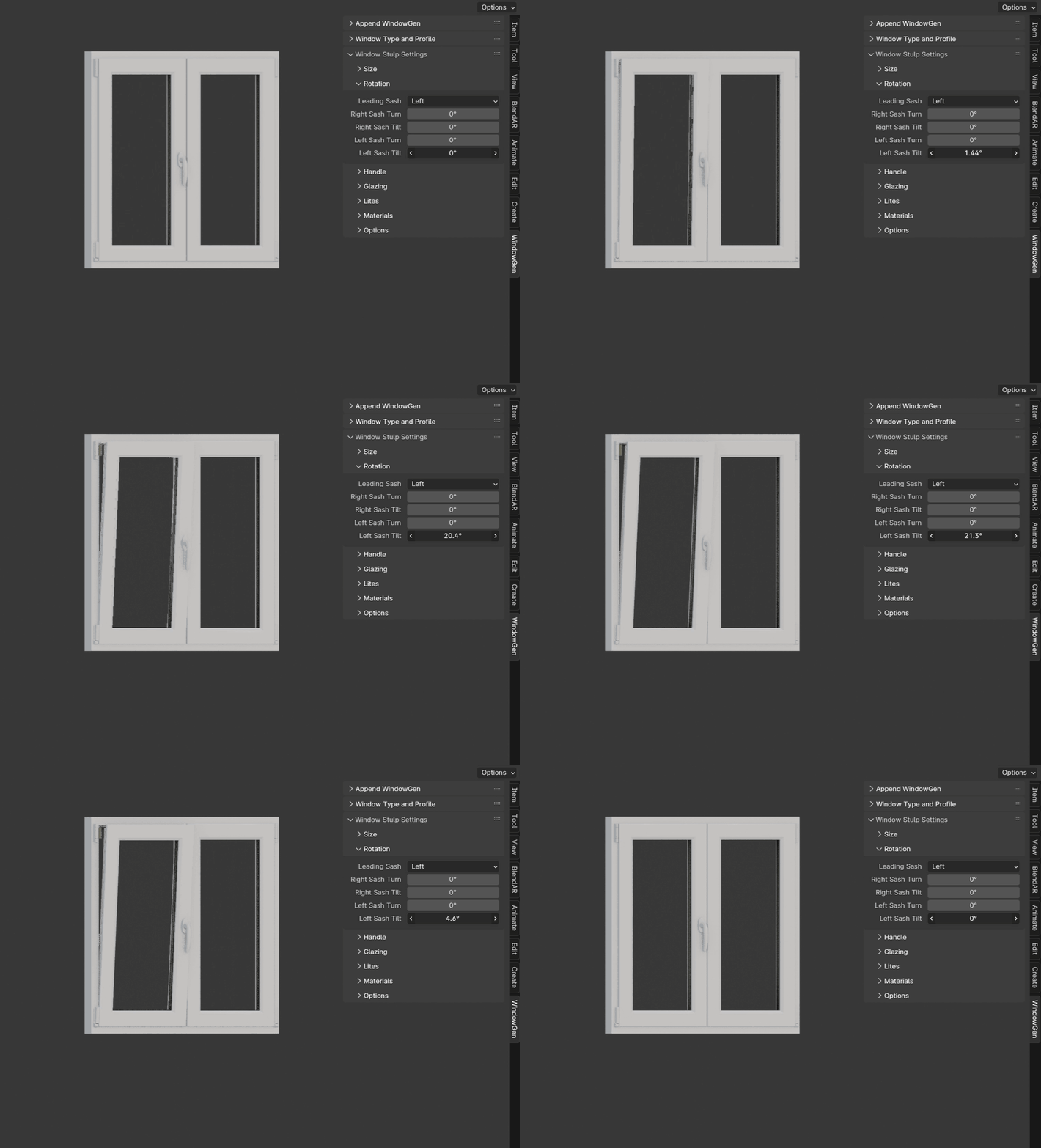
- Left Sash Tilt
Sets the tilt angle of the left sash.
Important
Max tilt angle is constrained by the size of the scissors.