Parameters
Profile
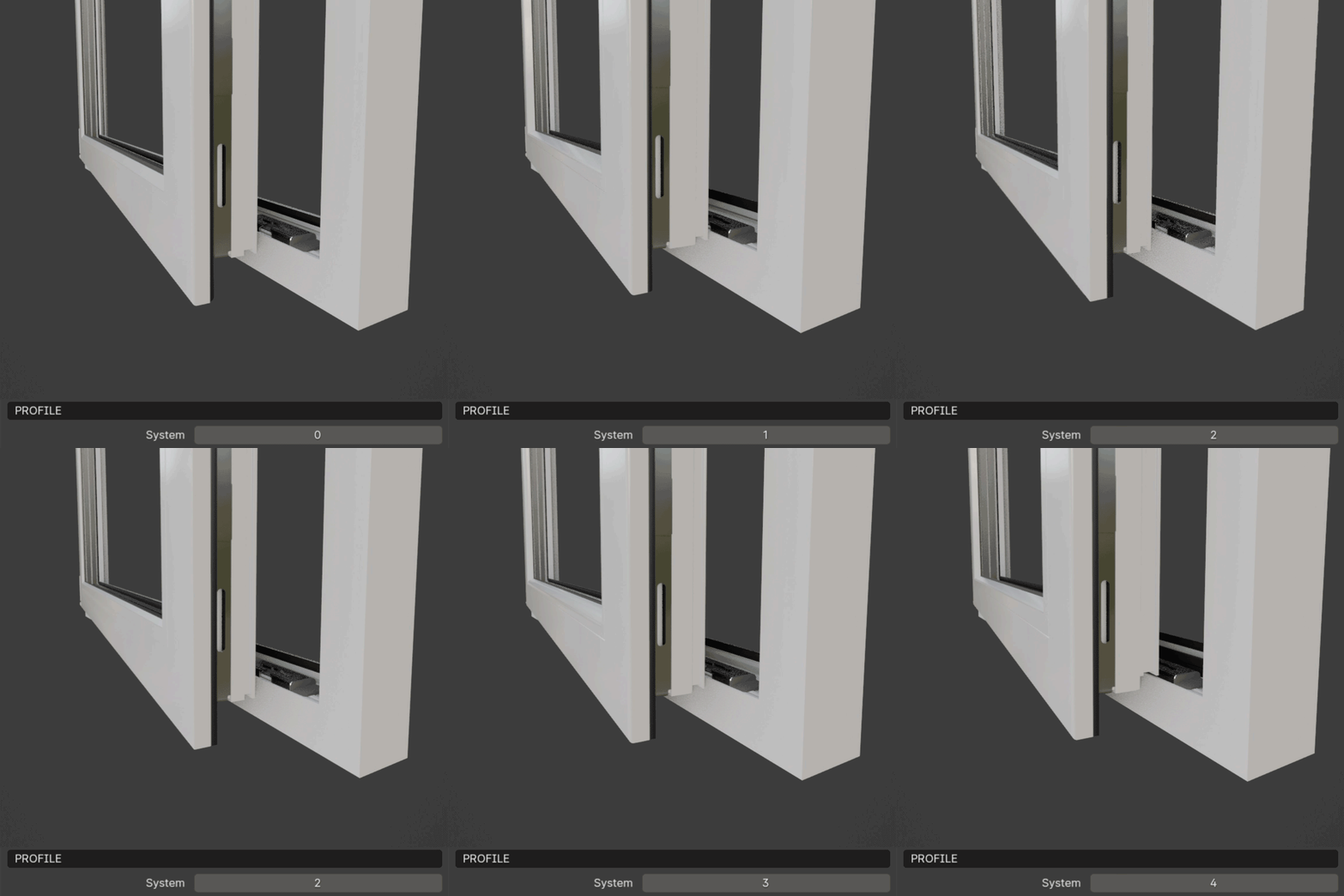
This section features a single parameter Profiles (it was called System in previous versions) which allows you to choose a window profile. For that select profile from 0 to 4:
Note
Custom profiles aren’t currently supported due to dependencies on specific parameters for hinges, handles, and striker plates. Feel free to contact us for specific profile requests.
Size
This section includes parameters Width and Height for adjusting the width and height of the window.
Window Parameters
This section includes parameters for centering the window, enabling frame-only window, and realizing instances.
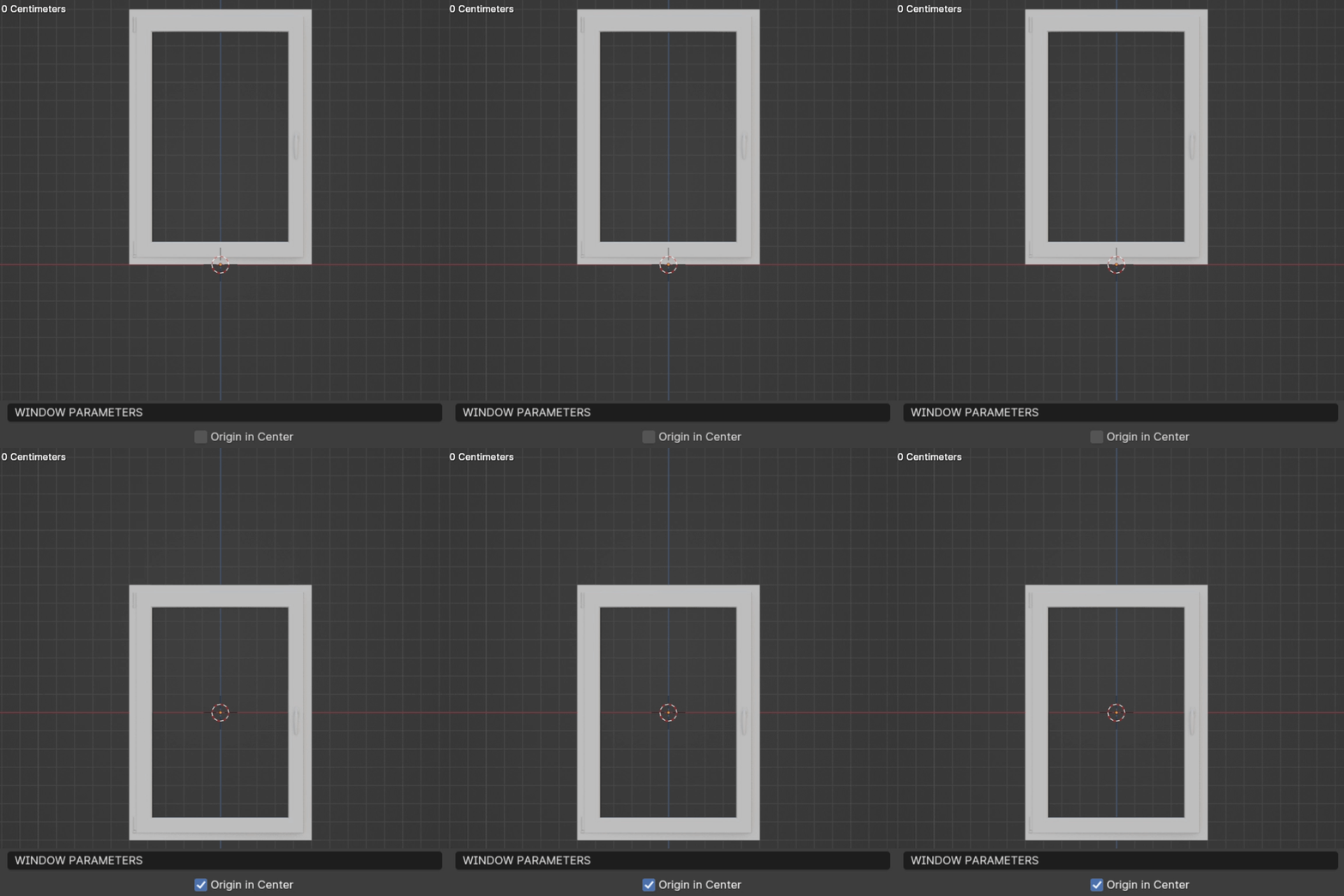
- Origin in Center
Positions the window in the center of the geometry bounding box.
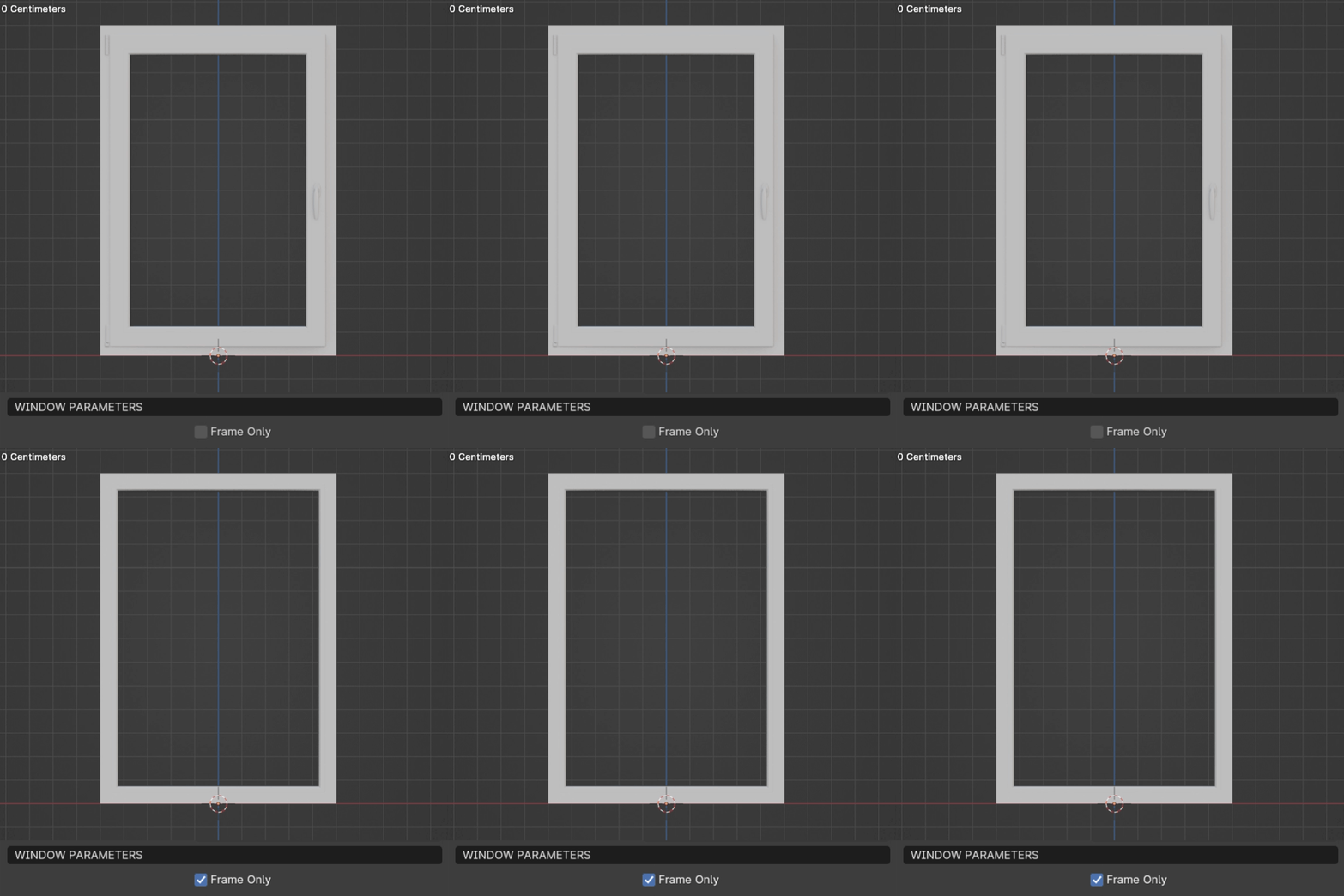
- Frame Only
Disables sashes leaving only the frame with glass.
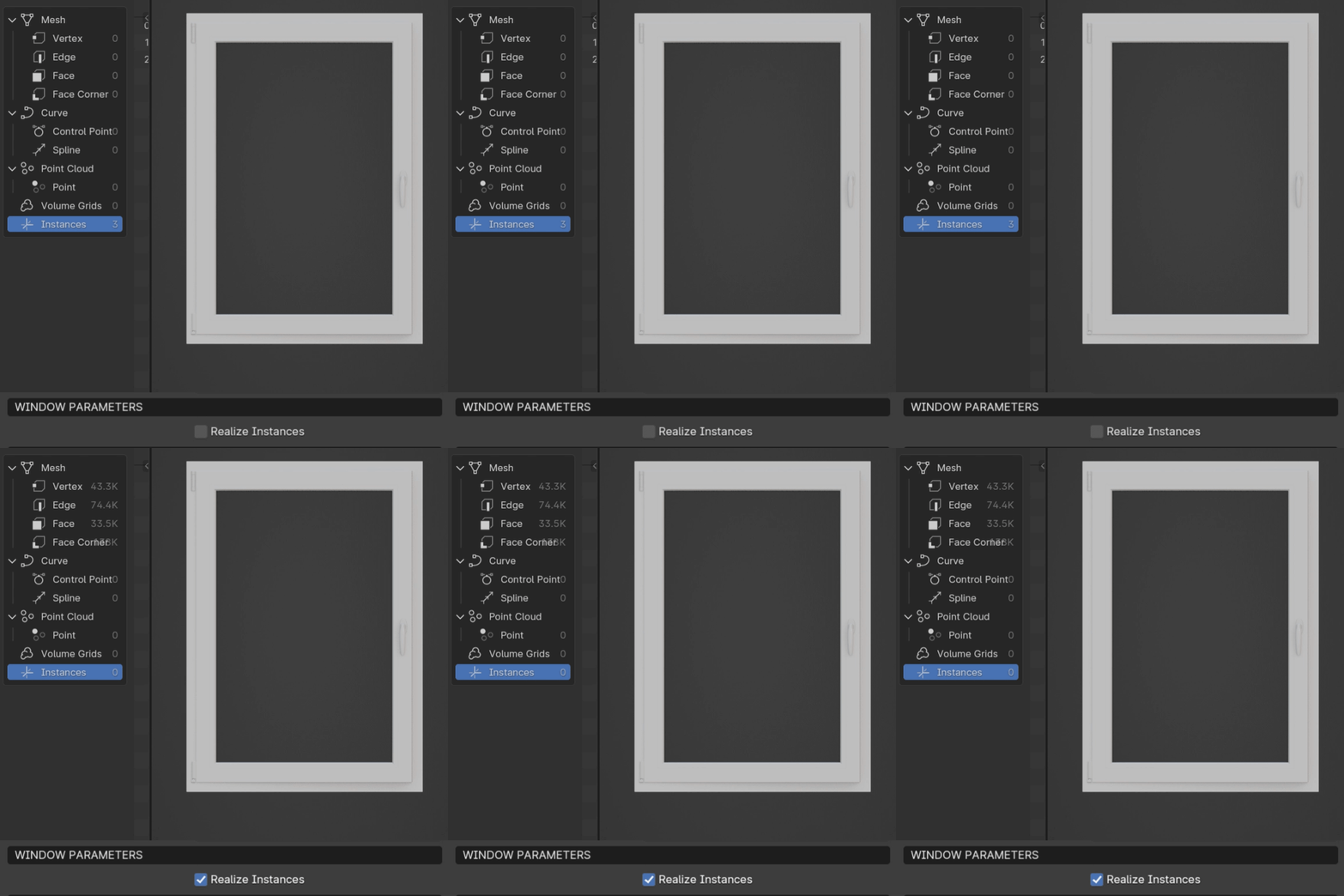
- Realize instances
Converts instances into real geometry.
Rotation Settings
This section includes parameters for adjusting turn and tilt rotations of the sash.
- Turn Rotation
Sets the turn angle of the sash.
- Tilt Rotation
Sets the tilt angle of the sash, constrained to the size of the scissors.
- Left Turn Rotation
Active when the Impost is turned on. Sets the turn angle of the left sash.
- Left Tilt Rotation
Active when the Impost is turned on. Sets the tilt angle of the left sash.
Handle Settings
This section includes parameters for handle type, height, and rotation.
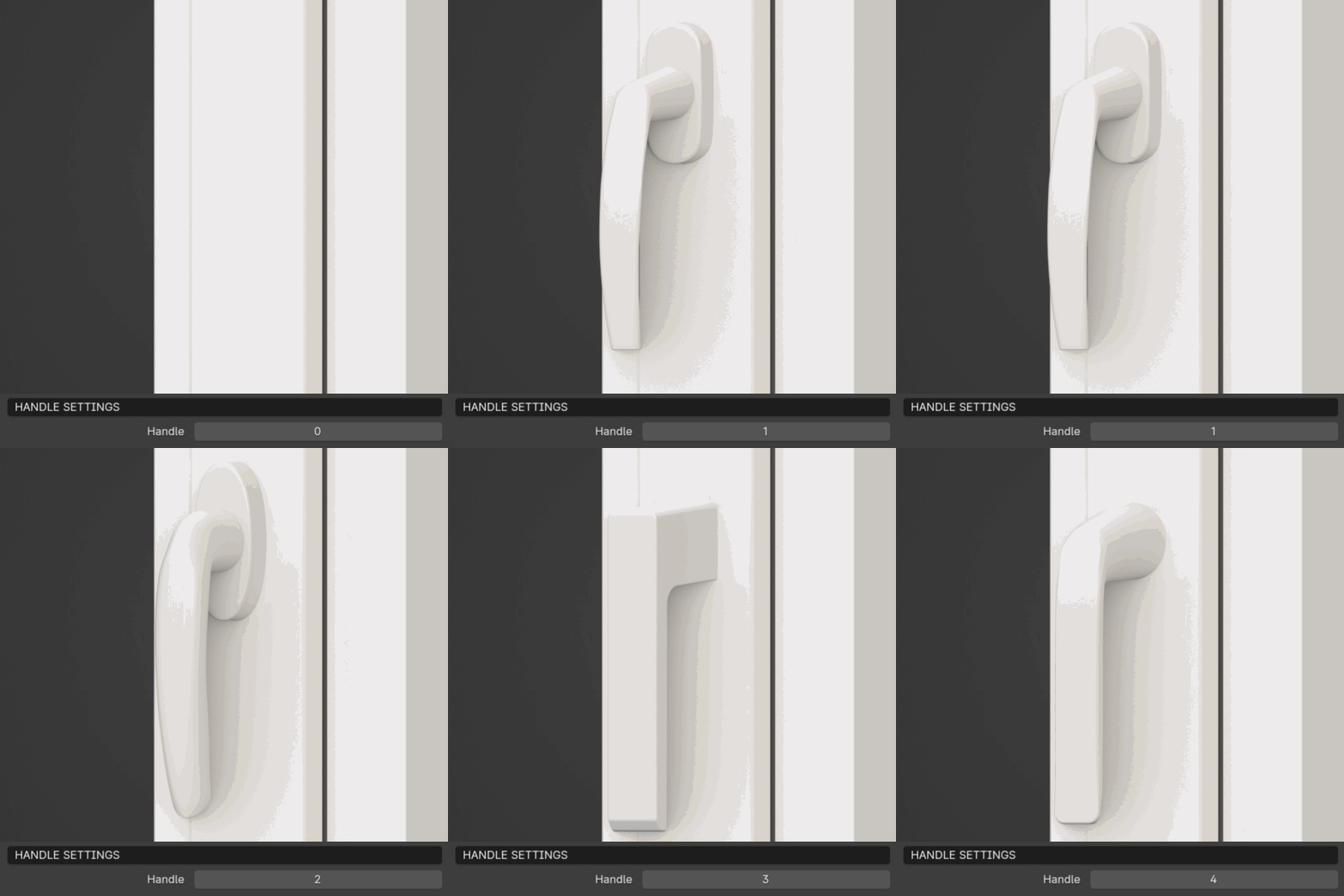
- Handle
Choose from different handle types or add a custom handle.
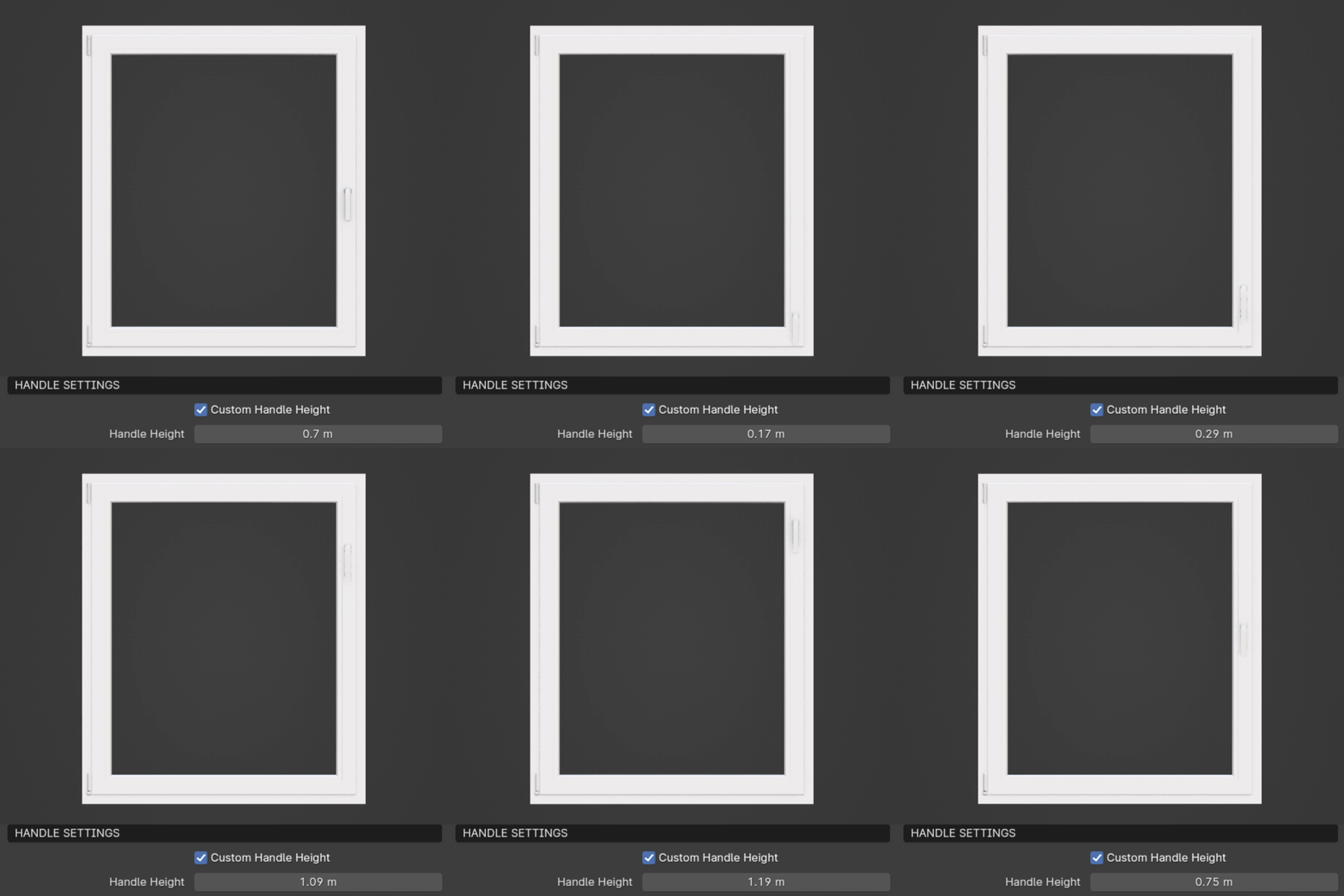
- Custom Handle Height
Allows setting the height position of the handle manually.
- Handle Height
Active when the Custom Handle Height is turned on. Adjust the handle’s height.
- Handle Rotation
Sets the rotation of the handle. When the Impost is activated, it sets the rotation of the right sash’s handle.
- Left Handle Rotation
Active when Impost is turned on. Sets the rotation of the left sash’s handle.
Glazing Settings
This section allows you to choose between double or triple glazing.
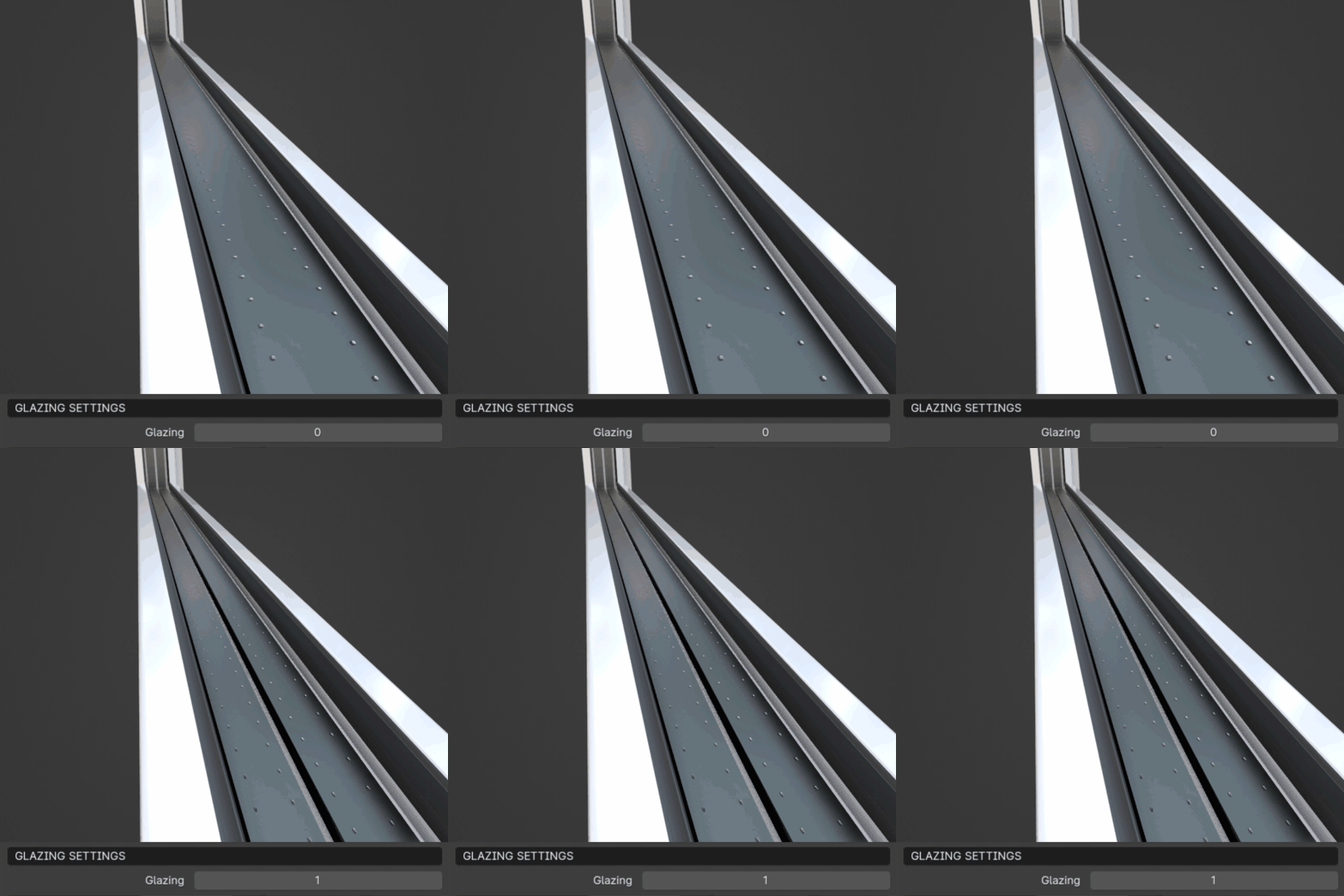
- Glazing
Choose between double glazed (0) and triple glazed (1) windows.
Impost Settings
This section includes parameters for the impost (vertical post in the window frame) and sashes.
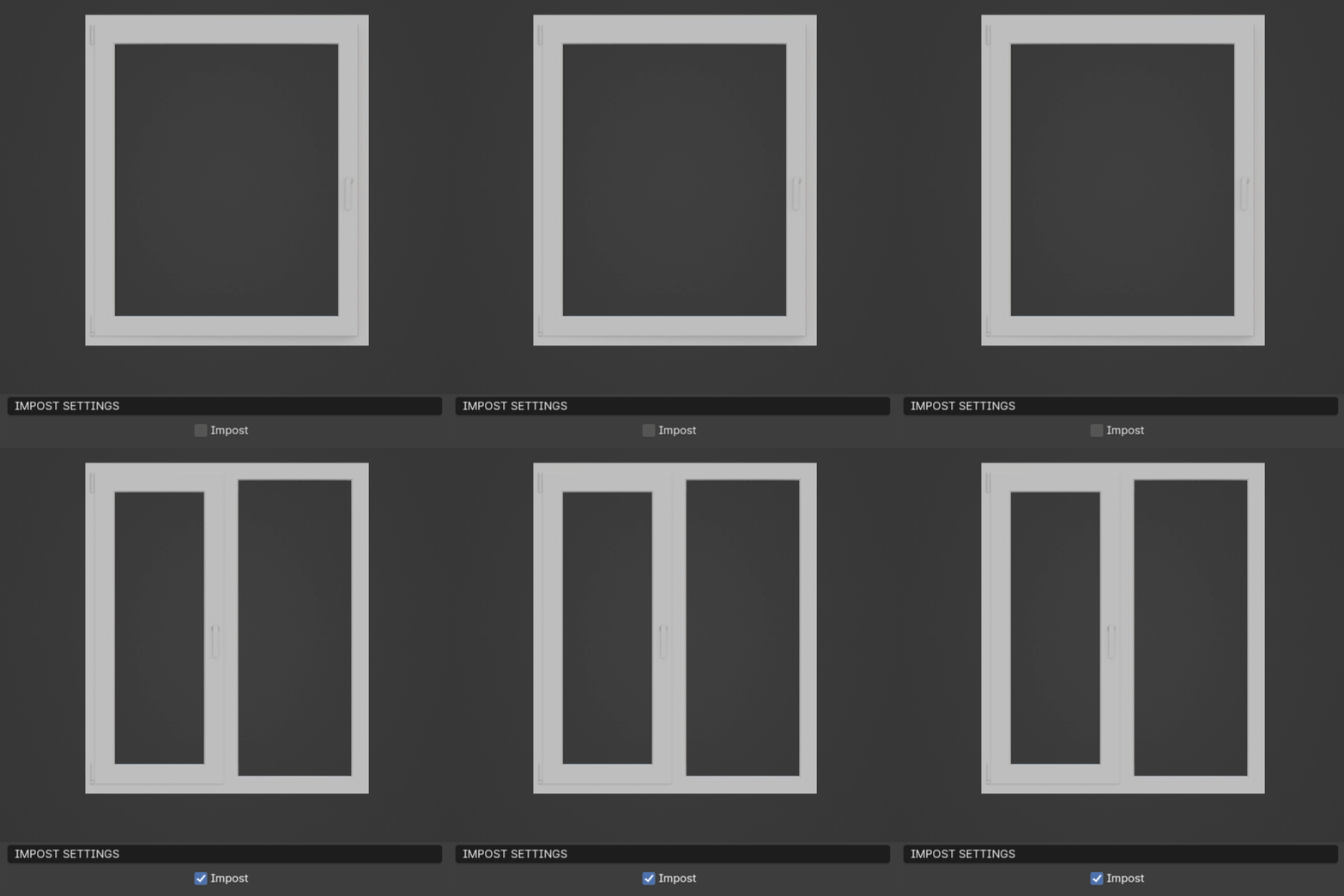
- Impost
Activate or deactivate the impost.
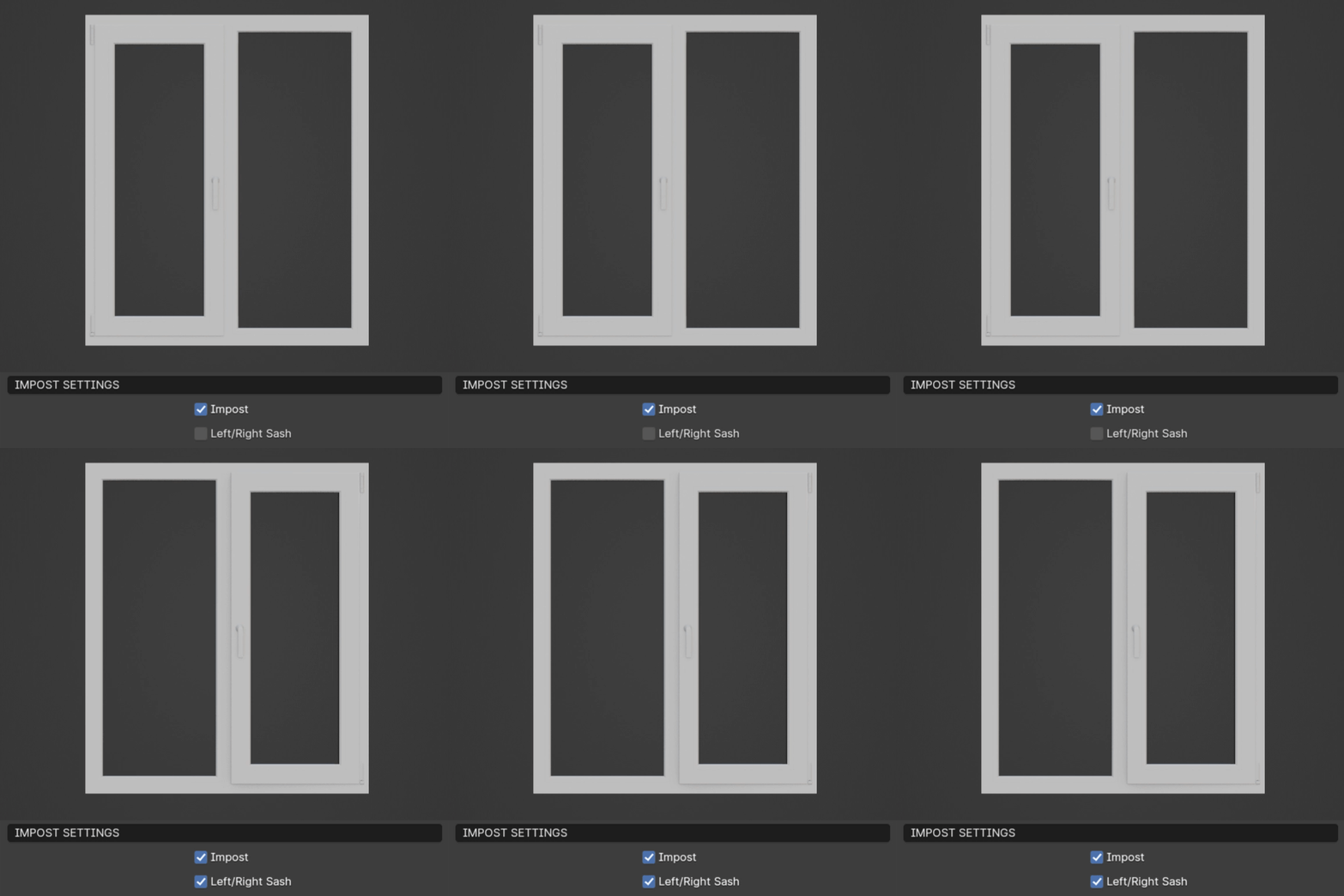
- Left/Right Sash
Switch between left and right sashes. Only active when 1/2 Sashes is off.
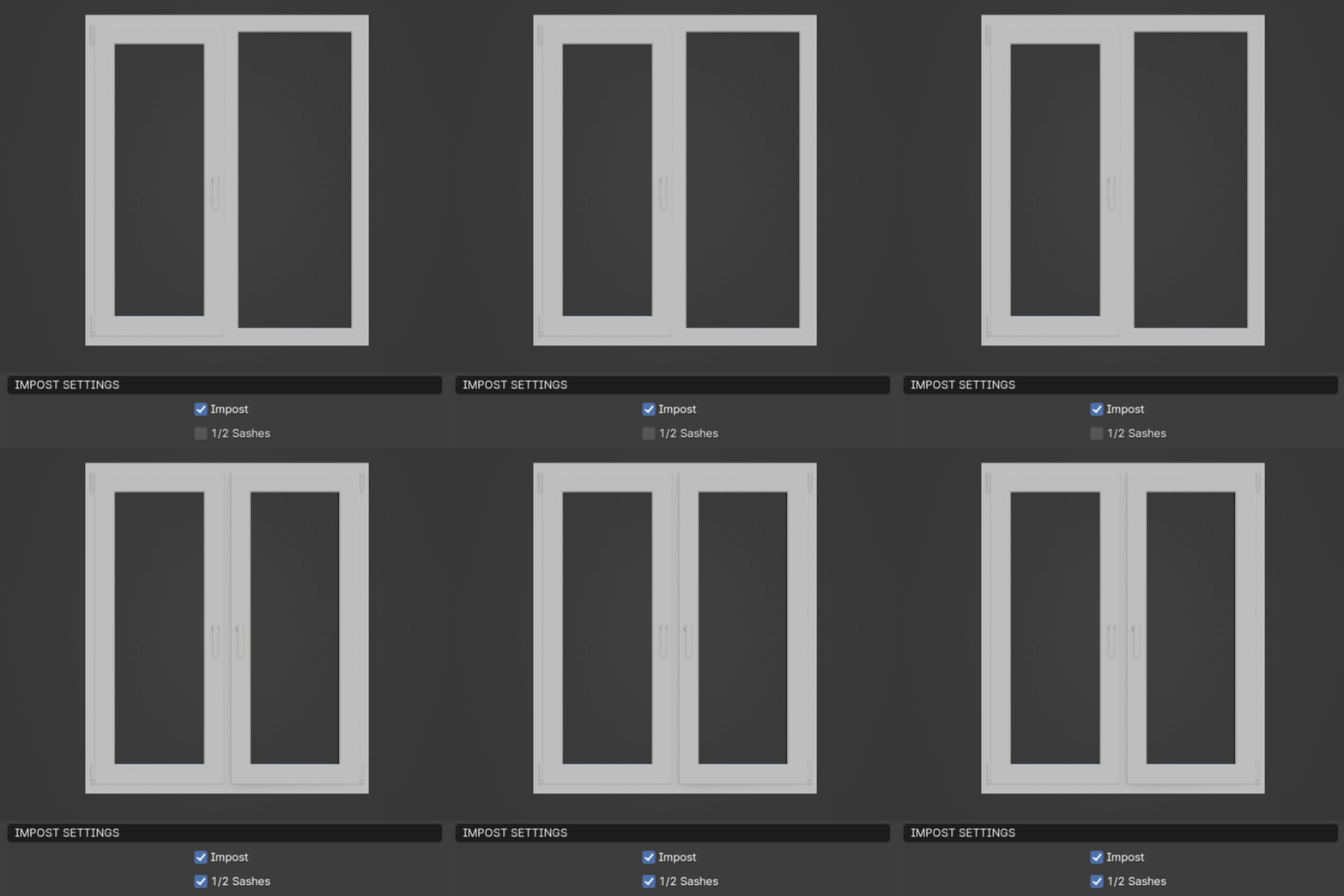
- 1/2 Sashes
Switch between 1 or 2 sashes.
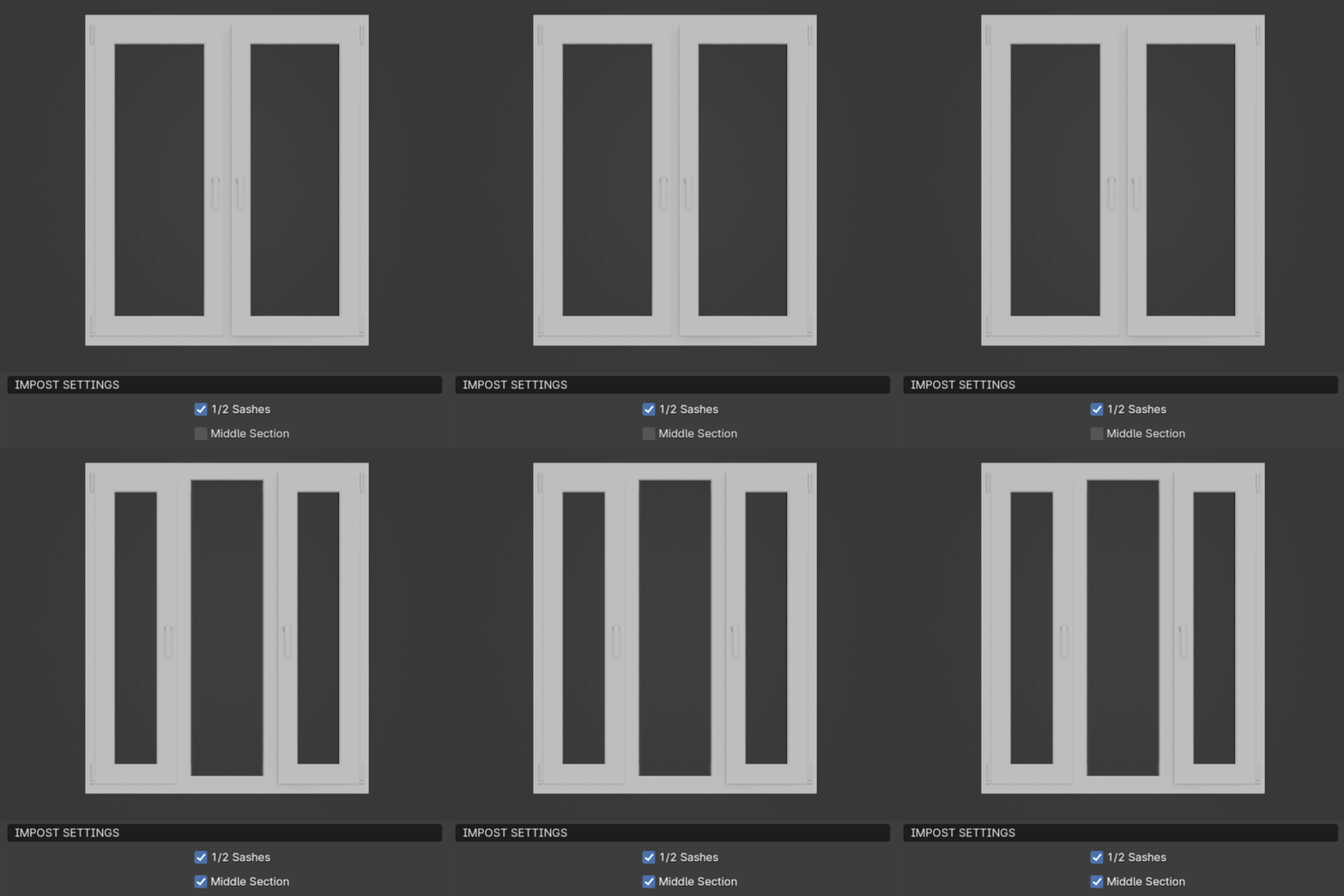
- Middle Section
Activate distance between 2 sashes.
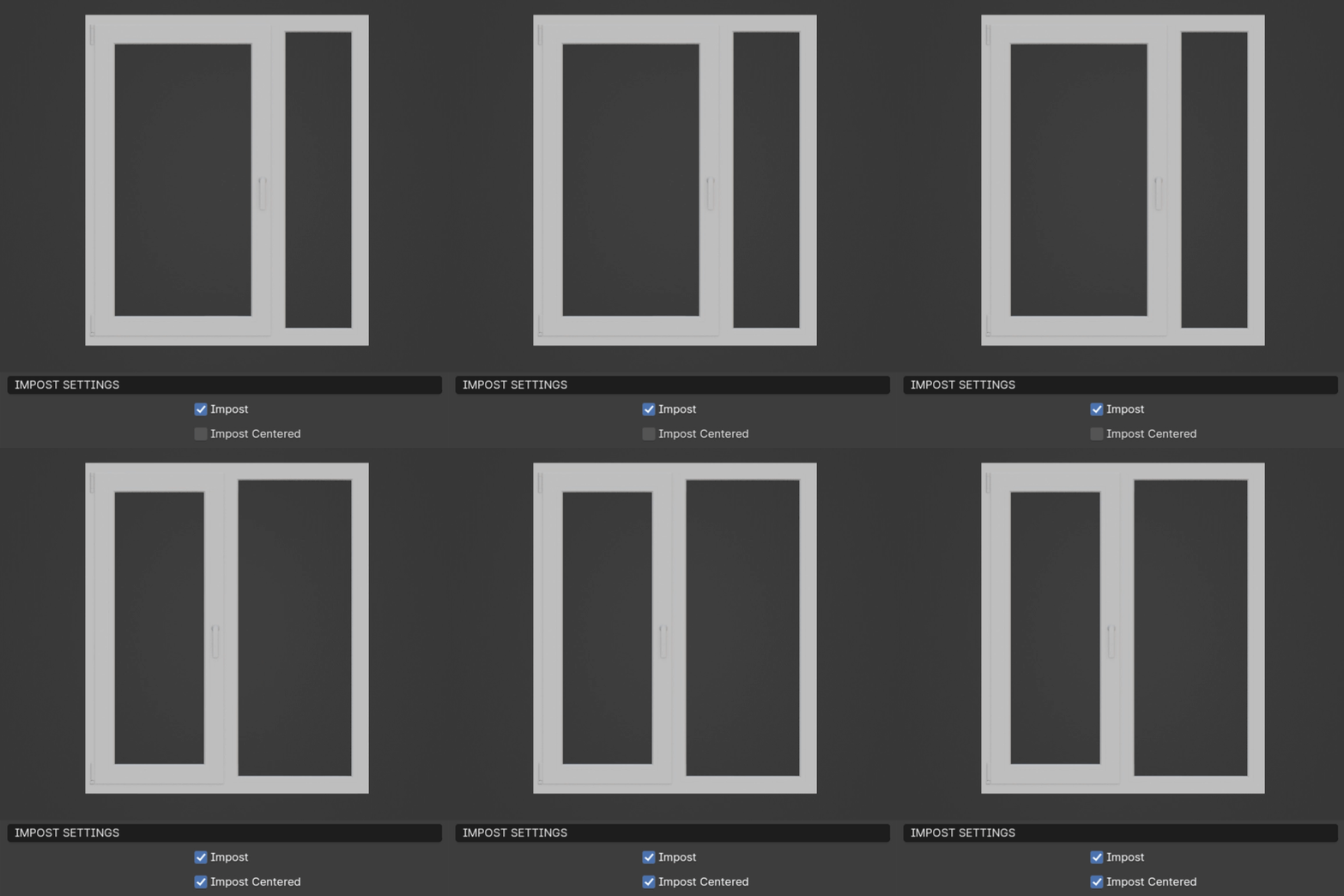
- Impost Centered
Automatically calculate even space for sashes and impost frame.
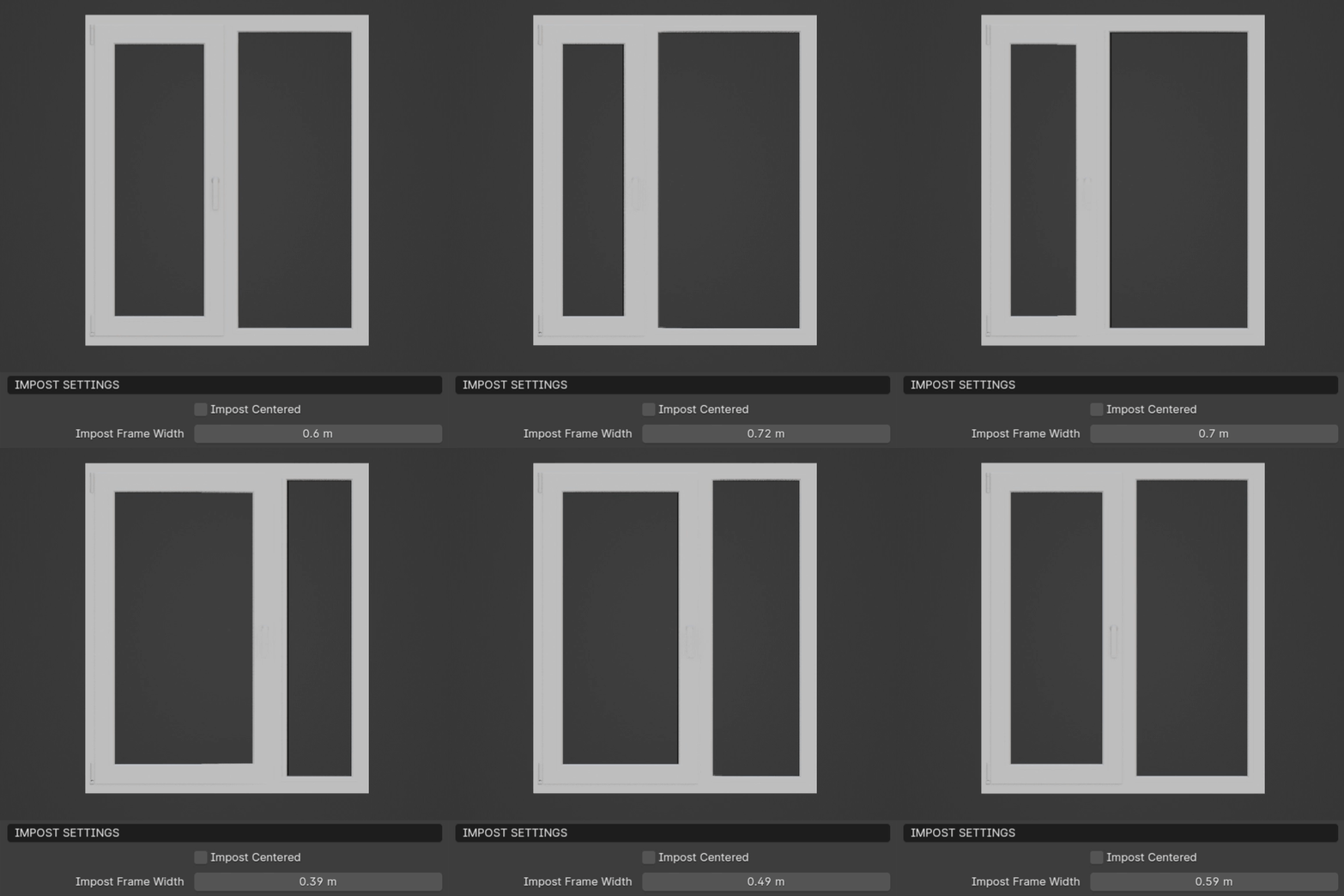
- Impost Frame Width
Sets the width of the impost frame (Impost Centered must be turned off). This works for both 1 and 2 sash windows.
Stulp Settings
This section includes parameters for two-sash windows without an impost.
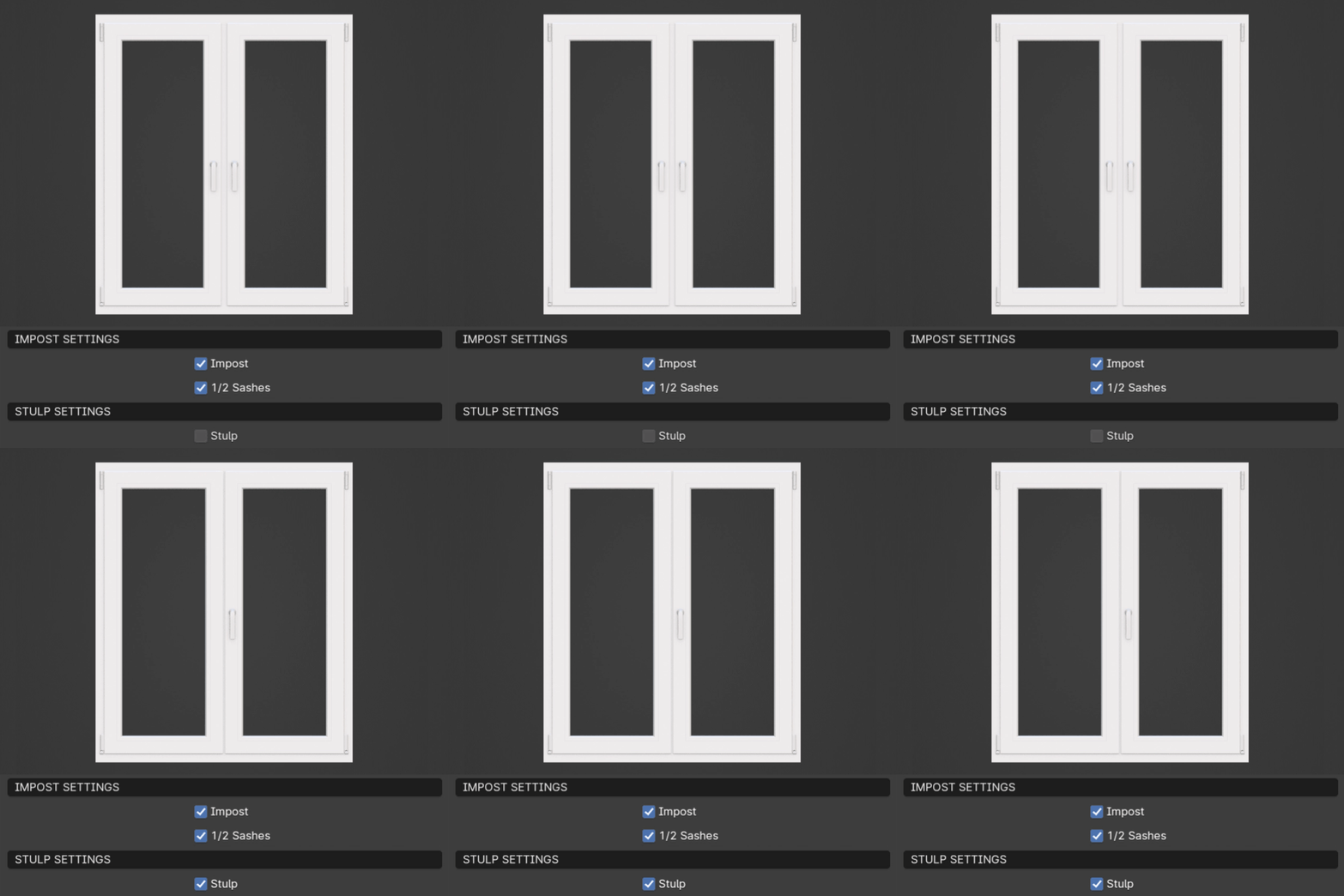
- Stulp
Activate two-sash window without an impost.
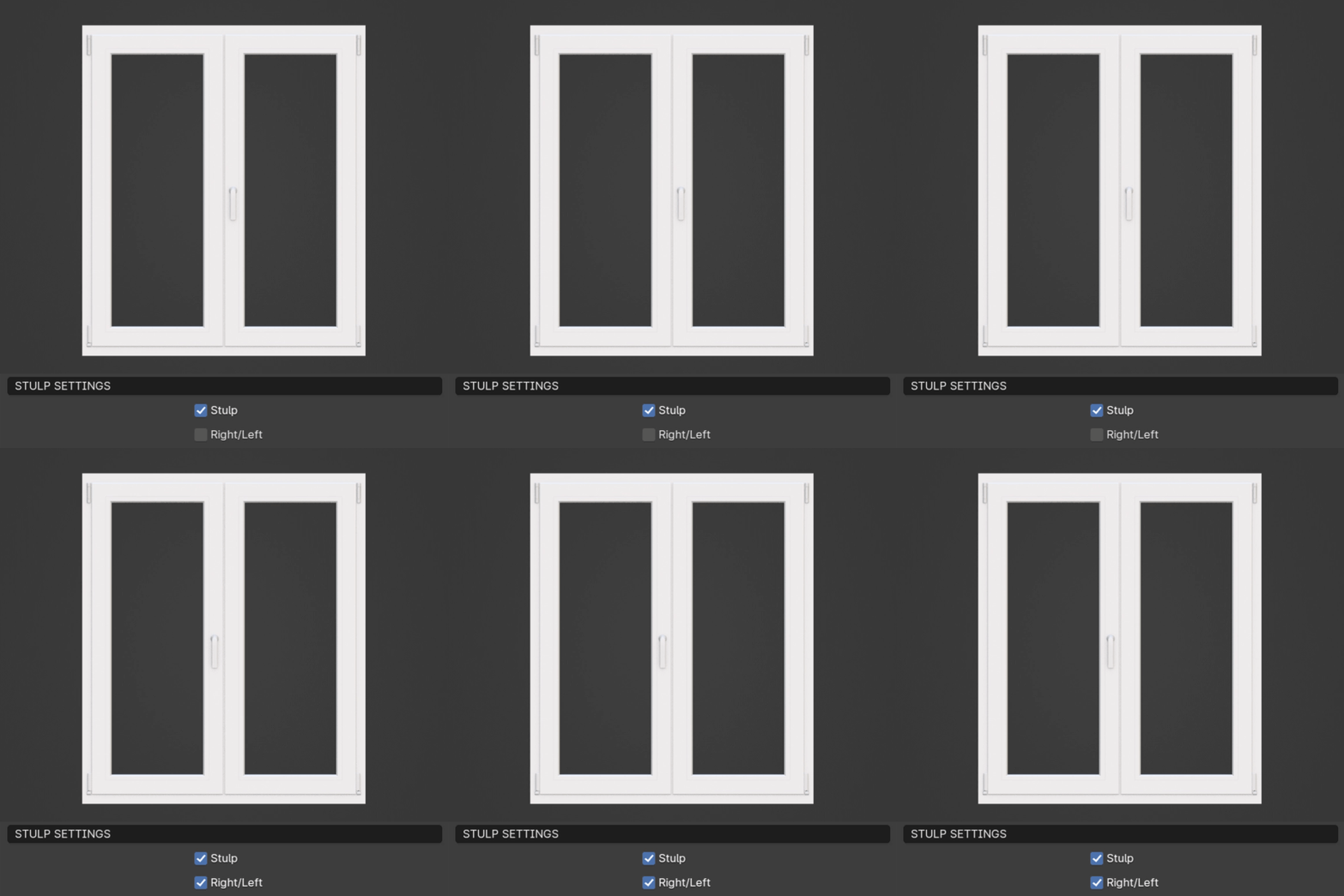
- Right/Left
Switch between right or left leading sash.
Materials
This section allows you to assign materials to your window.
Warning
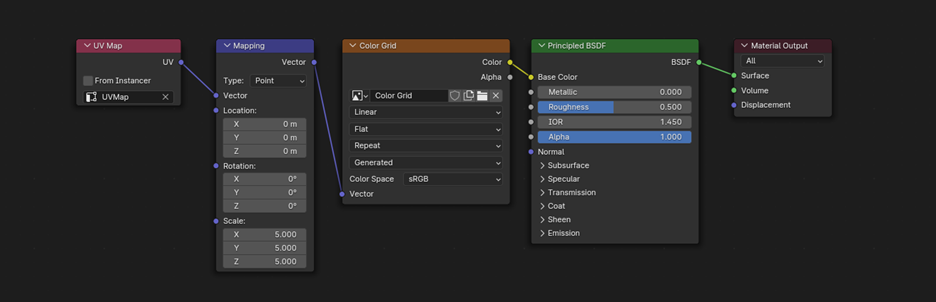
For the materials to work correctly for Mapping, choose UV Map node and select UVMap (in some cases, Realize Instances must be turned on in the WindowGen Modifier).
Note
UVMaps: The window includes necessary UVMaps, although there may be rotation issues at certain widths due to limitations in controlling UV unwrapping in geometry nodes.
Spacer Material: If you wish to change the spacer material, it’s recommended to adjust the existing material to your needs as it contains a custom bump map for a realistic look and helps to reduce extra geometry for the spacer.